system of the instrument such as system language, beeper, power-on status, and
etc.
• Set the file name
Click or tap the input field of File Name to input the file name to be saved with
the pop-up virtual keypad. The length of the file name shall not exceed 8
characters.
• Set the file path
Click or tap the input field of File Path, then the disk management interface is
displayed. Select the desired destination storage directory, then click or tap
OK
to set the storage path.
• Overlay
Click or tap the ON/OFF button for the
Overlay menu to enable or disable the
overwriting function. When enabled, the existing file in the specified file path will
be overwritten by the newly saved file that has the same filename as the existing
one.
• Save
Click or tap
Save to save the current setup file. Then the current system setup
settings are saved and the current saving interface exits automatically.
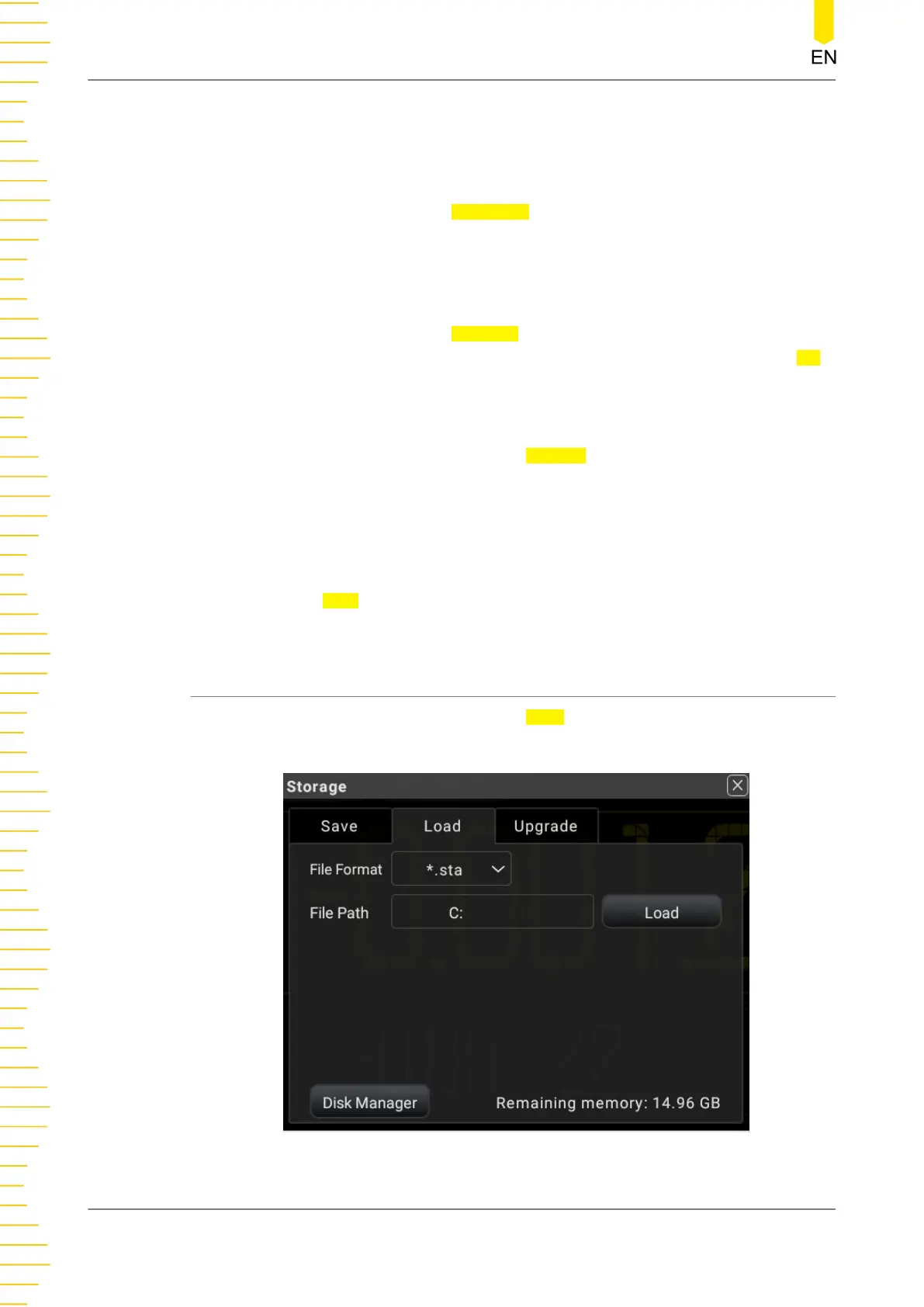
5.12.2 To Load a File
In the storage setting menu, click or tap the Load tab to switch to the load menu. In
this menu, you can load the specified file to the instrument.
Figure 5.80 Load Setting Menu
Front Panel Operation
DM858 Series User Guide
114
Copyright ©RIGOL TECHNOLOGIES CO., LTD. All rights reserved.



 To Next Page