5.6.5 Relative
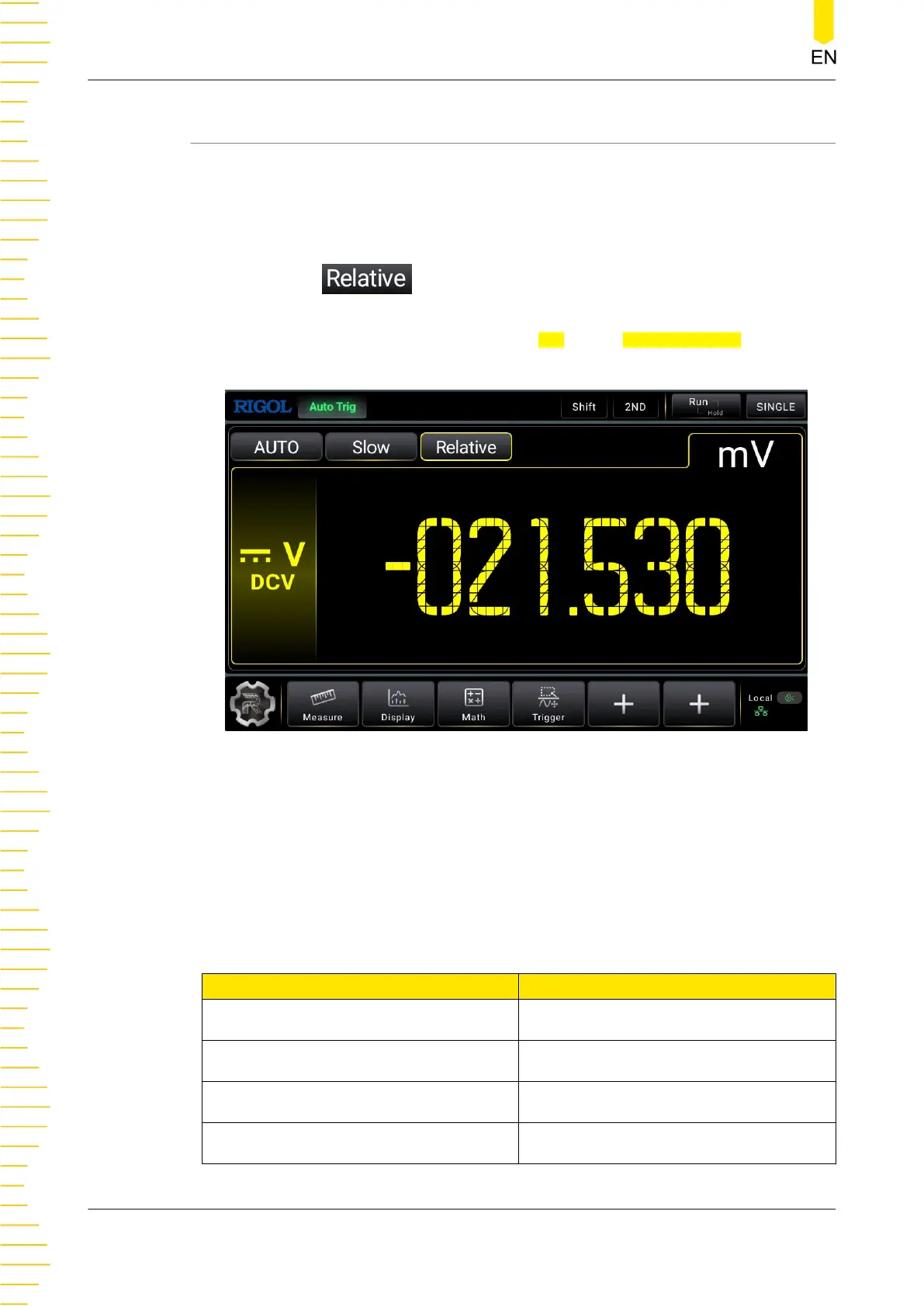
The reading displayed on the screen in Relative operation is the difference between
measured and relative values.
Enable the relative operationTo enable the relative operation, perform the following
operations:
• Click or tap
to enable the relative operation. The Relative menu label
is highlighted in yellow box.
• In the math operation menu, click or tap ON for the Relative Switch menu.
Displayed Value = Measured Value - Relative Value
Figure 5.49 Relative operation
The multimeter can perform relative operation on the following measurement items:
DCV, ACV, DCI, ACI, Resistance, Frequency, Period, Capacitance, and temperature
sensor.
The ranges of the relative values in Relative operation are shown in the table below:
Table 5.20 Relative Value Setting Range
Measurement Item Setting Range
DCV
(-120% of the current range) to (120% of
the current range)
ACV
(-120% of the current range) to (120% of
the current range)
DCI/ACI
(-120% of the current range) to (120% of
the current range)
2WR/4WR
(-120% of the current range) to (120% of
the current range)
Front Panel Operation
DM858 Series User Guide
80
Copyright ©RIGOL TECHNOLOGIES CO., LTD. All rights reserved.



 To Next Page