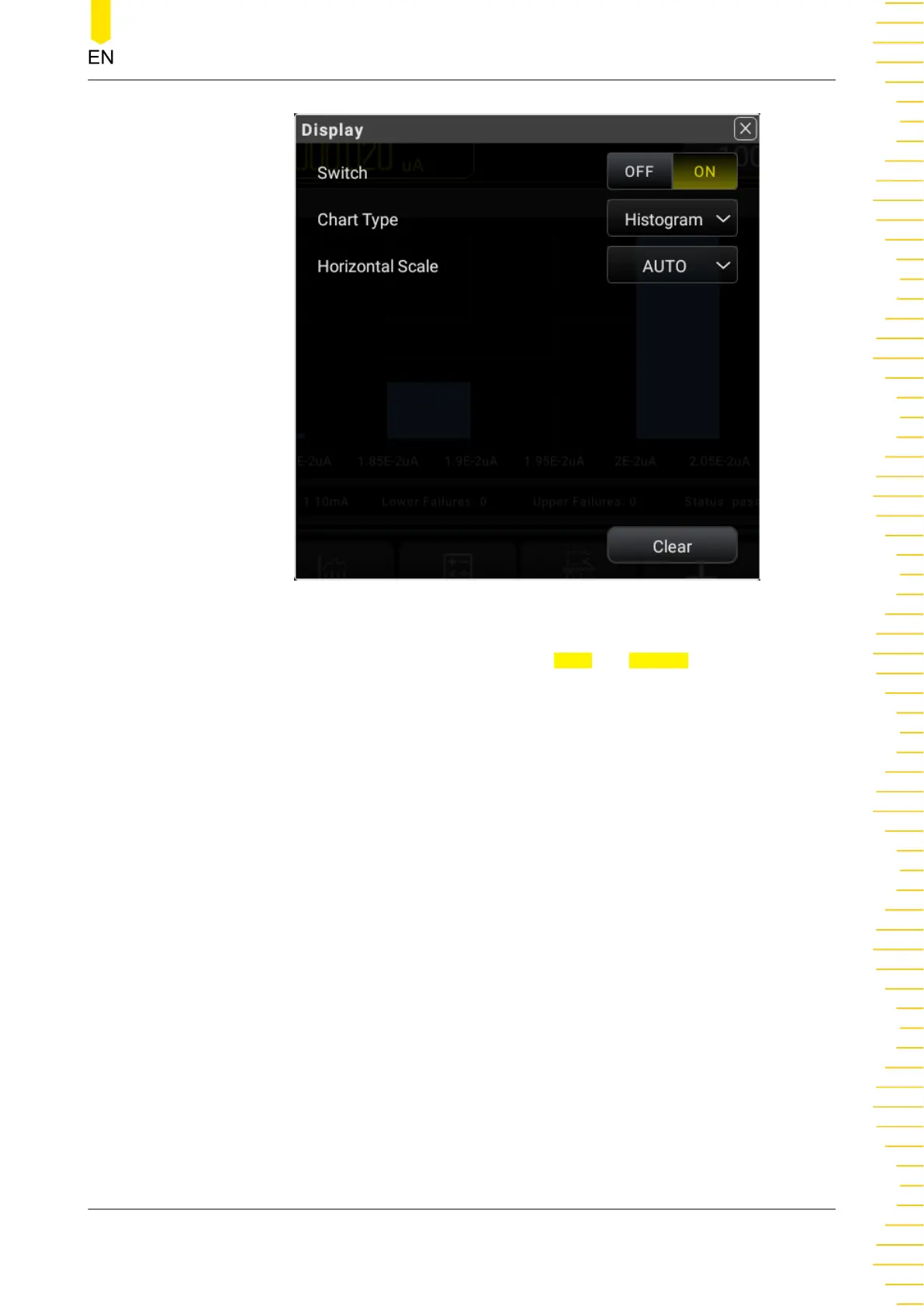
Figure 5.54 Histogram Setting Interface
3. The X-axis setting of the histogram supports Auto and Manual.
- Auto: the number of bins is a fixed number 10. The outer bin is disabled. The
readouts outside of the upper and lower limits will not be displayed on the
histogram. Its upper and lower limits are automatically set based on the current
range.
- Manual: sets the parameters of the histogram display manually, including the
range type (start-end/center-range) displayed in the horizontal scale of the
histogram, the number of bins, whether enabling or disabling the outer bin.
Front Panel Operation
Copyright ©RIGOL TECHNOLOGIES CO., LTD. All rights reserved. DM858 Series User Guide
85



 To Next Page