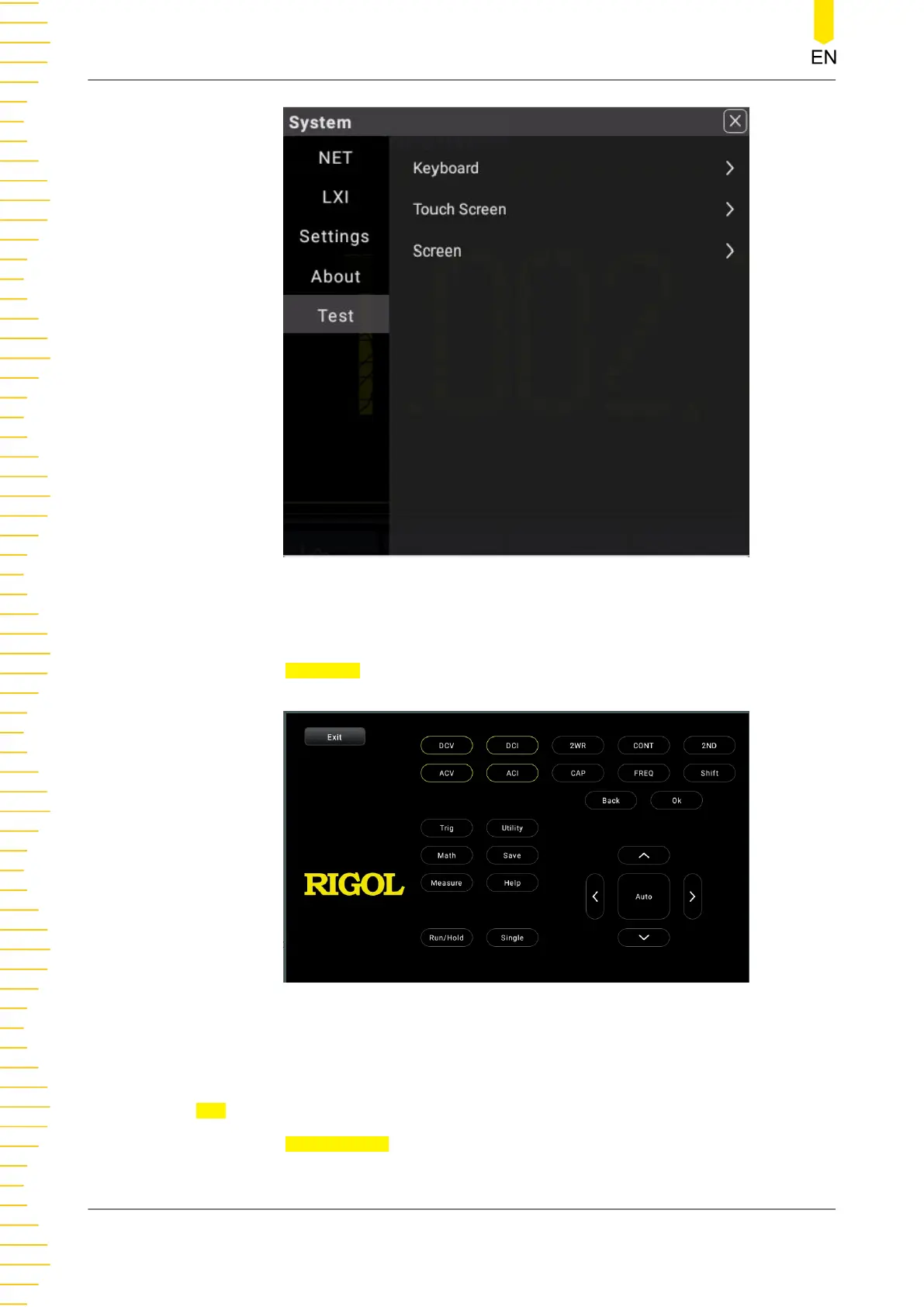
Figure 5.73 Self-check Interface
The self-check items include keyboard test, touch screen test, and screen test.
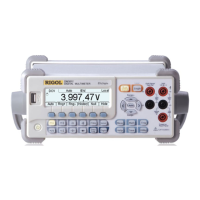
Click or tap
Keyboard to enter the keyboard test interface (virtual front panel key), as
shown in the figure below.
Figure 5.74 Keyboard Test
Press the specified front panel key and then the corresponding key in the keyboard
test interface is circled in yellow, indicating that this key works normally. Click or tap
Exit to exit the keyboard test interface.
Click or tap
Touch Screen to enter the touch screen test interface.
Front Panel Operation
DM858 Series User Guide
108
Copyright ©RIGOL TECHNOLOGIES CO., LTD. All rights reserved.



 To Next Page