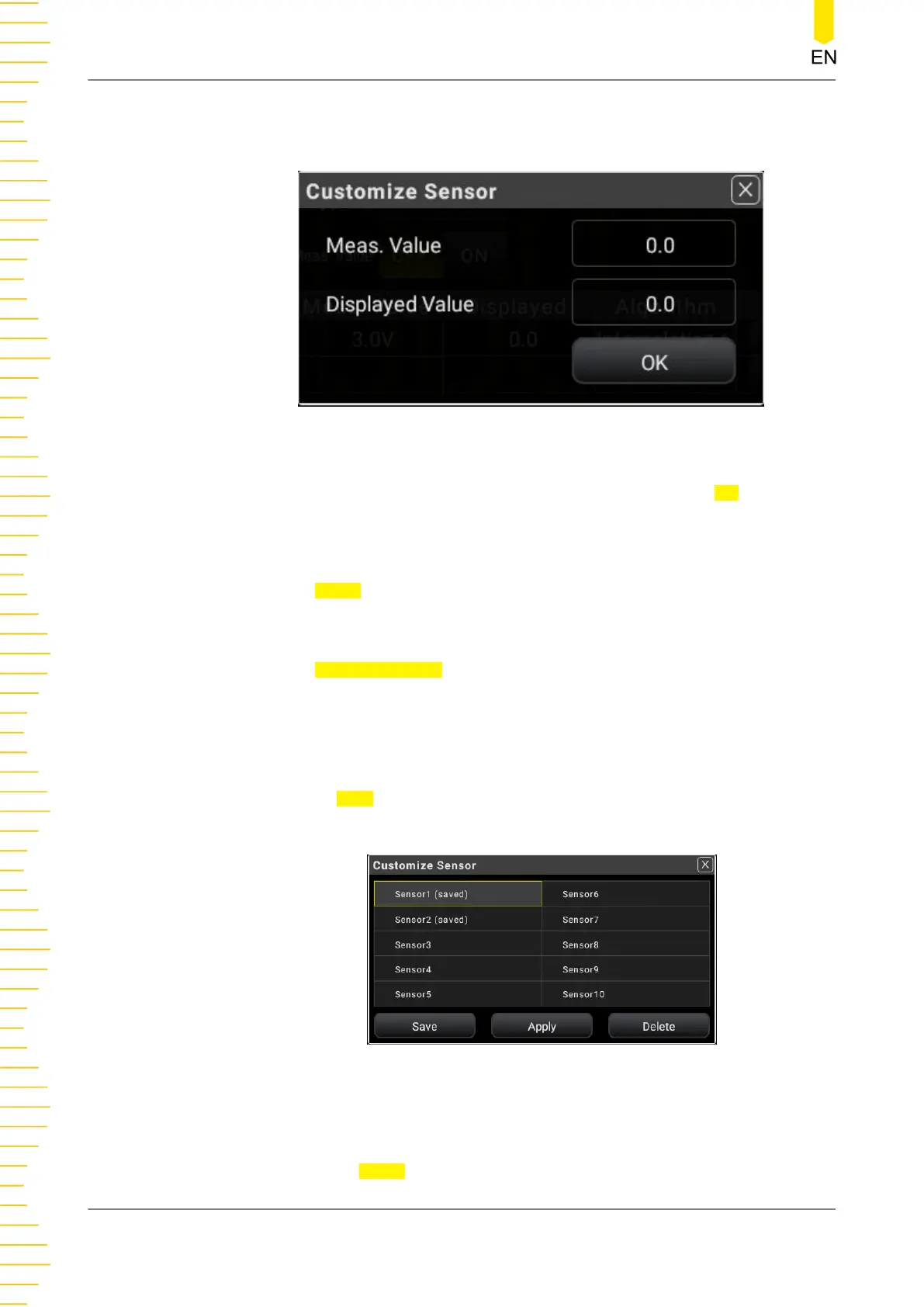
- Displayed Value: indicates the displayed value of the sensor. The settable
range is from -999999 to +999999.
Figure 5.34 Reference Value Setting
After setting the measured value and displayed value, click or tap OK to confirm
the reference value setting, as shown in the figure below.
6. Apply the setting
Click or tap Apply to apply the current setting.
7. Sensor management
Click or tap Sensor Manager to enter the user-defined sensor setting interface.
The instrument supports at most 10 user-defined sensors. Each time only one
sensor can be selected.
- Save the Sensor
Click or tap
Save to save the selected sensor. After being saved, "saved" in
bracket is added following the saved sensor name.
Figure 5.35 Customize the Sensor
- Apply the Sensor
1. Click or tap Apply to apply the user-defined sensor setting.
Front Panel Operation
DM858 Series User Guide
66
Copyright ©RIGOL TECHNOLOGIES CO., LTD. All rights reserved.



 To Next Page