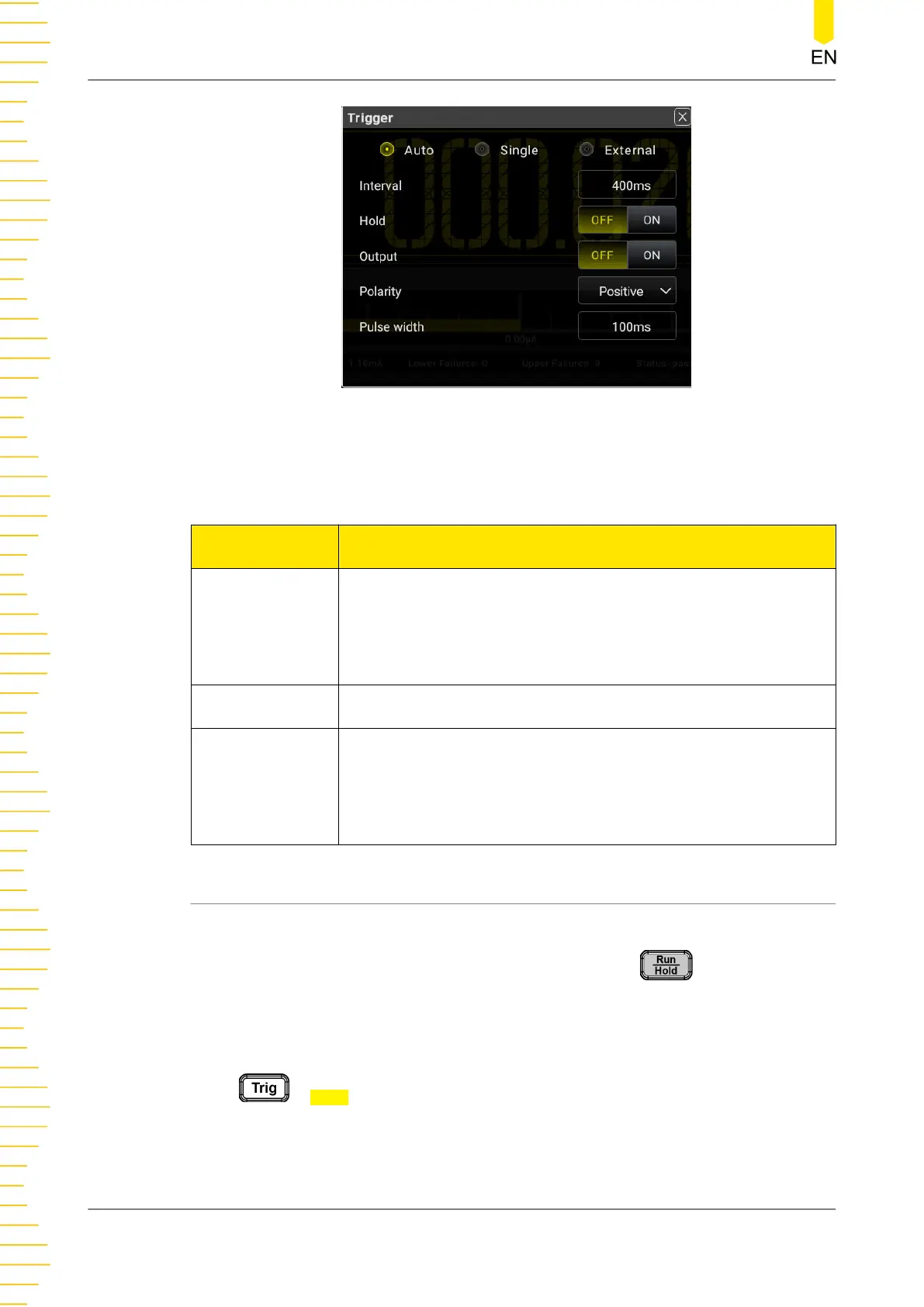
Figure 5.61 Trigger Parameter Setting
Table 5.22 Trigger Setting Menu
Parameter Description
Auto
The multimeter performs measurement continuously. Each time it
completes one measurement, new trigger will be initiated
automatically. The multimeter obtains consecutive reading data.
You can press Run/Hold to suspend or stop trigger.
Single Each time you press the Single key, a single trigger is initiated.
External
The multimeter initiates a trigger when an external signal is
received via the rear-panel EXT TRIG connector and triggers on
the specified edge of the pulse signal, and acquire the reading
data.
5.8.1 Auto Trig
Auto Trig
In Auto trig, you need to set the parameter "Interval". Press on the front panel
to enable the auto trigger and the instrument starts to make continuous
measurements. The measurement data are acquired continuously. By default, the
trigger mode is auto trig when the instrument is powered on.
Press
> Auto to enter the auto trigger setting menu.
Front Panel Operation
DM858 Series User Guide
92
Copyright ©RIGOL TECHNOLOGIES CO., LTD. All rights reserved.



 To Next Page