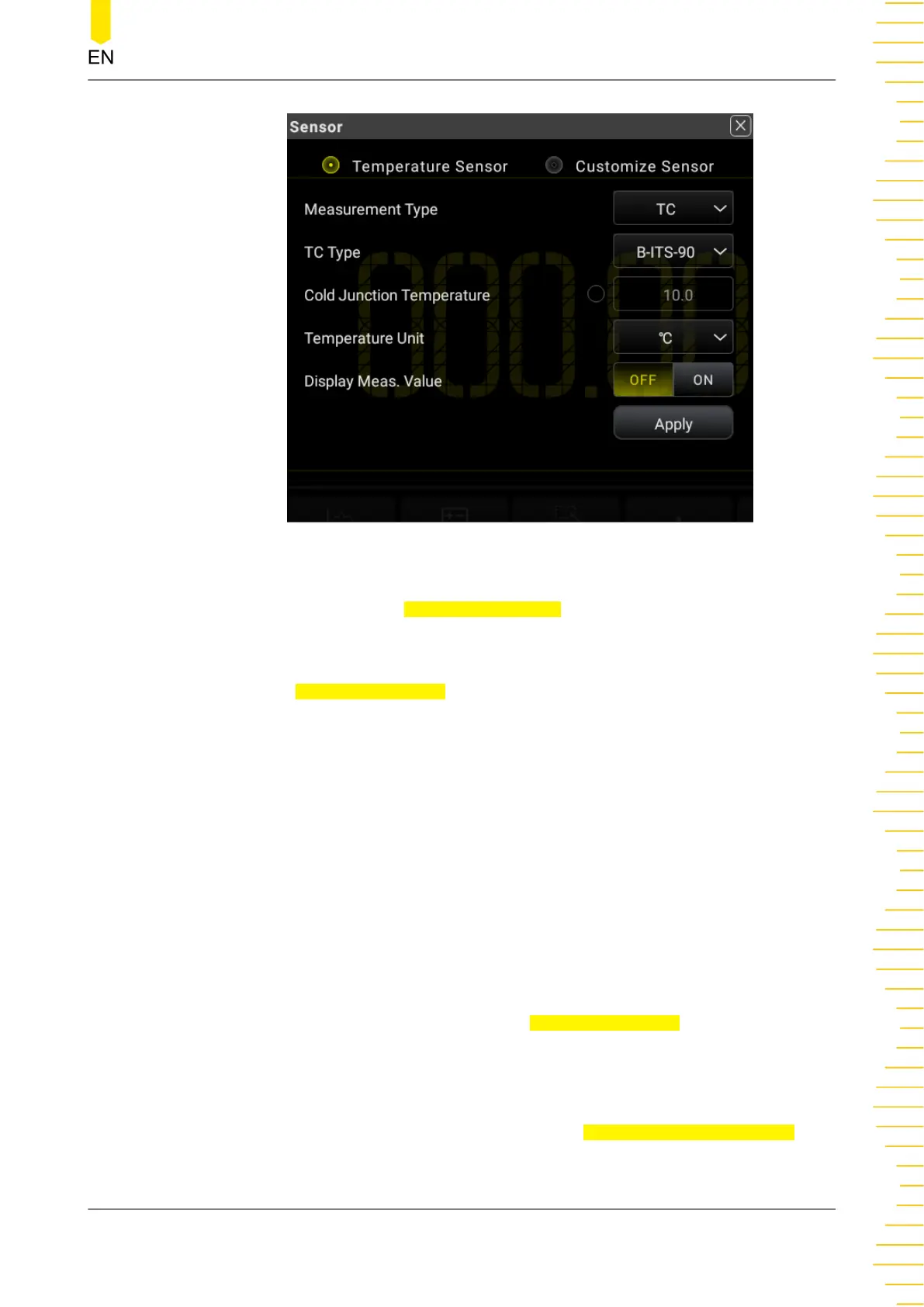
Figure 5.28 Temperature Sensor Setting Interface
In
Figure 5.28
, click or tap Temperature Sensor to enter the temperature sensor
setting interface.
Select the temperature sensor type. As shown in
Figure 5.28
, click or tap the drop-
down list of
Measurement Type to select "TC", "RTD", or "Therm". By default, TC is
selected.
• TC
- The TC (thermocouple) is one of the most commonly used industrial
temperature detection device. It converts the temperature value into
voltage reading, and has a very large temperature measurement range.
The common thermocouples are B (Pt Rh 30- Pt Rh6), E (NI CR-WRCK), J
(Fe-WRCK), K (NI CR-NiSi), N (NiCrNi-NiSi), R (Pt Rh13 -Pt), S (Pt Rh10-Pt)
and T (Cu-WRCK). Among them, B, R and S are precious metal
thermocouple, while E, J, K, N and T are cheap metal thermocouples. For
the reference table about each thermocouple, please see the ITS-90
standards. By default, B-ITS-90 is selected.
Click or tap the drop-down list of
Measurement Type to select "TC".
- User-defined Cold Junction Temperature
- Enables or disables the user-defined cold junction temperature. If the
option box before the input field of
Cold Junction Temperature is
Front Panel Operation
Copyright ©RIGOL TECHNOLOGIES CO., LTD. All rights reserved. DM858 Series User Guide
59



 To Next Page