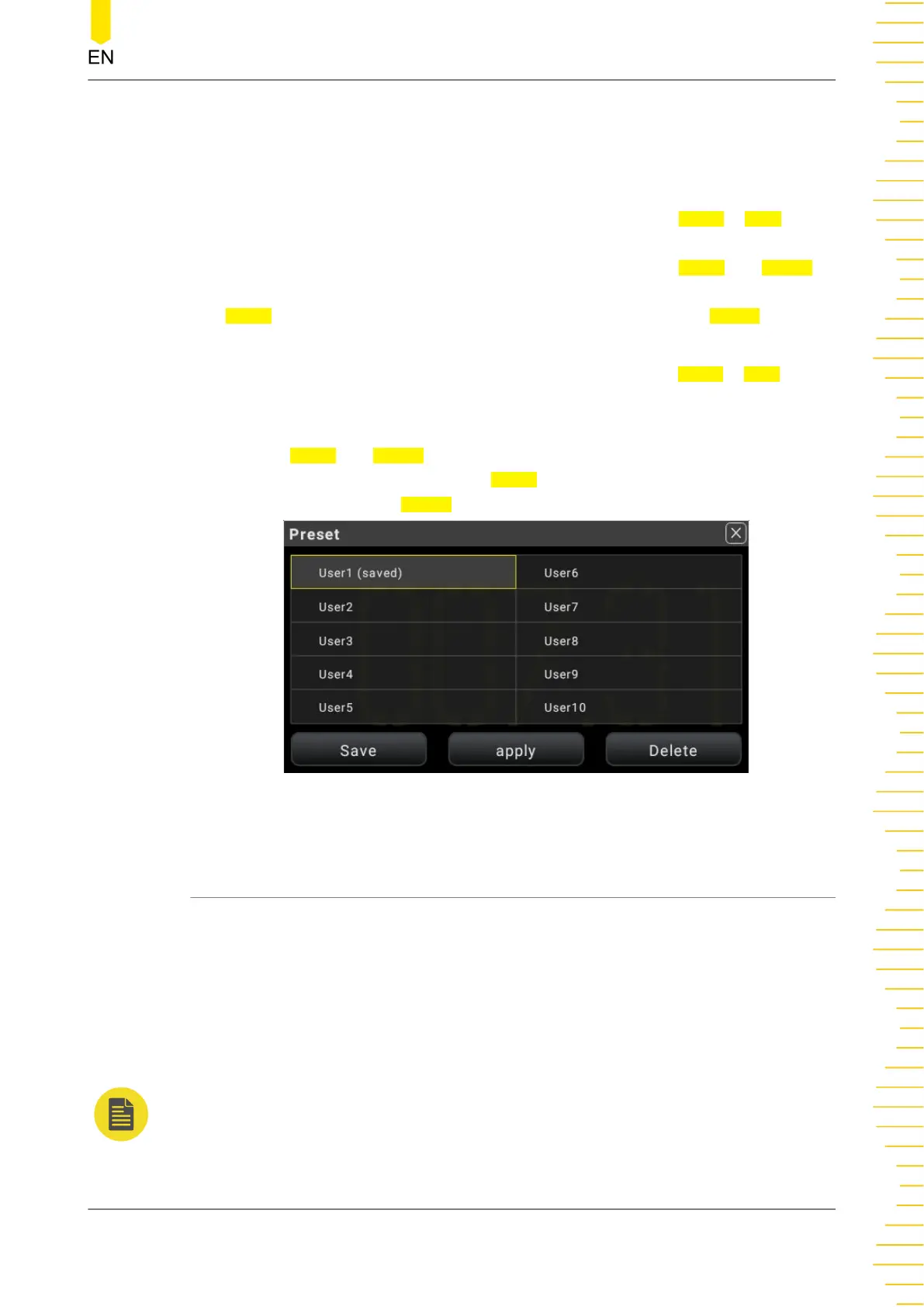
Preset Settings
If User1 is defined to preset DCV measurement configurations and User2 is defined to
preset ACV measurement configurations:
After configuring the DCV measurement parameters, click or tap User1 > Save,
"saved" in brackets is added following User1, which indicates that the DCV
configurations are saved as User1(saved) preset file. At this time,
Apply and Delete
menu are added to the interface. To load the DCV configurations that you set, click or
tap
Apply to load the DCV measurement configurations. Click or tap Delete to delete
the user-defined DCV presetting.
After configuring the ACV measurement parameters, click or tap User2 > Save,
"saved" in brackets is added following User2, which indicates that the ACV
configurations are saved as User2(saved) preset file.
At this time,
Apply and Delete menu are added to the interface. To load the ACV
configurations that you set, click or tap Apply to load the ACV measurement
configurations. Click or tap Delete to delete the user-defined ACV presetting.
Figure 5.39 Preset Setting Interface
5.6 Math Operation
The multimeter provides five math functions: Statistics (Max, Min, Avg, standard
deviation, and count), Limit, dBm, dB, and Relative operation. You can select different
math functions for different measurement items.
The math operations are applicable to the voltage, current, resistance, capacitance,
frequency/period, and sensor measurements. However, dB and dBm operations are
only applicable to the voltage measurement.
NOTE
The math operation is diabled when the range is AUTO.
Front Panel Operation
Copyright ©RIGOL TECHNOLOGIES CO., LTD. All rights reserved. DM858 Series User Guide
71



 To Next Page