measurement values for the secondary measurement types are displayed in the
secondary display area.
3. When the basic measurement type is Sensor, after setting the sensor parameters,
the operation results (Relative Value) of the sensor is displayed in the main display
area, and the current measurement value is displayed in the secondary display
area. For details, refer to
To Measure User-defined Sensor
.
4. When the basic measurement type is ACV and the secondary measurement type is
FREQ/PERIOD; or when the basic measurement type is FREQ/PERIOD and the
secondary measurement type is ACV, the measurement values are mainly displayed
for the basic measurement types.
5. By default, the secondary measurement types adopts Auto range. If the main and
secondary measurement types are the same, then the secondary measurement
type use the same range as the basic meaurement type.
6. The measurement data of the secondary measurement types do not support
Holding operation.
5.5 Preset Mode
The instrument provides the preset setting. Preset mode applies to production lines
to avoid misoperations.
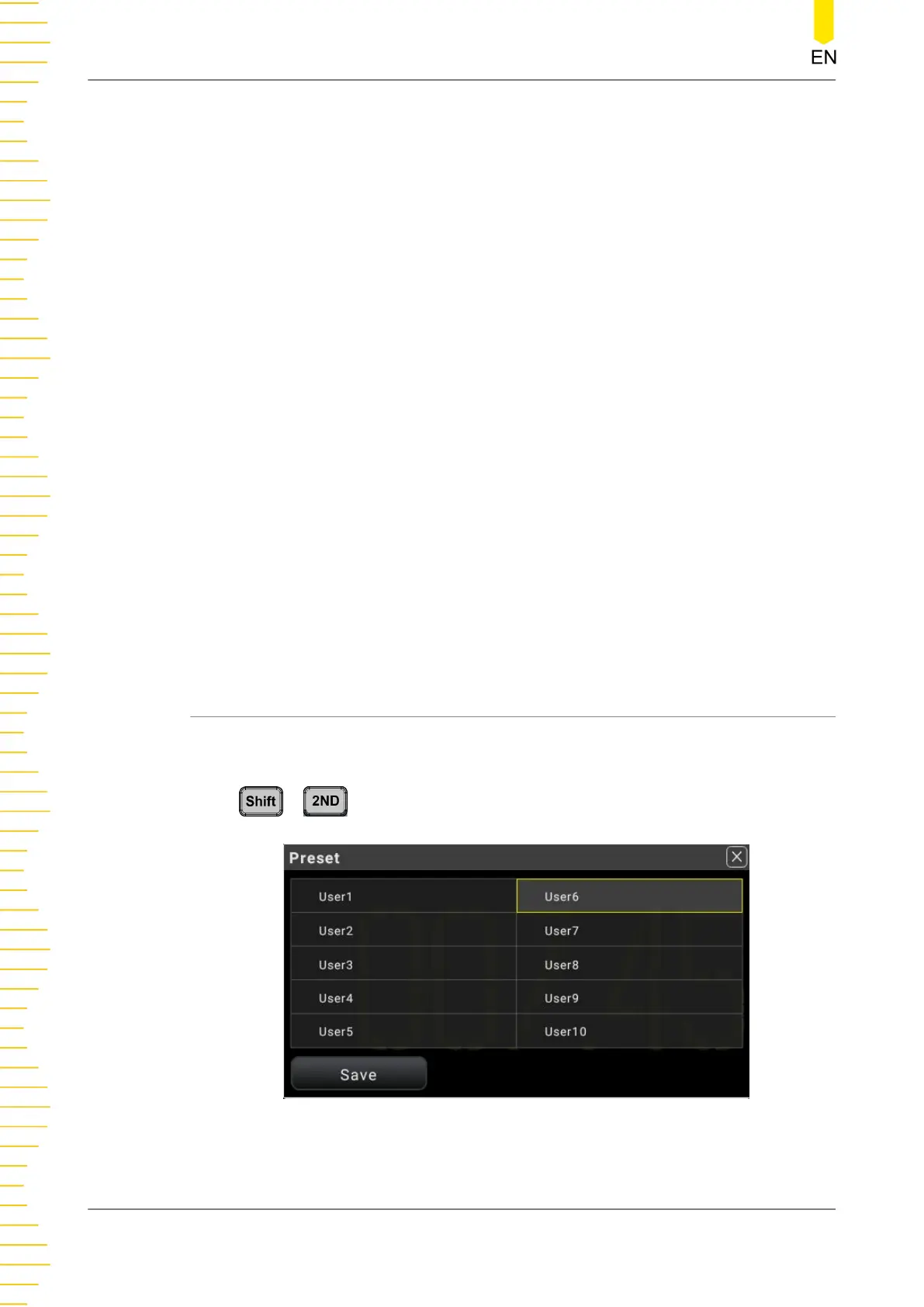
Press > to enter the preset interface.
Figure 5.38 Preset Interface
The preset mode allows you to preset 10 user-defined settings.
Front Panel Operation
DM858 Series User Guide
70
Copyright ©RIGOL TECHNOLOGIES CO., LTD. All rights reserved.



 To Next Page