1. Name
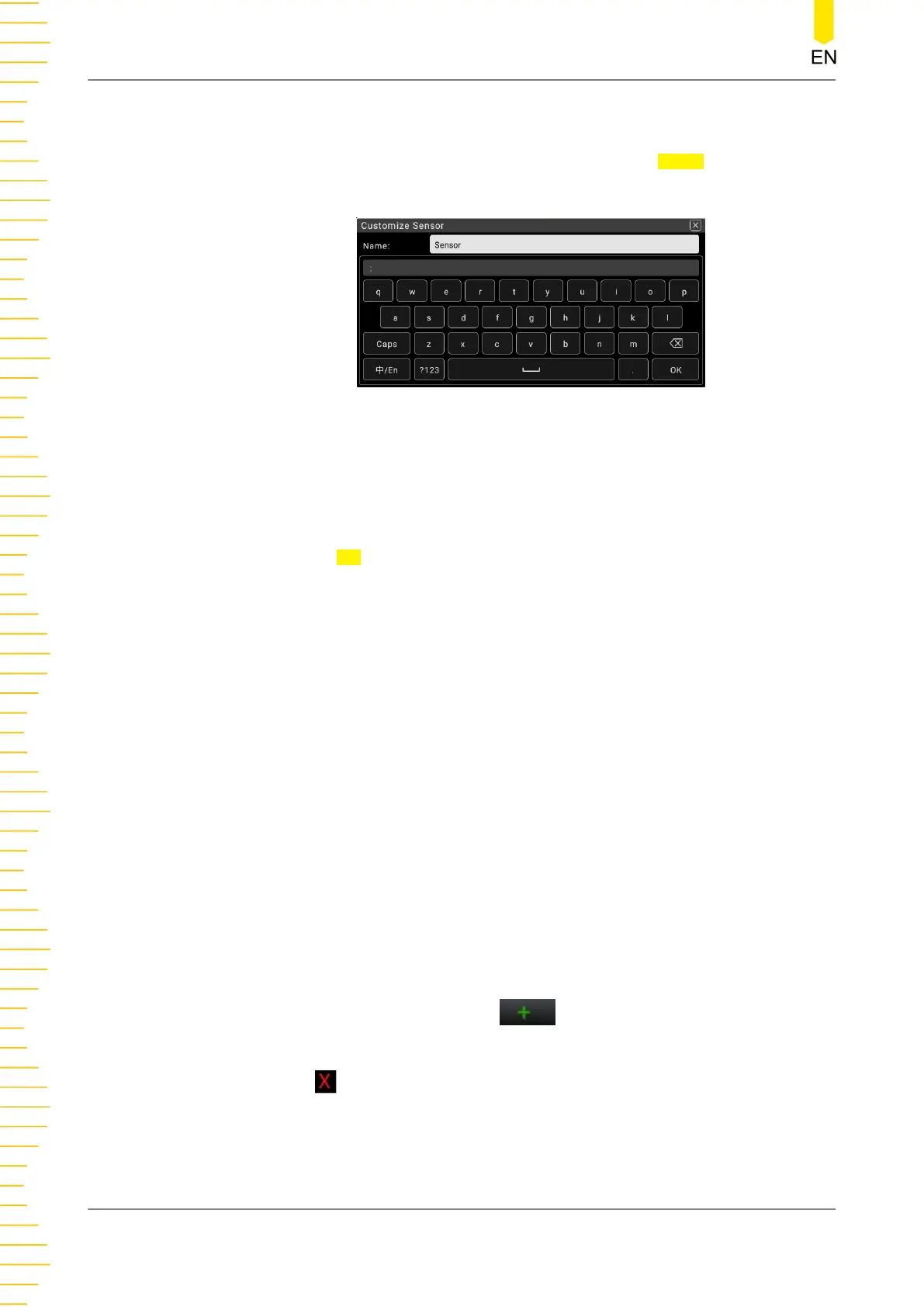
Sets the name of the sensor. Click or tap the input field of Name to enter the
name setting interface.
Figure 5.32 User-defined Sensor Name Setting
a. Input the sensor name. The length of the name shall not exceed 15 characters
and cannot be the same as the existing sensor name.
b. Click or tap OK to confirm input.
2. Sensor Type
Sets the sensor type. The available sensors are DCV, DCI, 2WR, 4WR, FREQ, and
TC. By default, it is DCV.
3. Sensor Unit
Sets the sensor unit. The available units are ℃ (degree Celsius), ℉(degree
Fahrenheit), K, %, °(degree), and Customize. By default, it is °. When you select
"Customize", click or tap the edit field next to the Customize field, then a virtual
keypad is displayed. Input the user-defined unit with the virtual keypad.
4. Display Meas. Value
Enables or disables the display of the measurement value on the screen.
- ON: enables the display of the measurement value on the screen.
- OFF: disables the display of the measurement value on the screen.
5.
Reference Value
Sets the reference value. Click or tap
to enter the reference value setting
interface.
Click or tap to delete the specified line of the reference values.
Front Panel Operation
DM858 Series User Guide
64
Copyright ©RIGOL TECHNOLOGIES CO., LTD. All rights reserved.



 To Next Page