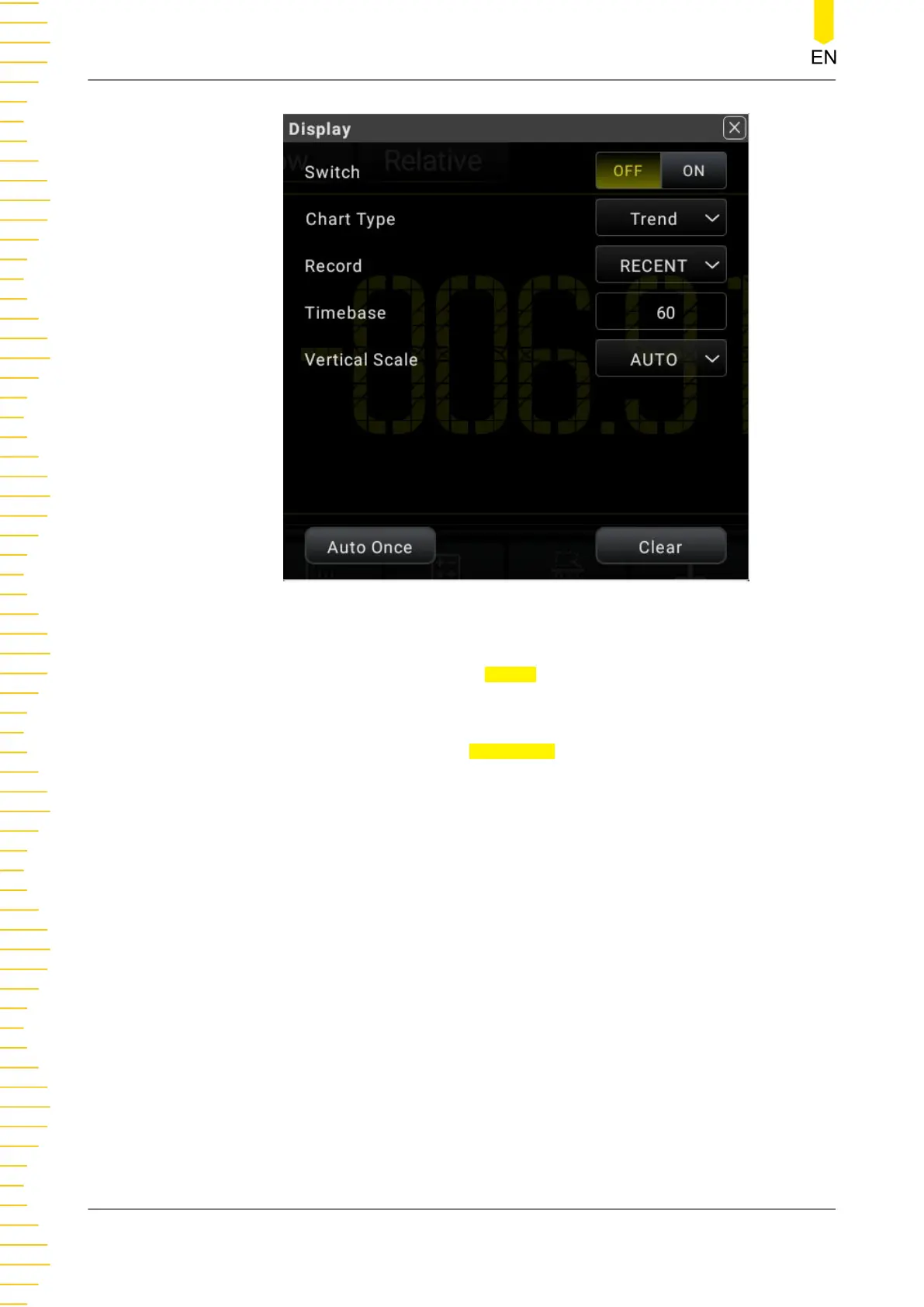
Figure 5.53 Graph Display Interface
1. Click or tap the ON/OFF tab for the Switch menu to enable or disable the graph
display.
2. Click or tap the drop-down list of Chart Type to select "Histogram". Then the
following interface is displayed.
Front Panel Operation
DM858 Series User Guide
84
Copyright ©RIGOL TECHNOLOGIES CO., LTD. All rights reserved.



 To Next Page