1. Select the file format
Click or tap File Format to select the desired file format to be loaded. The available
formats are "*.prf", "*.sta", "*.dat", and "*.csv".
By default, it is "*.sta".
2. Select the file path
Click or tap the input field of File Path to select the file path where the file is
located.
Select the desired file in the file path. Then click or tap Load to load the file.
After loading the file suffixed with "*.sta" or "*.prf" successfully, the instrument will
perform the measurement based on the loaded file settings.
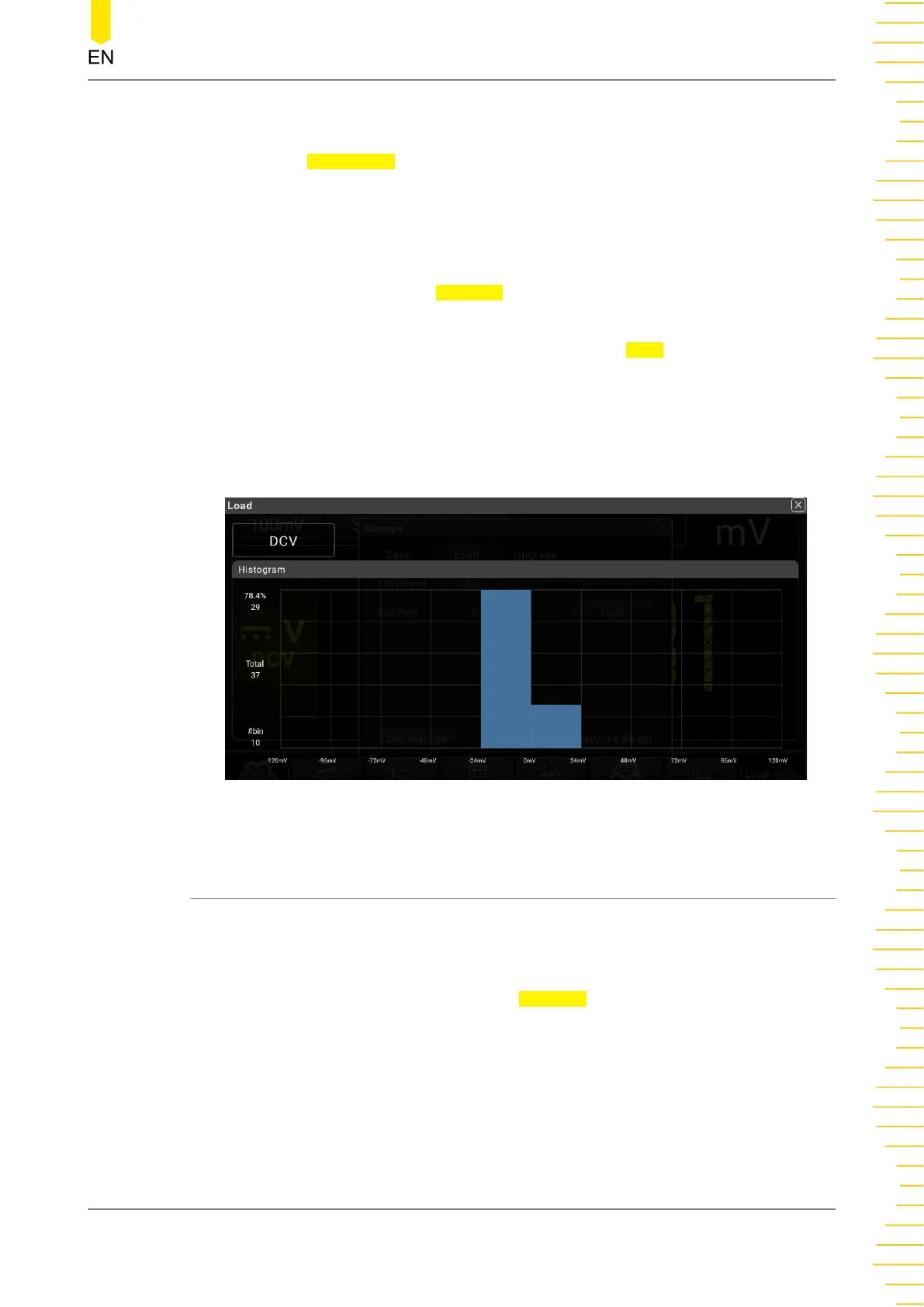
After loading the file suffxied with "*.dat" or "*.csv" successfully, the saved data in the
file will be displayed on the screen in Histogram graph, as shown in the figure below.
Figure 5.81 Histogram Display of the Loaded Data File
5.12.3 Upgrade
This instrument supports local upgrade.
Local Upgrade
1. In the storage setting menu, click or tap Upgrade to enter the local upgrade
setting menu.
Front Panel Operation
Copyright ©RIGOL TECHNOLOGIES CO., LTD. All rights reserved. DM858 Series User Guide
115



 To Next Page