- Click or tap the main measurement item shown at the left part of the main
display area. The measurement items are displayed. Click or tap to select
to enter the capacitance measurement interface.
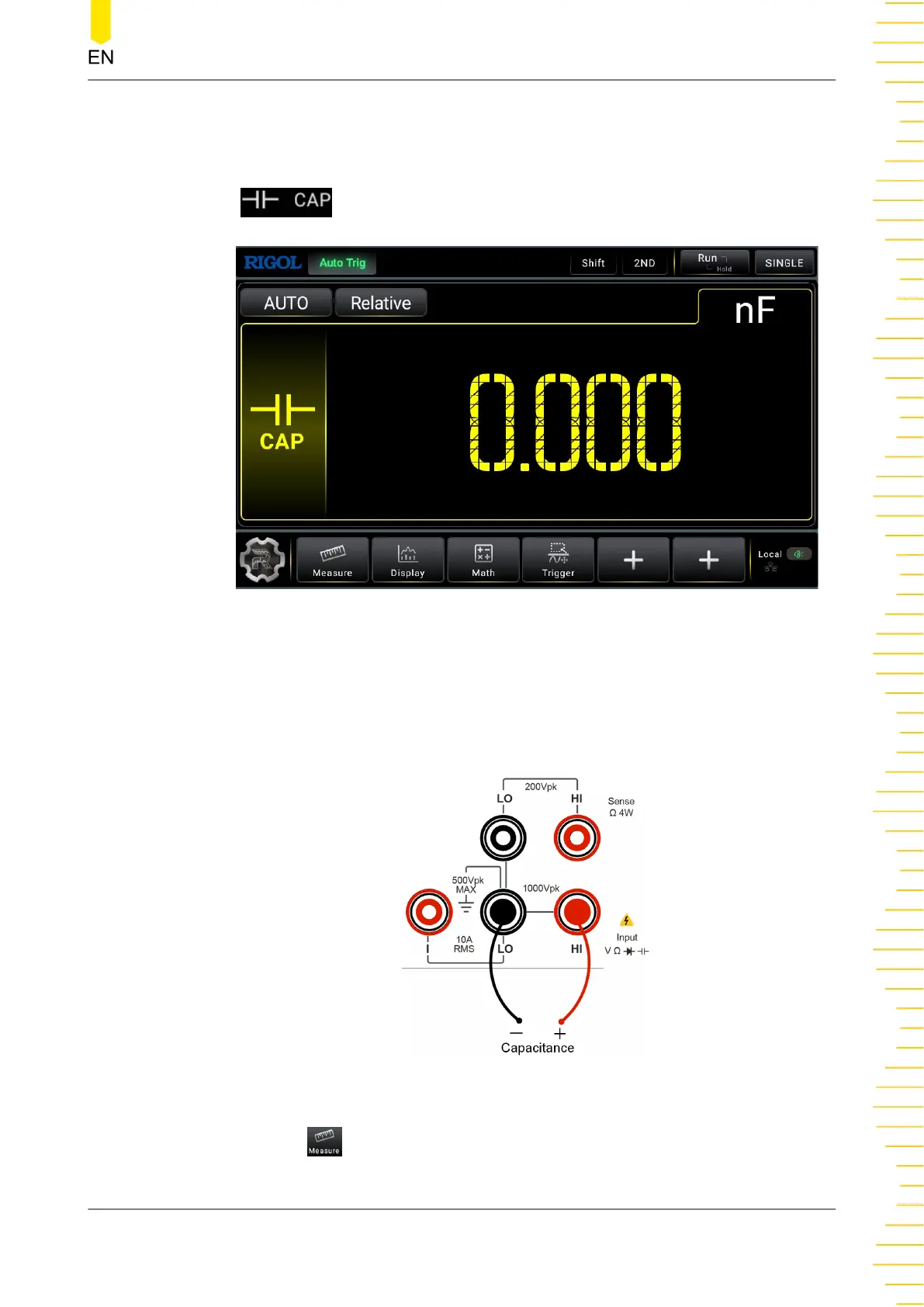
Figure 5.15 Capacitance Measurement Setting Interface
2. Connect red lead to terminal Input-HI and anode of the capacitance. Connect the
black lead to both terminal Input-LO and cathode of the capacitance, as shown in
the figure below.
Figure 5.16 Capacitance Measurement Connection Diagram
3. Click or tap to set the range of the capacitance measurement.
Front Panel Operation
Copyright ©RIGOL TECHNOLOGIES CO., LTD. All rights reserved. DM858 Series User Guide
47



 To Next Page