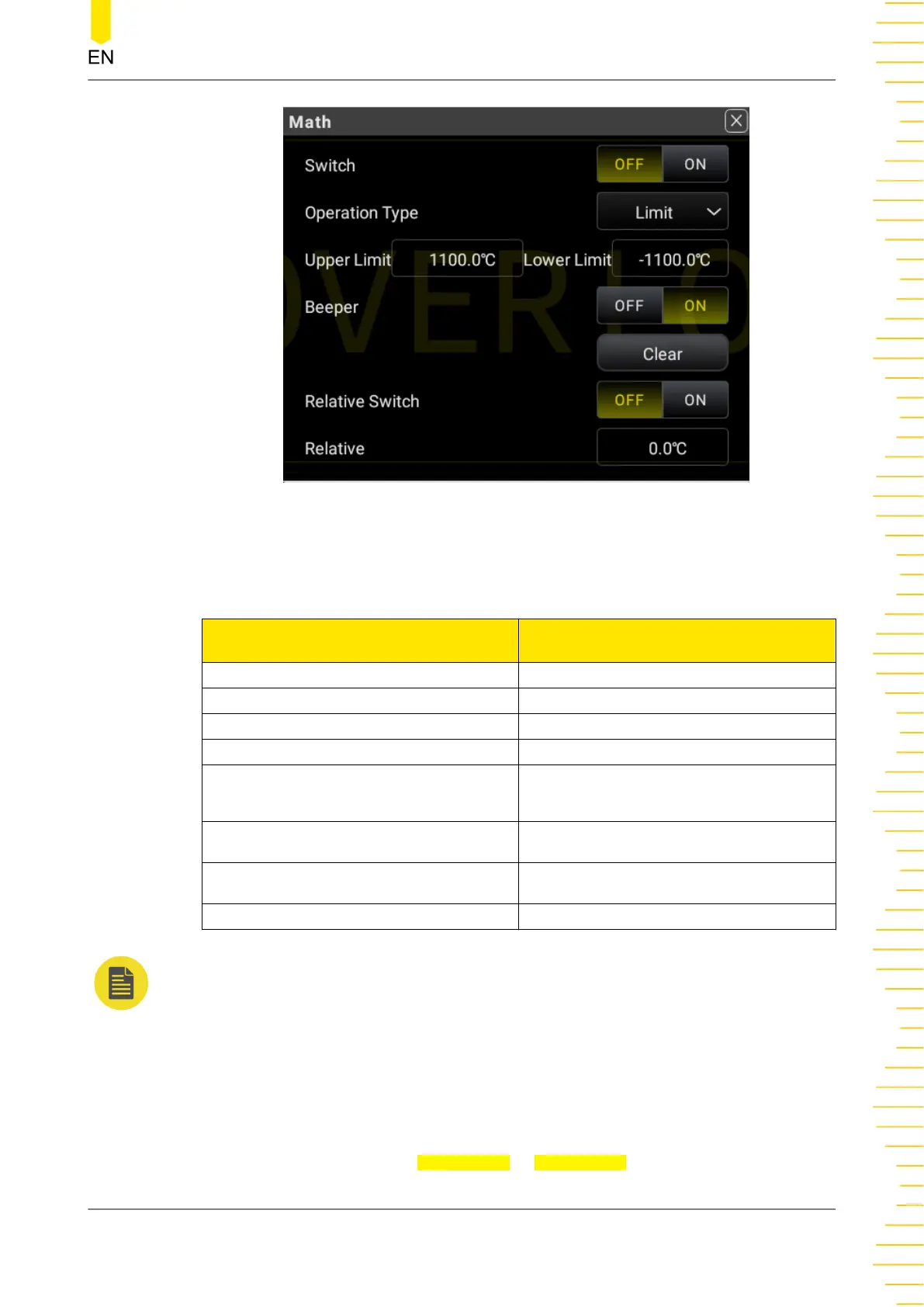
Figure 5.43 Limit Parameter Setting
Table 5.17 Limit Parameter Setting
Parameter Remarks
Switch Enables or disables the Limit operation.
Operation Type Selects Limit operation.
Upper Limit Indicates the specified upper limit.
Lower Limit Indicates the specified lower limit.
Beeper
Enables or disables the beeper. When
enabled, the beeper sounds once the
reading exceeds the set limits.
Clear
Clears the current status and starts to
make statistics again.
Relative Switch
Enables or disables the Relative
operation.
Relative Input the Relative value.
NOTE
• The ranges of the upper and lower limits shall be within -120%-120% of the current
measurement range.
• The specified upper limit shall be greater than the lower limit.
• The upper and lower limits are stored in the volatile memory. They will be reset to the
default values at power-on.
1. Set the limits
Click/tap the input field of Upper Limit or Lower Limit to input the desired value
with the pop-up numeric keypad.
Front Panel Operation
Copyright ©RIGOL TECHNOLOGIES CO., LTD. All rights reserved. DM858 Series User Guide
75



 To Next Page