5
Front Panel Operation
•
To Set the Range
•
To Set the Measurement
Rate
•
To Measure DC Voltage
•
To Measure AC Voltage
•
To Measure DC Current
•
To Measure AC Current
•
To Measure Resistance
•
To Measure Capacitance
•
To Test Continuity
•
To Check Diode
•
To Measure Frequency/
Period
•
Any Sensor
Measurement
•
Preset Mode
•
Trigger
•
Math Operation
•
To Store and Load
•
System Utility Function
Setting
5.1 To Set the Range
For the specified measurement item, the range can be set to Auto or specified values.
You can set the range to Auto, and then the proper range for the current
measurement will be automatically selected. It is convenient for you to make
measurements. You can also select a specified range manually to obtain higher
reading precision.
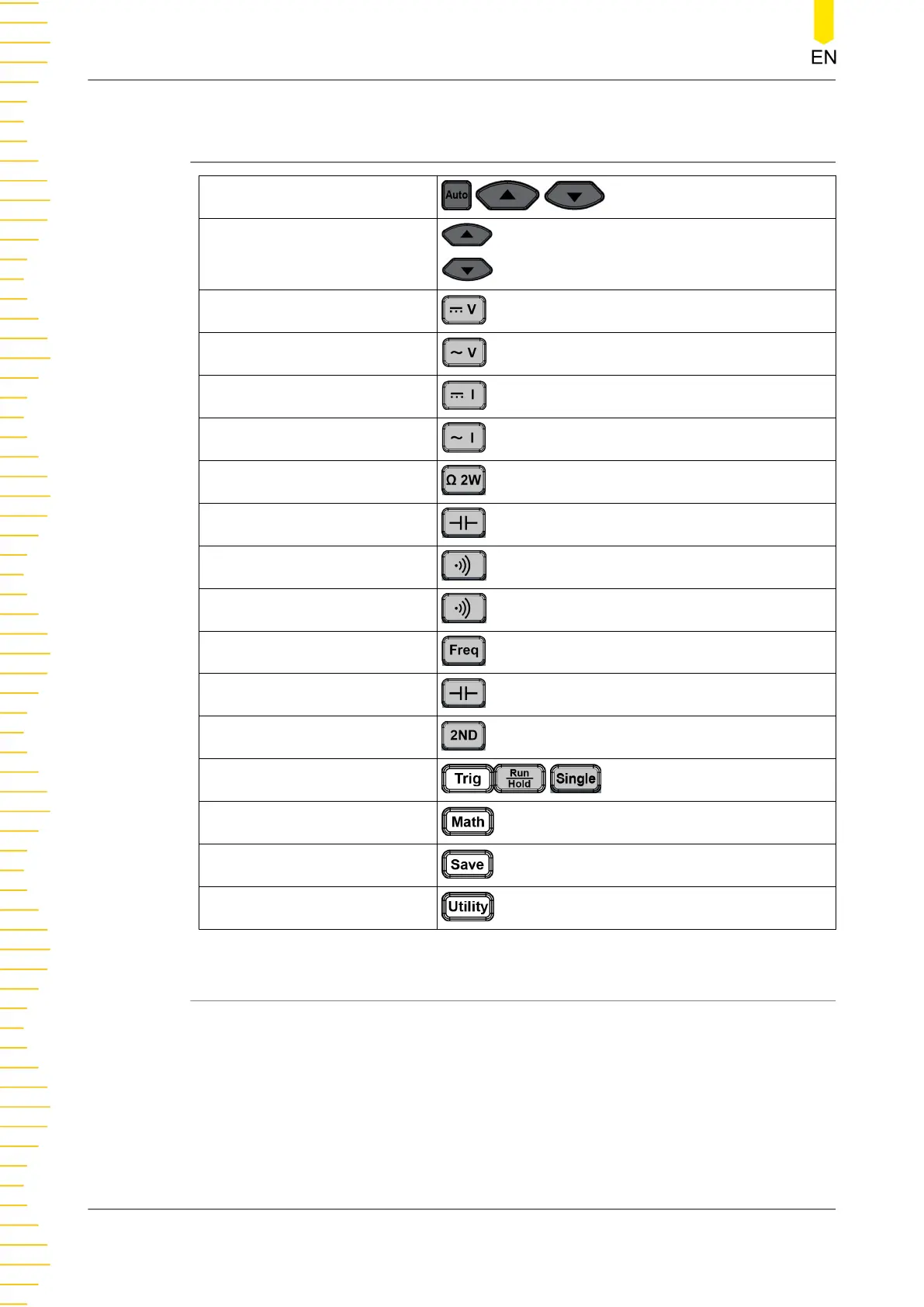
The range selection keys are located at the right part of the front panel, as shown in
the figure below.
Front Panel Operation
DM858 Series User Guide
30
Copyright ©RIGOL TECHNOLOGIES CO., LTD. All rights reserved.



 To Next Page