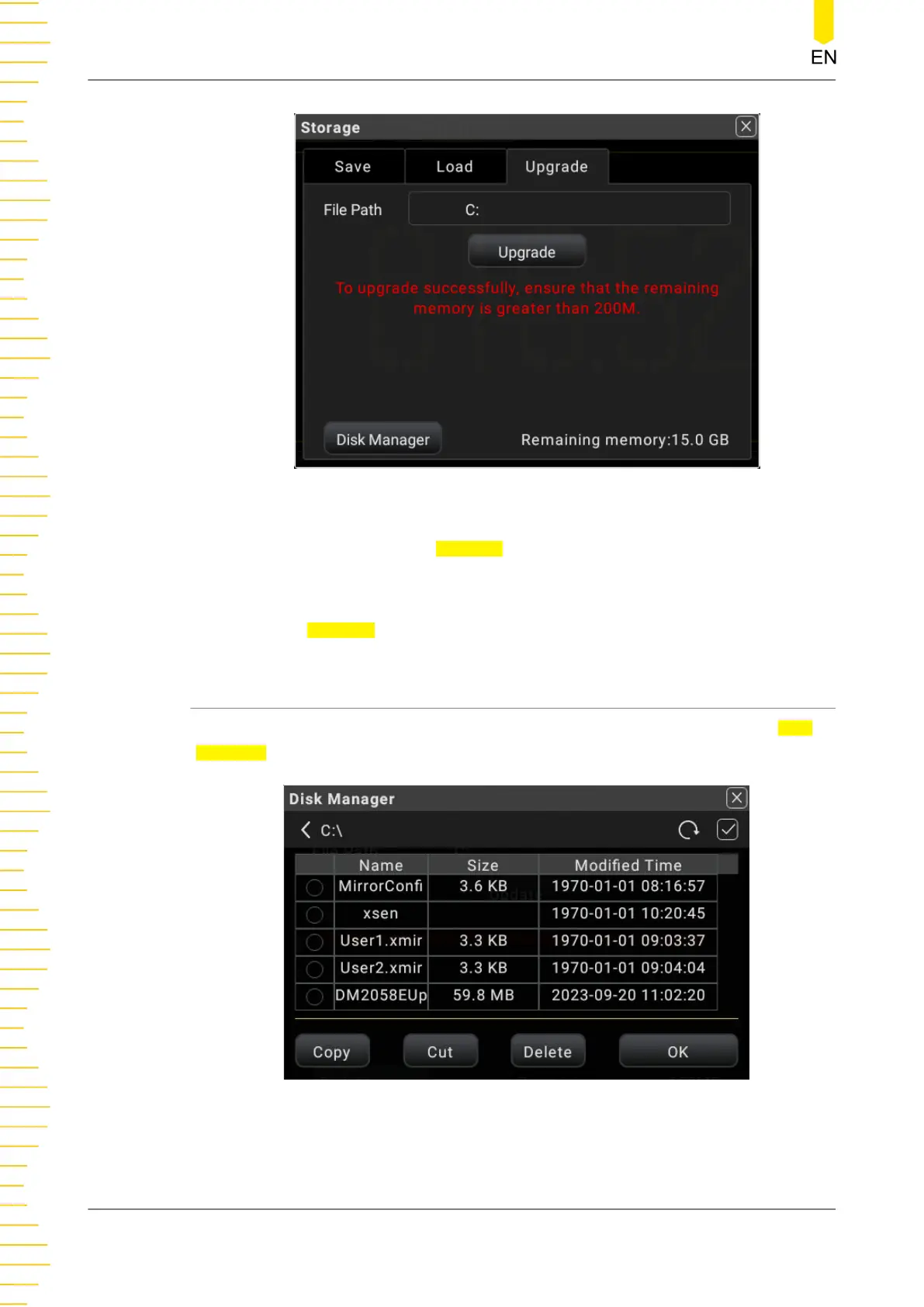
Figure 5.82 Upgrade Menu
2. Click or tap the input field of File Path, then the disk management interface is
displayed. Select the upgrade file. For detailed operations, refer to the descriptions
in
Disk Management
.
3. Click or tap Upgrade to complete the local upgrade.
5.12.4 Disk Management
Press Save on the front panel to enter the save and load interface. Click or tap Disk
Manager to enter the disk management interface.
Figure 5.83 Disk Management Interface
Execute the following operations through the disk management menu:
Front Panel Operation
DM858 Series User Guide
116
Copyright ©RIGOL TECHNOLOGIES CO., LTD. All rights reserved.



 To Next Page