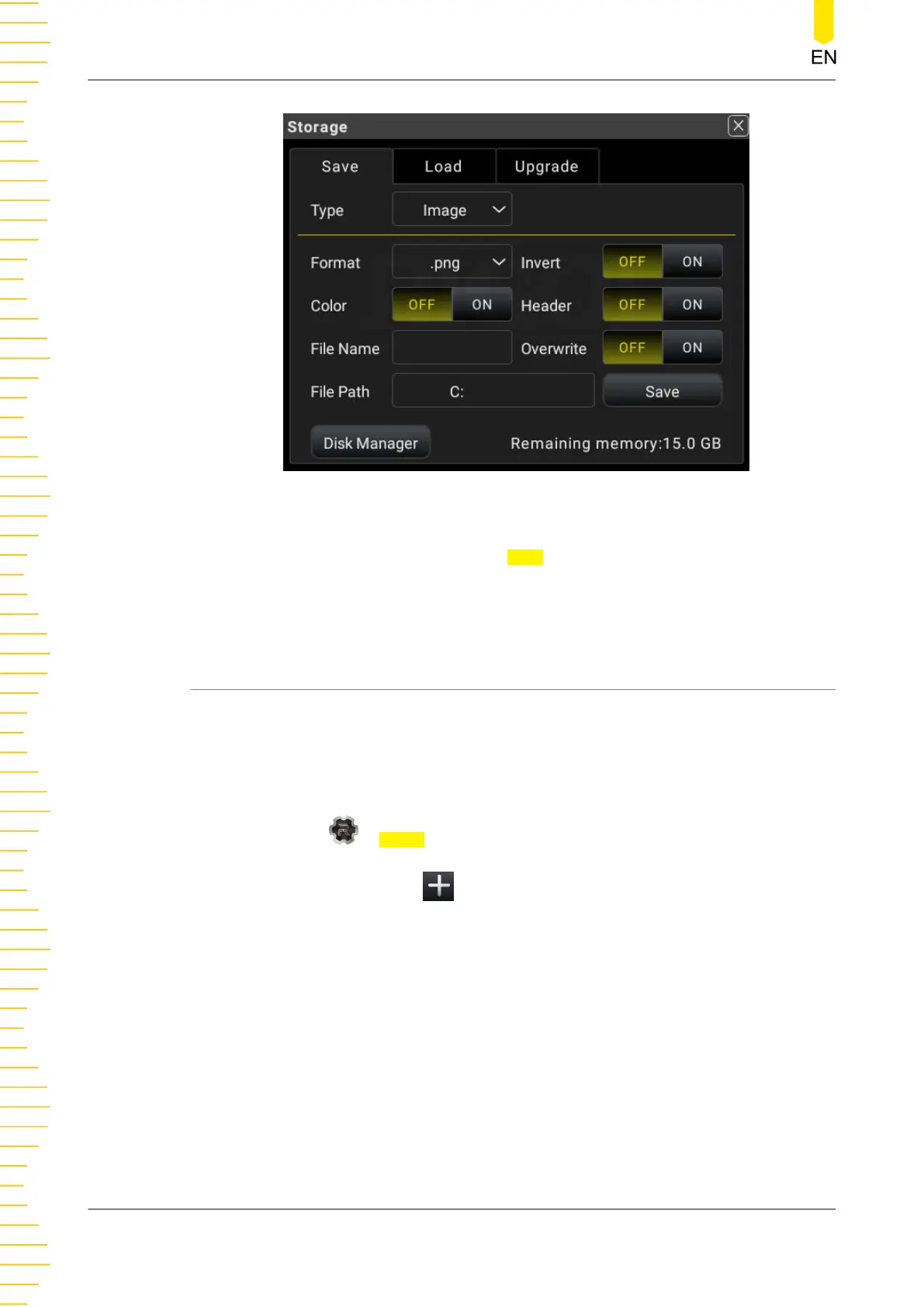
Figure 5.66 Storage Interface
As shown in the figure above, click or tap Save to save the current screen image
based on the current settings. For details about the image saving settings, refer to
To
Save a File
.
5.10 Customized Menu
The multimeter provides two customized menu labels at the bottom of the screen.
Operation Procedures:
1. To enter the customized menu setting interface, perform the following operations.
- Click or tap > Menu to enter the customized menu setting interface.
- You can also click or tap at the bottom of the screen to enter the
customized menu setting interface.
Front Panel Operation
DM858 Series User Guide
100
Copyright ©RIGOL TECHNOLOGIES CO., LTD. All rights reserved.



 To Next Page