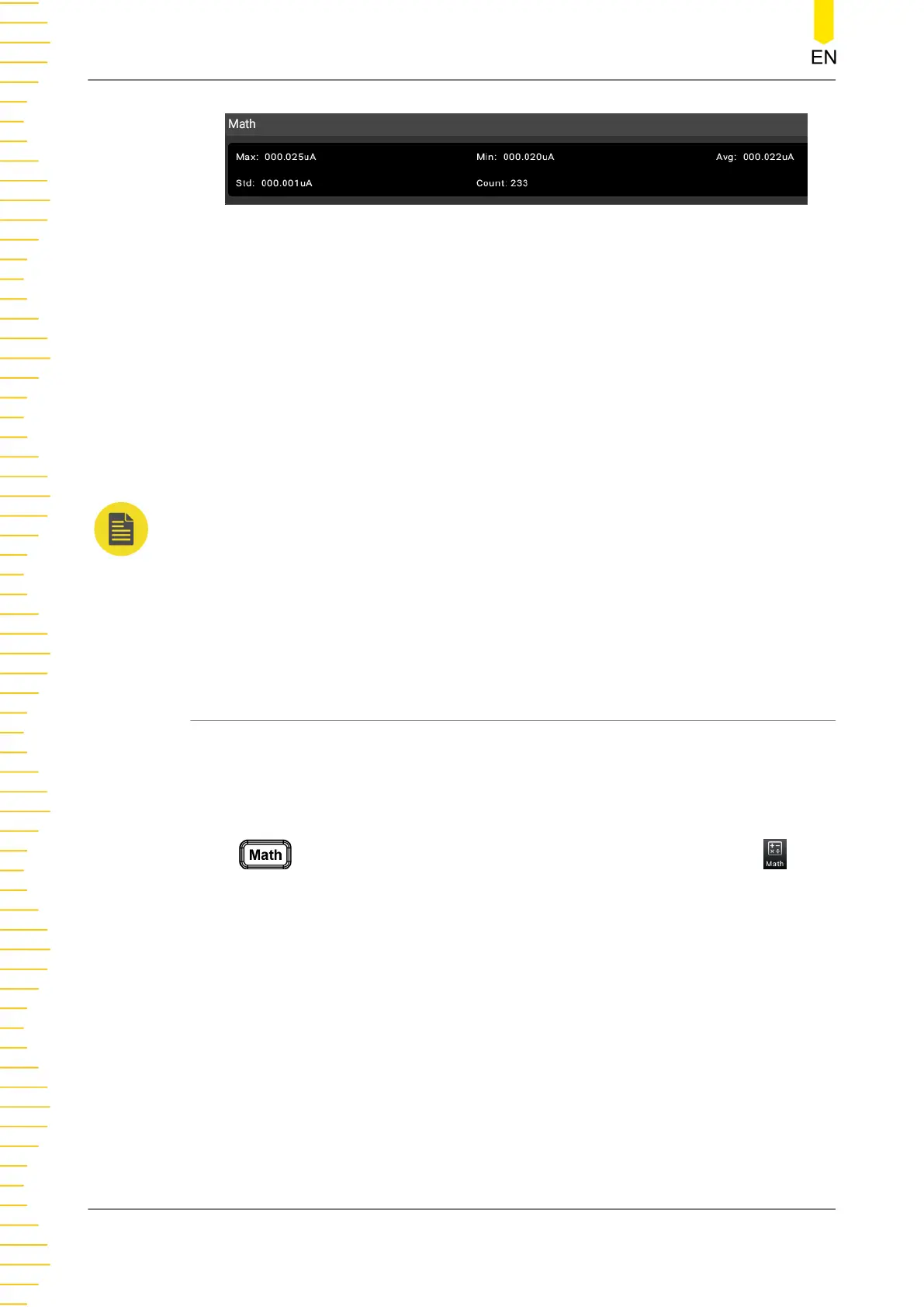
Figure 5.42 Statistics Operation Result
• Max: indicates the max. reading.
• Min: indicates the min. reading.
• Avg: indicates the average value of the reading.
• Std: indicates the standard deviation of the reading.
• Count: indicates the reading count.
NOTE
• When statistics operation is selected, the multimeter takes the first reading as the
maximum (or minimum) for displaying. The reading shown on the screen is always the
maximum (or minimum) within the current readings when measuring multiple
consecutive readings.
• The max. value, min. value, average value, and sample count are all stored in the volatile
memory. They will be cleared at power-off.
5.6.2 Limit
The limit operation allows you to set the specified upper limit and lower limit. Once
the signal beyond the set limits appears, the beeper sounds. The multimeter can
perform limit operation on the following measurement items: DCV, ACV, DCI, ACI,
Resistance, Frequency, Period, Capacitance, and temperature sensor.
Press to enter the math operation interface. You can also click or tap to
enter the math operation interface. Then, select Limit from the drop-down list of
Operation Type.
Front Panel Operation
DM858 Series User Guide
74
Copyright ©RIGOL TECHNOLOGIES CO., LTD. All rights reserved.



 To Next Page