Figure 5.75 Touch Screen Test
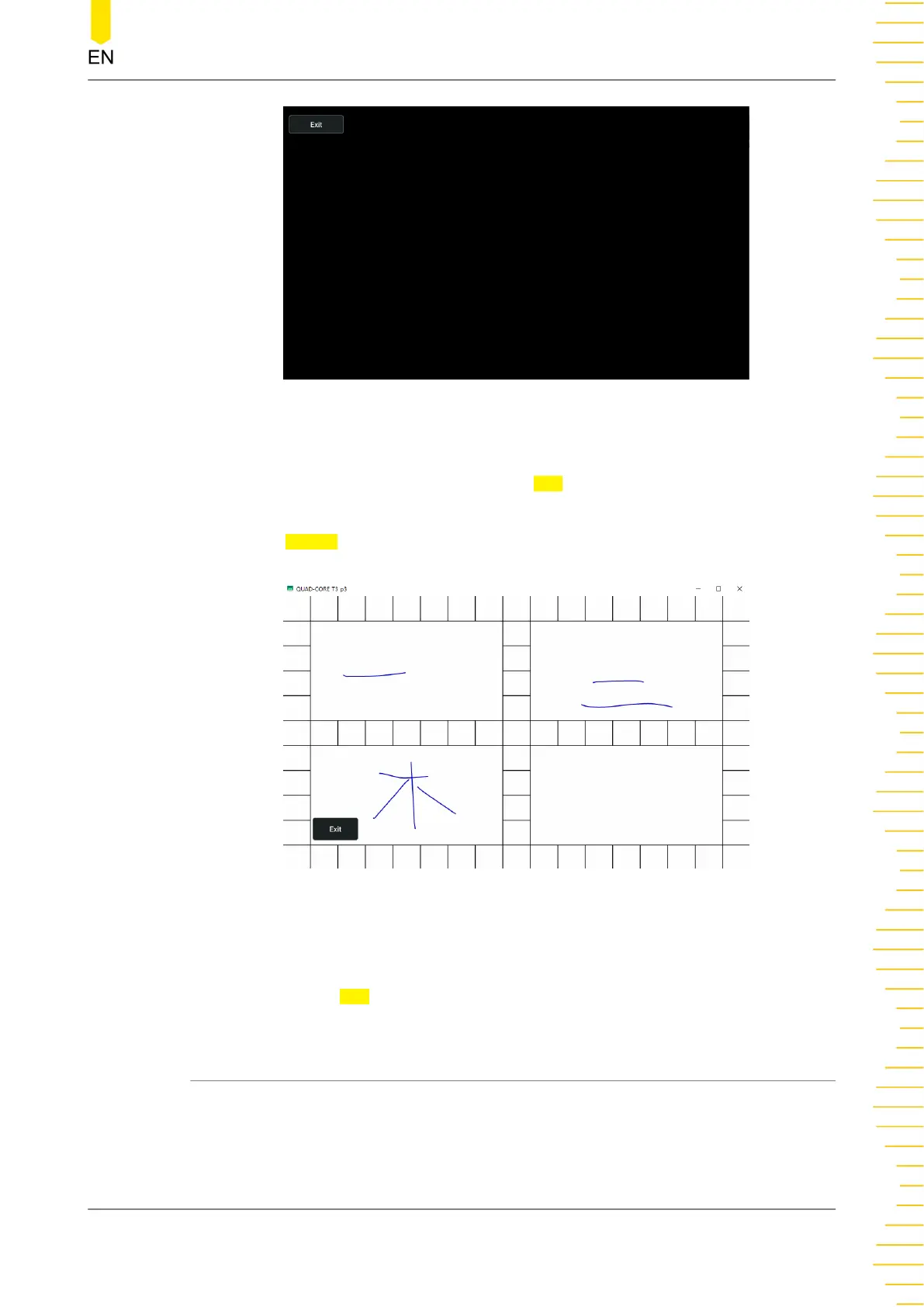
Move your fingers along the grids on the screen, if they turn green, it indicates that
the touch screen works normally. Click or tap Exit to exit the touch screen test
interface.
Click or tap
Screen to enter the screen test interface to check whether the defective
pixel exists.
Figure 5.76 Screen Test
Tap any place on the screen and the screen color changes. Each time you tap on the
screen, the color changes. In thsi way, you can test whether the screen has a dot
defect. Click or tap
Exit to exit the screen test interface.
5.12 To Store and Load
You can save the image and data to the internal memory or external USB storage
device (such as USB storage device) in various formats and load the stored files when
needed. Also you can load the upgrade software to the system and perform the
upgrade operation for the instrument.
Front Panel Operation
Copyright ©RIGOL TECHNOLOGIES CO., LTD. All rights reserved. DM858 Series User Guide
109



 To Next Page