Roche Diagnostics
102 Operator’s Manual · Version 3.0
5 Operation Multiplate® analyzer
Starting the analyzer
Starting the analyzer
p To start the analyzer
1
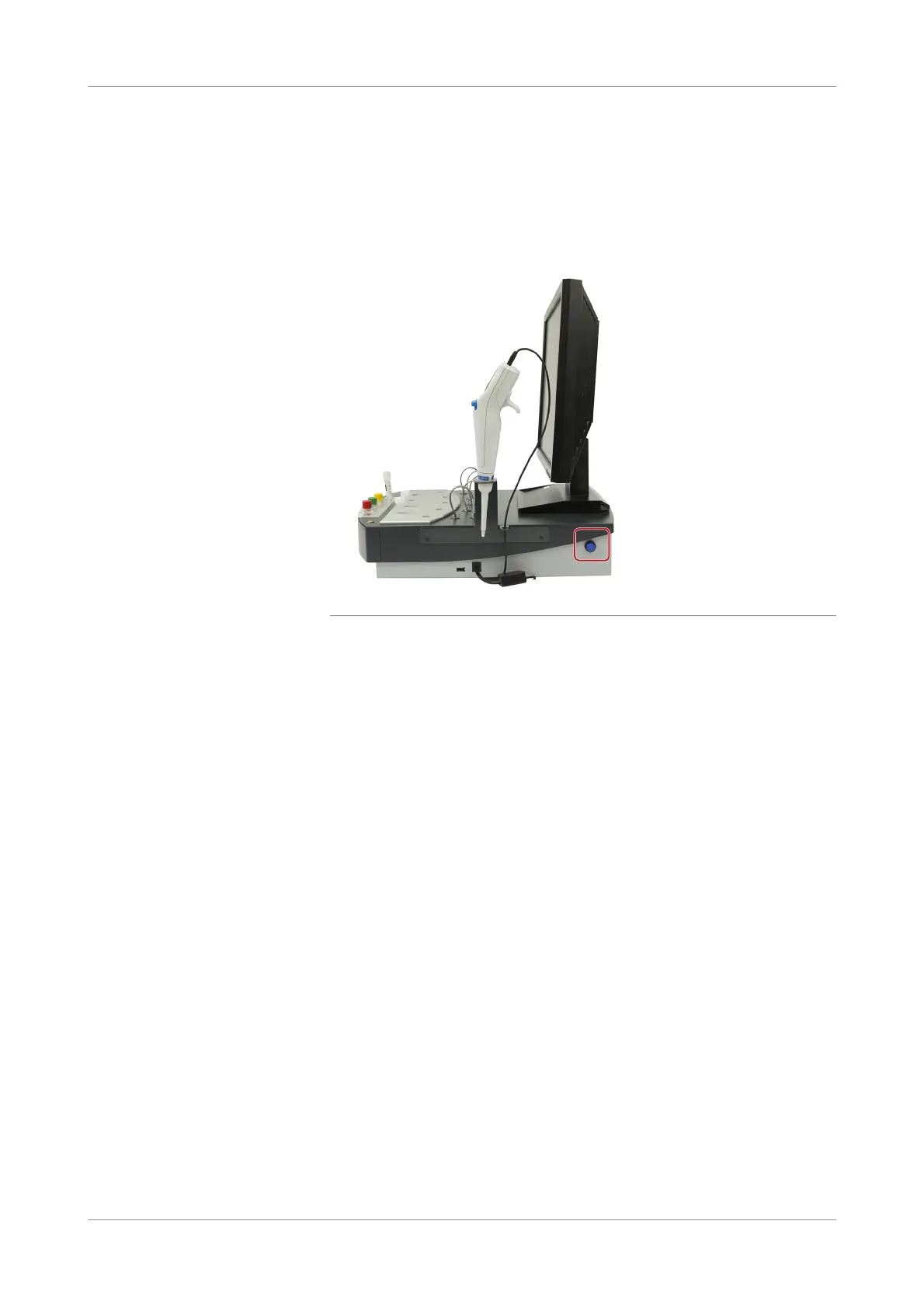
Push the blue power push-button on the right side of the analyzer.
Figure 5-1 Power button on analyzer
2
Log on to the Windows operating system as operator or administrator.
The software starts up automatically.
The data container is checked for consistency while the software initializes (i.e.
the condition of the data container is scanned to detect any hardware failures).
The measurement block begins to heat up during the consistency check. A check
is performed if the analyzer is calibrated.
When the analyzer has reached its operating temperature (displayed in the status
bar) the analyzer is ready for use.
s











 To Next Page