Roche Diagnostics
198 Operator’s Manual · Version 3.0
8 Troubleshooting Multiplate® analyzer
Troubleshooting the electronic pipette
Troubleshooting the electronic pipette
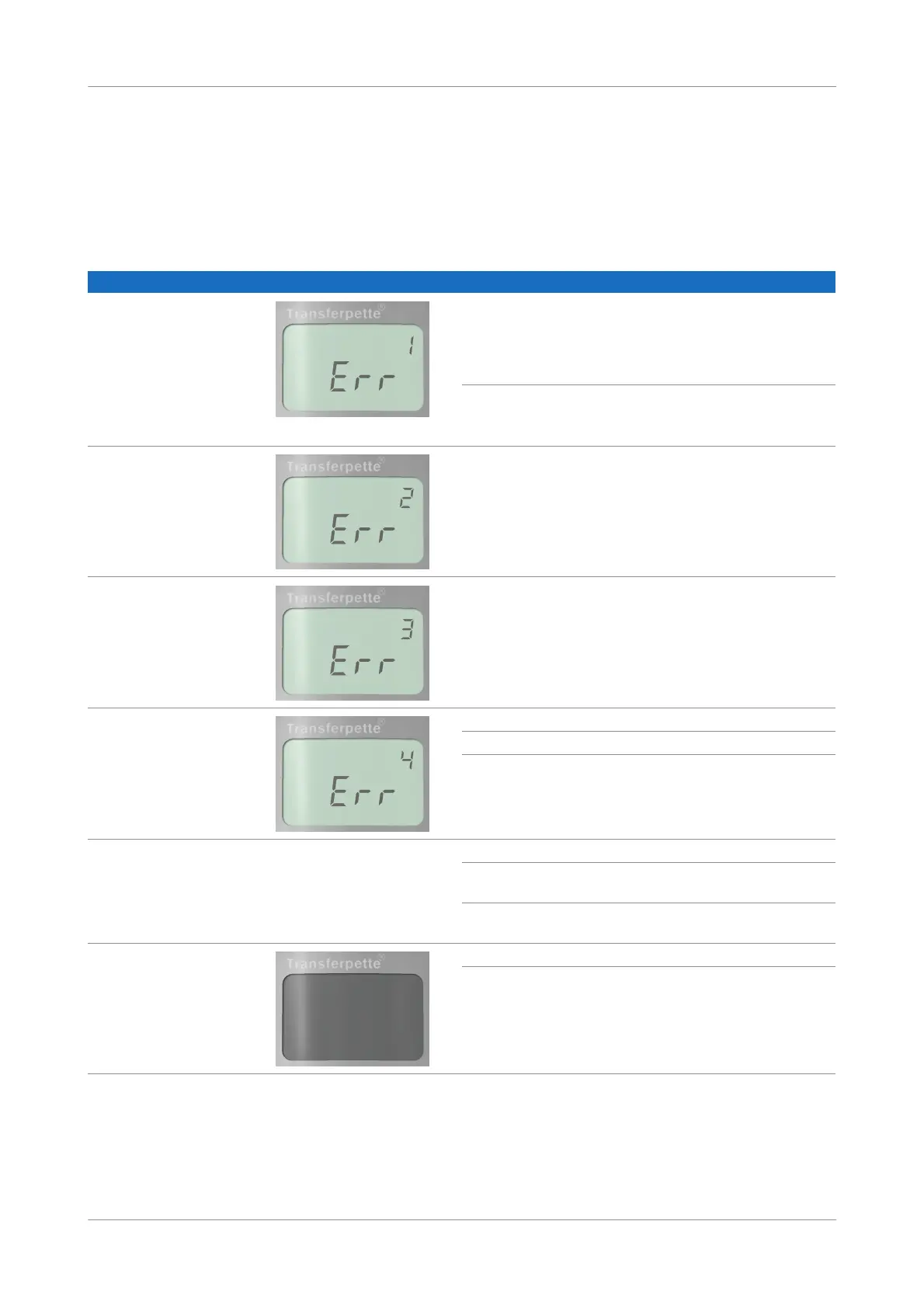
If an error occurs, the display shows “Err” and the error number is also shown. The
pipette will now only react to the ENTER button. Pressing the ENTER button will
attempt to restart the pipette. Therefore, a reference run is automatically requested.
Problem Error message Possible cause Corrective action
Pipette does not react Battery discharged or faulty Charge battery without
operating until battery is fully
charged (battery icon stops
flashing). Replace battery if
needed.
Faulty electronic component Contact your Roche Service
representative.
Pipette does not react Faulty electronic component Contact your Roche Service
representative.
Pipette does not react Unpredictable program error Confirm error by pressing the
ENTER button. The pipette is
re-initialized.
Pipette does not react No battery inserted Insert battery
Battery is defective Replace battery
Faulty electronic component Contact your Roche Service
representative.
Tip drips/ pipette not sealed or
volume error
— Improper tip Only use quality tips
Tip is not properly seated Press tip in firmly/use other
ejector-adjustment clips.
Piston, nose cone or seal is
contaminated or damaged
Clean the pipette/ replace the
seal. Oil piston.
Display is dark Electrostatic discharge Remove and insert the battery.
Faulty electronic component Contact your Roche Service
representative.
Table 8-8 Error messages











 To Previous Page