Roche Diagnostics
156 Operator’s Manual · Version 3.0
6 Configuration Multiplate® analyzer
Configuring the analyzer
Acoustic signal
f Configuration > Edit analyzer configuration > Acoustic signal
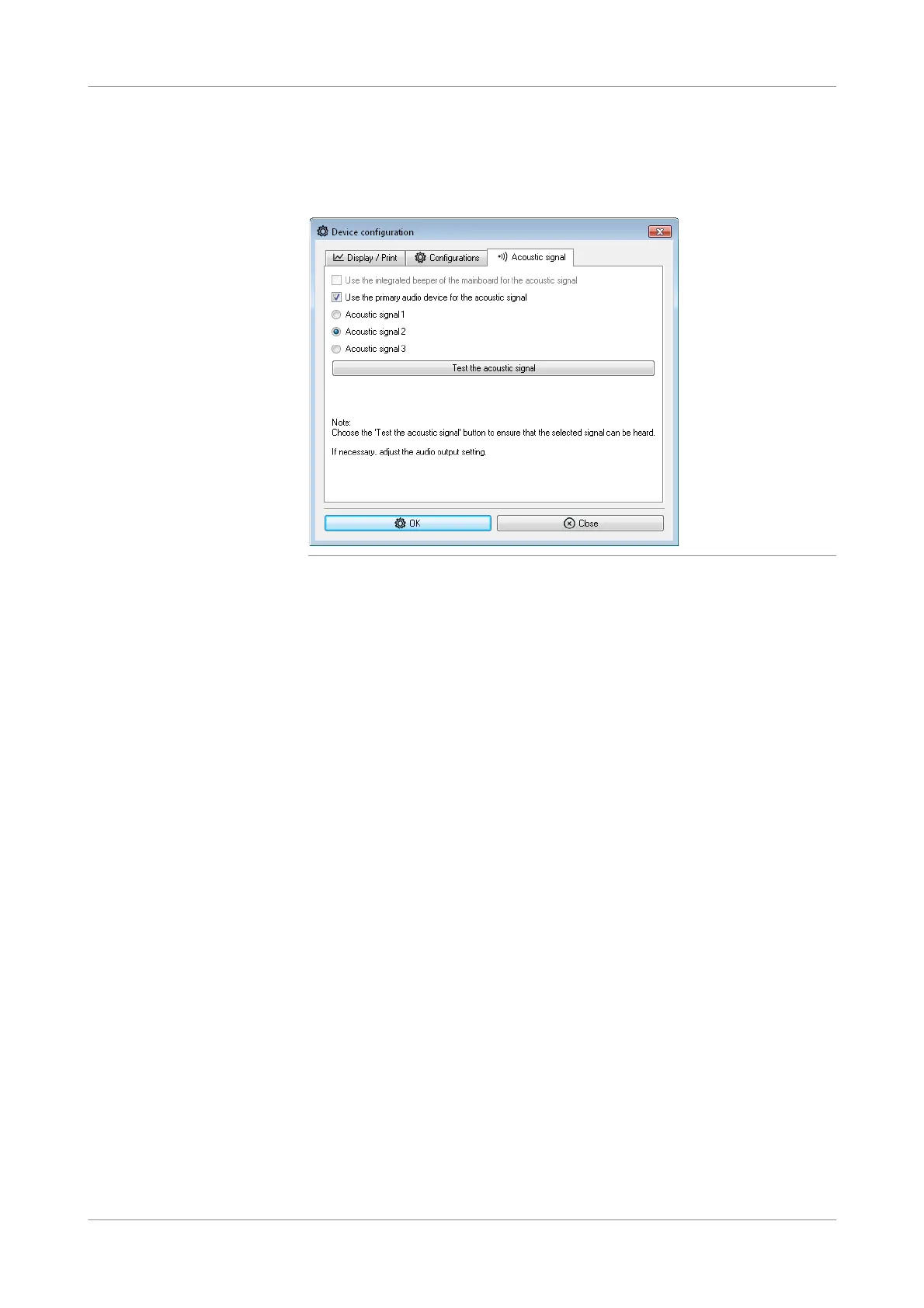
Figure 6-10 Acoustic signal tab
Use the integrated beeper of the
mainboard for the acoustic sig nal
Do not change the default setting.
The availability of this option depends on the hardware revision of your analyzer.
Use the primary audio device for
the acoustic signal
Do not change the default setting.
Acoustic signal 1
Acoustic signal 2
Acoustic signal 3
Select one of the signals and choose the Test the a coustic signal button to test that
the signal is loud enough. Adjust the audio output settings if the signal is too low.











 To Next Page