Roche Diagnostics
180 Operator’s Manual · Version 3.0
7 Maintenance Multiplate® analyzer
Maintenance and cleaning of the electronic pipette
21
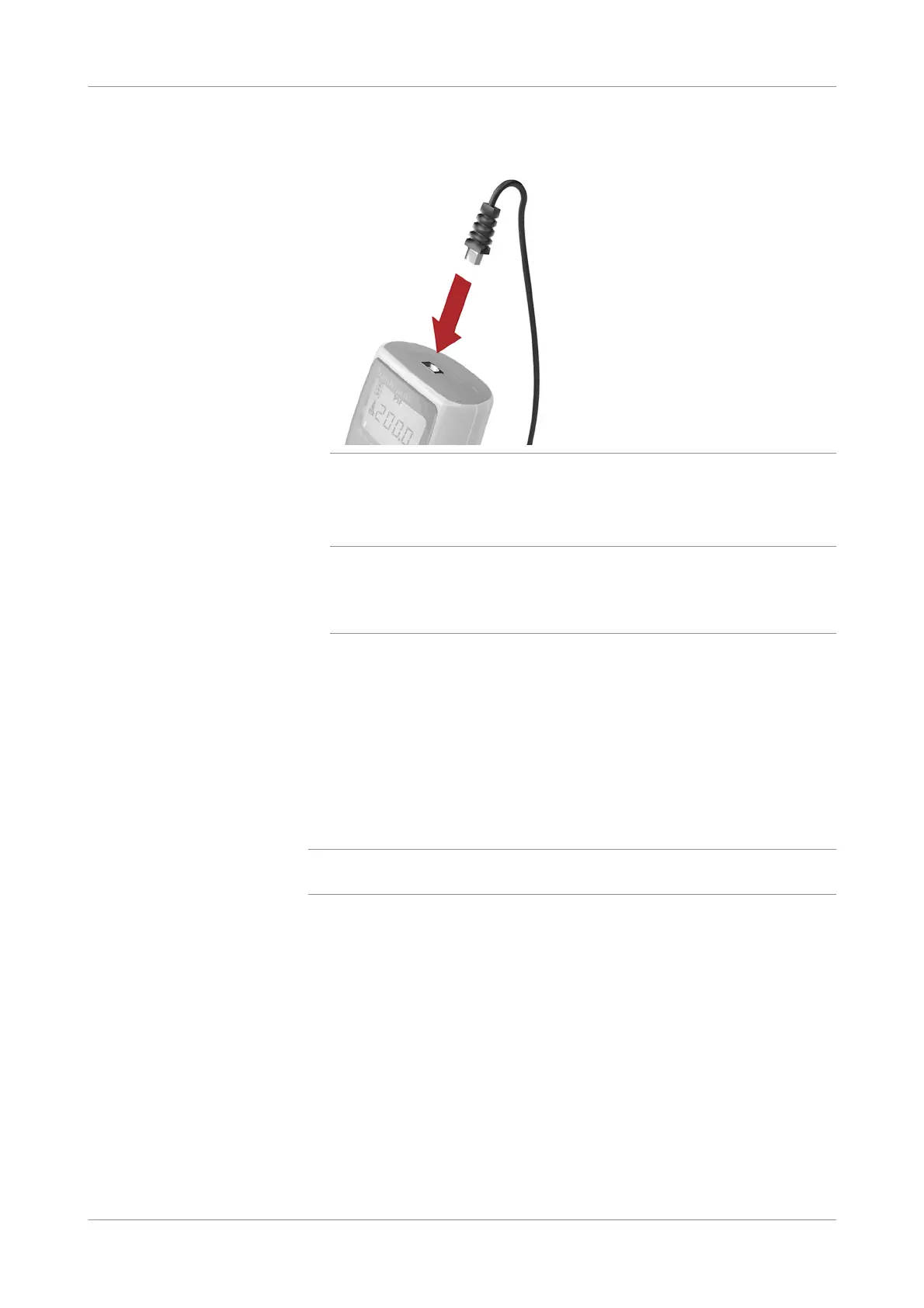
Plug the pipette cable into the electronic pipette.
Figure 7-24 Connecting pipette
22
Start the analyzer.
u See Star ting the analyzer (p. 102)
q
Switching on the analyzer activates the display of the electronic pipette and a
countdown procedure (from 9 to 0) is performed. bLo is displayed in the display of the
electronic pipette.
During this procedure, do not press any button on the electronic pipette.
When the Process measurement series window is displayed, the electronic
pipette initializes and is ready for use.
s
Performing a reference run
Reference runs are performed to ensure the proper functioning of the pipette after
battery replacement or after the pipette has been disassembled.
q
Reference runs are performed while the electronic pipette is disconnected from the
analyzer.
p To perform a reference run
1
If necessary, shut down the analyzer and disconnect the pipette cable from the
electronic pipette.
u See Shutting down the analyzer (p. 145)











 To Next Page