Roche Diagnostics
132 Operator’s Manual · Version 3.0
5 Operation Multiplate® analyzer
Result handling
Viewing detailed measurement data
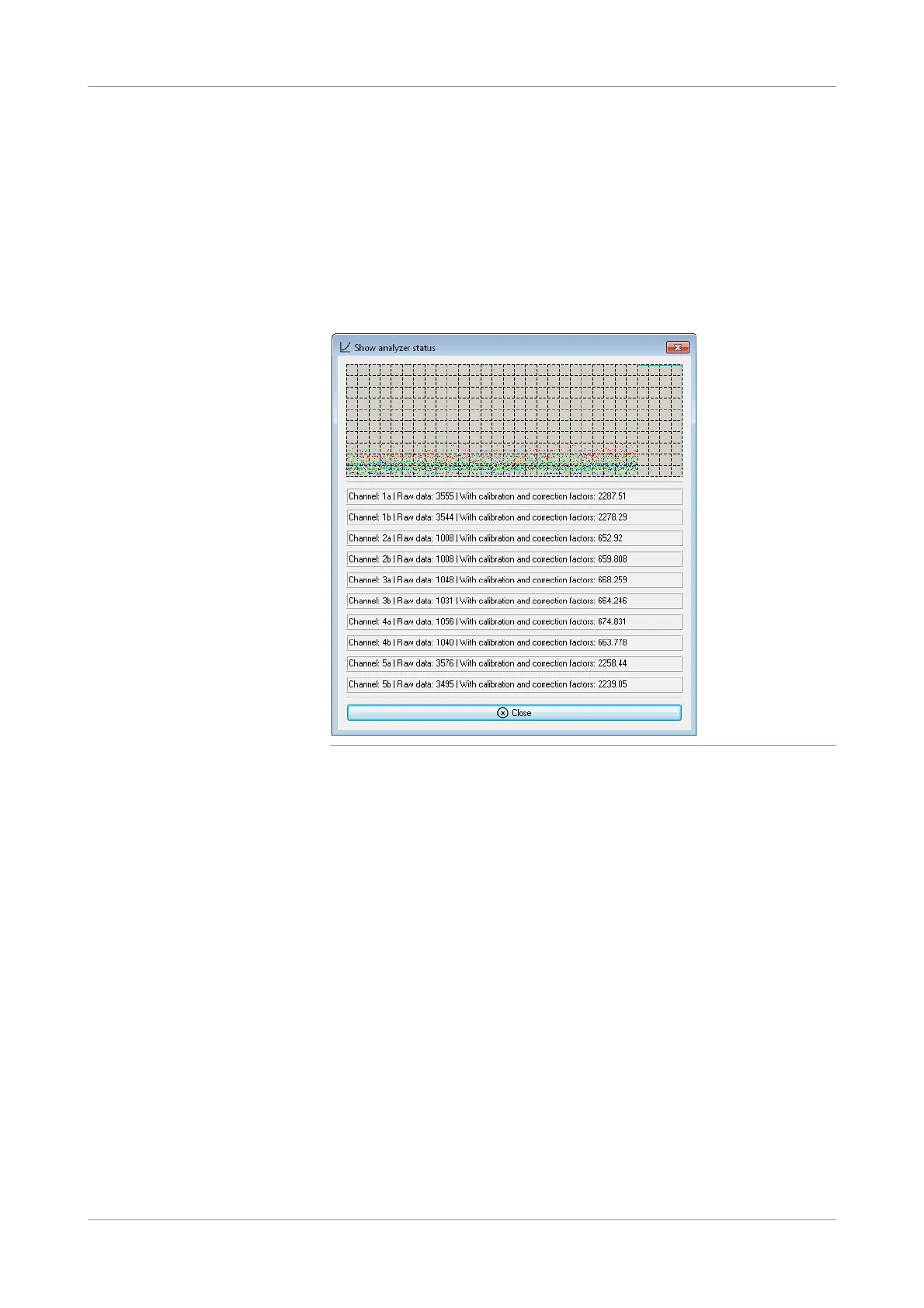
You can view the current measurement raw data with calibration and correction
factors for all channels.
p To view the raw data of the current measurements
1
Choose Tools > Show analyzer status.
The Show analyzer status window is displayed with detailed data for all channels.
Figure 5-46 Show analyzer status window
2
Choose the Close button.
s











 To Next Page