Roche Diagnostics
Operator’s Manual · Version 3.0 141
Multiplate® analyzer 5 Operation
Multiplate system control
Data alarms
Data alarms are displayed when internal checks fail during the measurement. This
includes internal control measurements which are performed for each measurement
when Enable data alarm is activated (Configuration >Configure data alarms).
WARNING
Incorrect results due to disabled data alarms or changed internal control
parameters
Data alarms and their internal control parameters are an integral part of the quality control.
system. They ensure that irregular measurements are flagged and appropriate actions can
be taken.
r For patient measurements, data alarms must be enabled to ensure safe usage of the
analyzer.
r For patient measurements, do not change the default values of internal control
parameters.
r Disabling data alarms or changing the default values of internal control parameters
should only be done for research use and requires a level 2 password.
Dealing with failed internal control measurements
The precision and correlation of duplicate sensor measurements are monitored
electronically. The checks monitor the correlation coefficient of the two single sensor
measurements (CC), and the deviation from the mean (DIF).
p To deal with a failed internal control measurement
1
If a measurement does not pass the one or both of the criteria, this is indicated in
the Patient ID box and in the graphic window. The result of the checks (CC and
DIF) is shown at the bottom of the channel display.
2
Choose the button over the graphic.
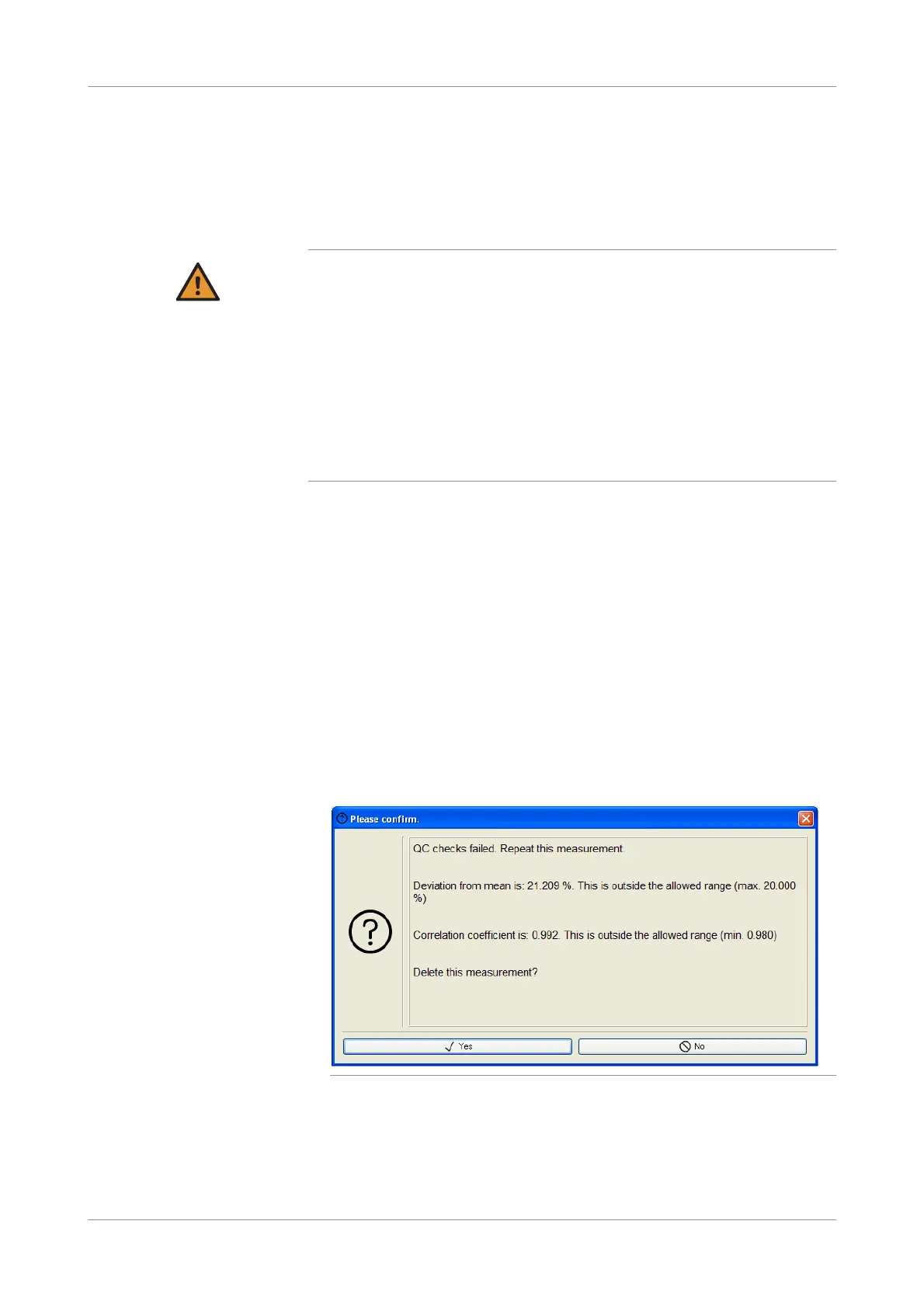
An information window is displayed, and the graphic window of the related
channel shows the measurement curve instead of the button.
Figure 5-52 Detailed information on a failed measurement











 To Next Page