Roche Diagnostics
Operator’s Manual · Version 3.0 157
Multiplate® analyzer 6 Configuration
Changing the language
Changing the language
The software is available in at least 10 different languages. For the availability of
languages that are not listed below, contact your Roche Service representative.
WARNING
Incorrect results due to wrong test parameters after a language change
All test parameters are language dependent. Therefore, when changing the language, all
test parameters will change, too.
r Carefully check all test parameters after changing the language to make sure that they
are correct. User defined tests are language dependent, too and must be reentered
after a language change.
p To change the language
1
Choose Configuration > Select language.
2
Enter the level 1 or level 2 password.
3
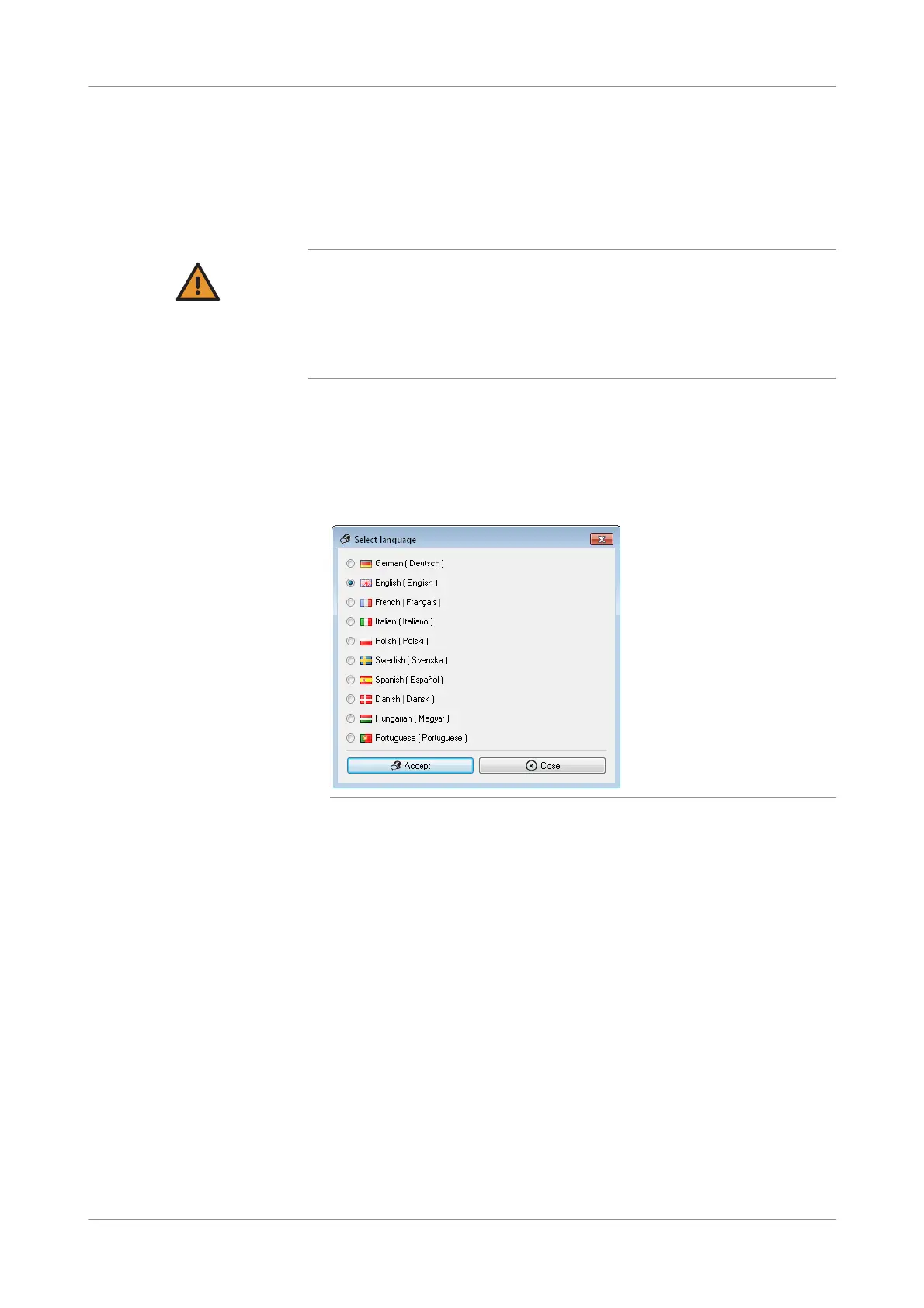
Select the desired language.
Figure 6-11 Selecting the language
4
Choose the Accept button.
The new language is activated immediately. It is not necessary to restart the
software.
s











 To Next Page