Roche Diagnostics
172 Operator’s Manual · Version 3.0
7 Maintenance Multiplate® analyzer
Maintenance and cleaning of the electronic pipette
After connecting the pipette cable, the battery must be fully charged, when it is
used for the first time. Charging is done automatically when the pipette is
connected to the analyzer and the analyzer is switched on. The charging time can
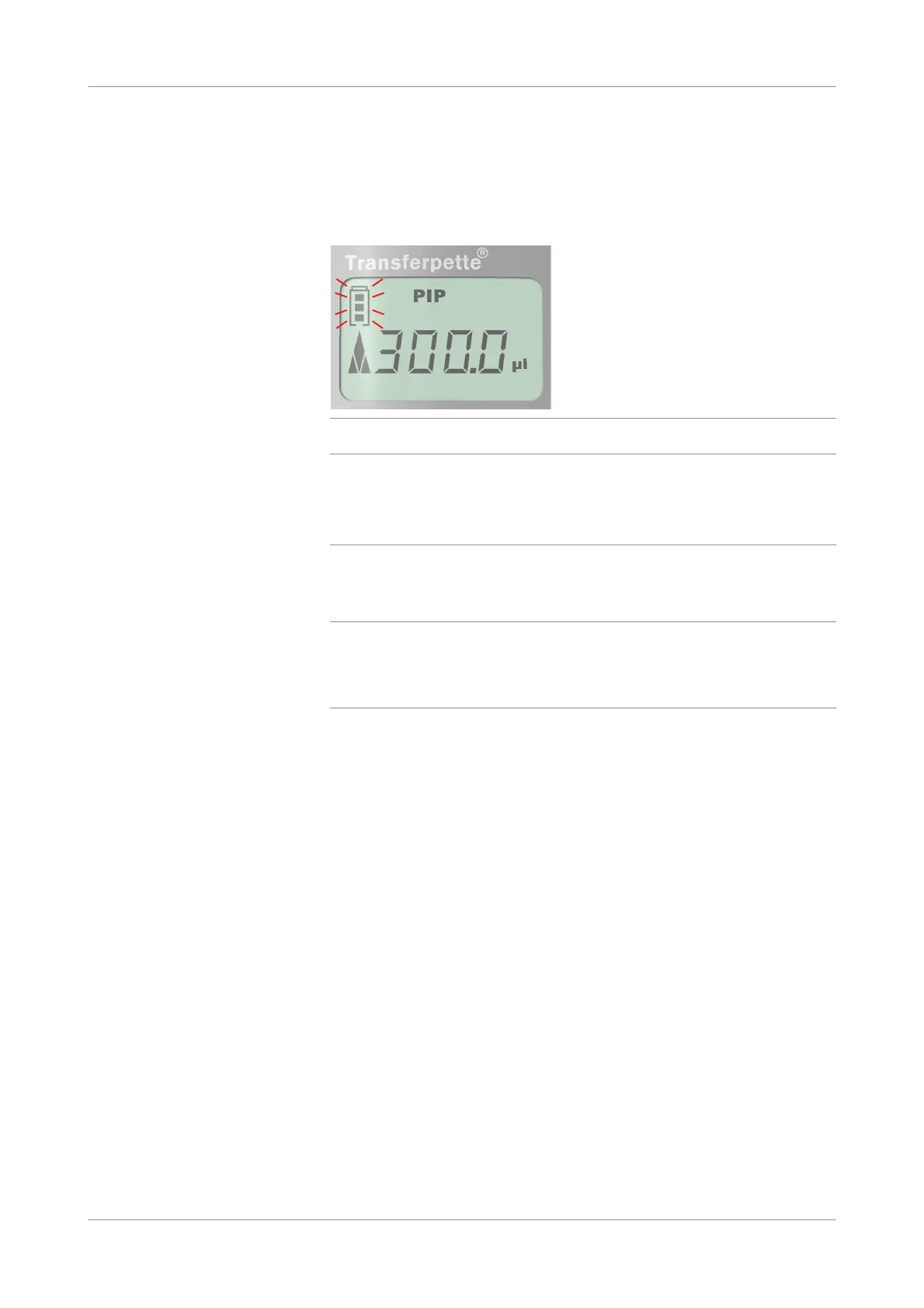
be up to 3.5 hours. At the end of the charging, the battery icon on the display
stops flashing.
Figure 7-7 Display with battery icon flashing while charging
NOTICE
Pipette not working properly due to not fully charged new battery
If the pipette is not charged completely after inserting a new battery, the pipette might
not work properly.
r Always fully charge the battery when a new battery is used the first time.
9
Start the analyzer.
u See Star ting the analyzer (p. 102)
q
Switching on the analyzer activates the display of the electronic pipette and a
countdown procedure (from 9 to 0) is performed. bLo is displayed in the display of the
electronic pipette.
During this procedure, do not press any button on the electronic pipette.
When the Process measurement series window is displayed, the electronic
pipette initializes and is ready for use.
s
Cleaning the electronic pipette
In order to assure proper functioning, the electronic pipette should be cleaned at
regular intervals.
p To clean the electronic pipette
1
Shut down the analyzer.
u See Shutting down the analyzer (p. 145)











 To Next Page