Roche Diagnostics
126 Operator’s Manual · Version 3.0
5 Operation Multiplate® analyzer
Performing a measurement
Exporting results
You can accumulate multiple results in one table. The measurement data for a
definable period of time can be exported as XML (Extensible Markup Language) files.
These data can then be edited for example in Microsoft Excel or OpenOffice Calc.
q
It is not recommended to export all measurements at once. Select a start and end date in
the calendar and export only the selected time frame. Exporting all measurements at once
could take very long!
p To export results
1
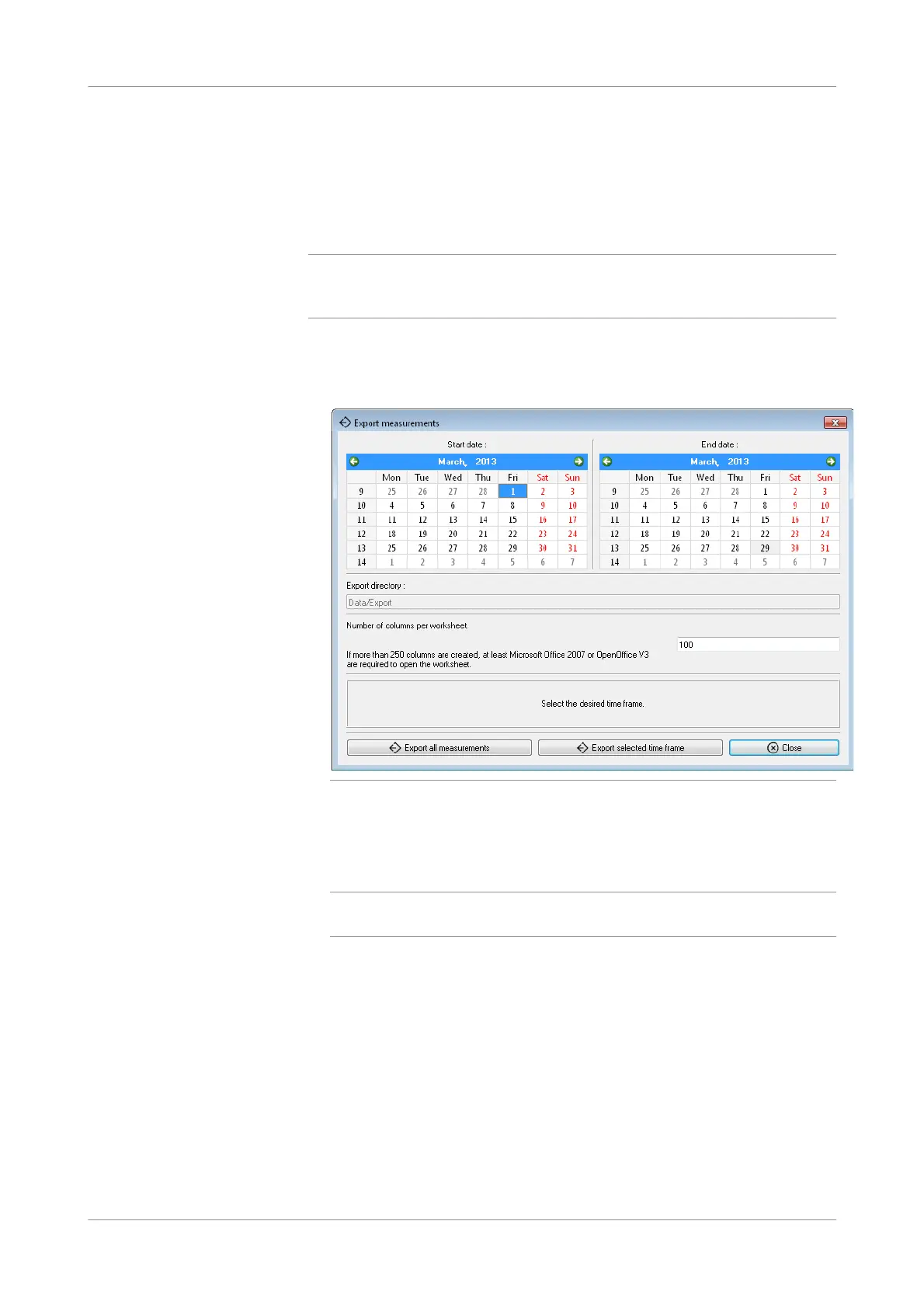
Choose Tools > Export measurements.
Figure 5-37 Selecting data for export
2
Define the start and end date of the period for which you want to export the result
data.
3
Enter the number of columns in a worksheet.
q
The calendar is displayed in the language selected in the regional settings of the
Windows operating system.











 To Next Page