Roche Diagnostics
78 Operator’s Manual · Version 3.0
4 Software Multiplate® analyzer
Menu options
Clear channels
f Measurements > Clear channels
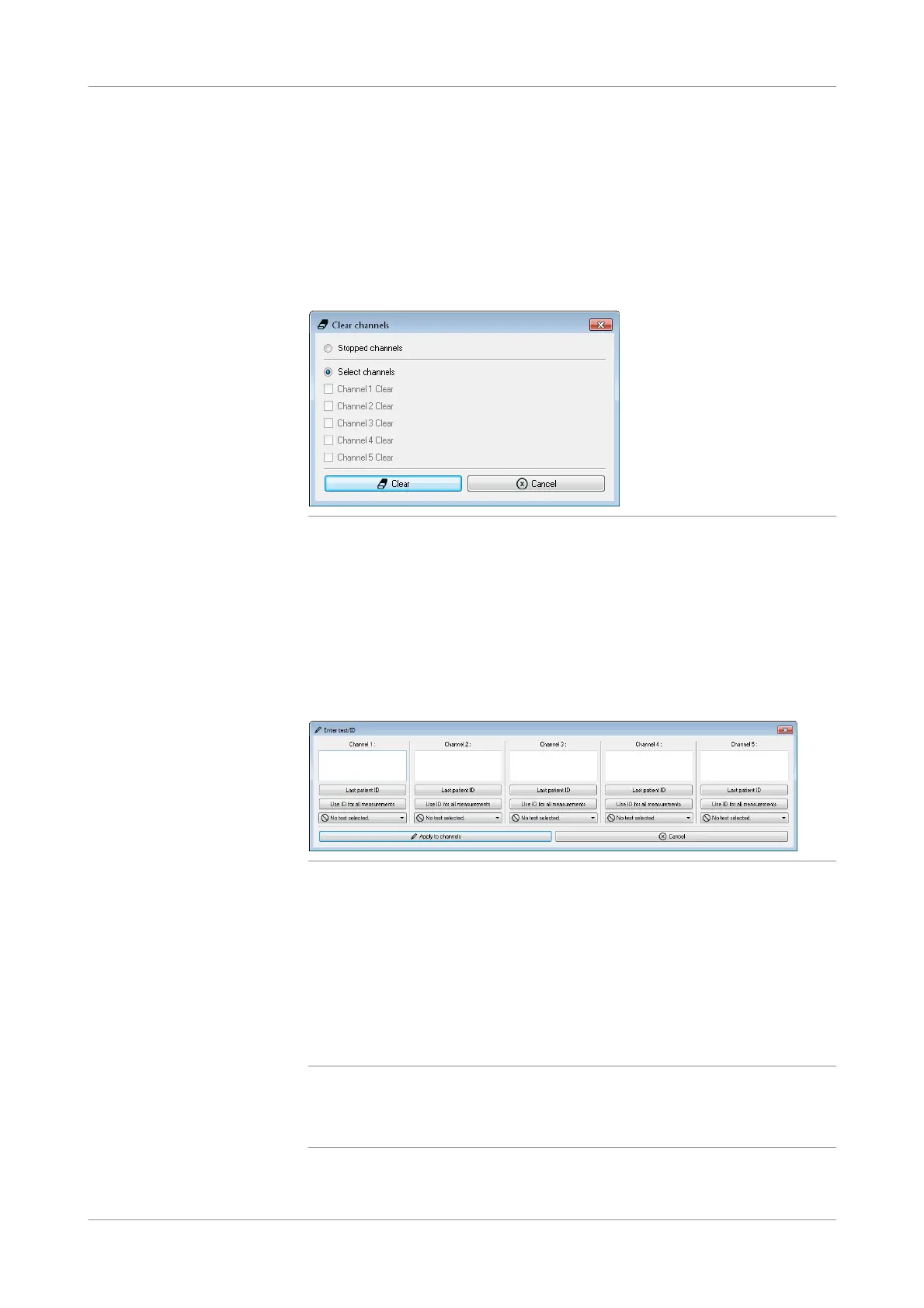
Use C lear channels to delete all information associated with a channel. You need to
clear channels that contain stopped measurements before you can start a new
measurement.
Select individual stopped channels, or use Stopped channels to clear all stopped
channels.
Figure 4-13 Clear channels window
Enter test/ID
f Measurements > Enter test/ID
Use this function to enter a patient ID and assign a test when working with manual
pipetting. Do this after you have started the measurement.
This function can also be used for changing the patient ID during or after
measurement. Entries can be changed for each channel separately.
Figure 4-14 Enter test/ID window
To enter patient IDs do one of the following:
o Enter the patient ID individually for each channel.
o To reuse the last ID, choose the Last patient ID button.
o To use the entered patient ID for all free channels, choose the Use ID for all
measurements button.
Choose the Apply to channels button to confirm your definitions. These details are
assigned to the channel information panel of each changed channel.
q
Every measurement is saved as a file (see Data folder (p. 130)) and the patient ID is added
to the file name of this measurement. The Windows operating system does not support all
characters in file names, therefore, do not use the following characters in patient IDs: /, \,
?, ", ', |, :, *, <, >, return and tabulator.











 To Next Page