Roche Diagnostics
Operator’s Manual · Version 3.0 81
Multiplate® analyzer 4 Software
Menu options
Worklist
Measurements > Worklist
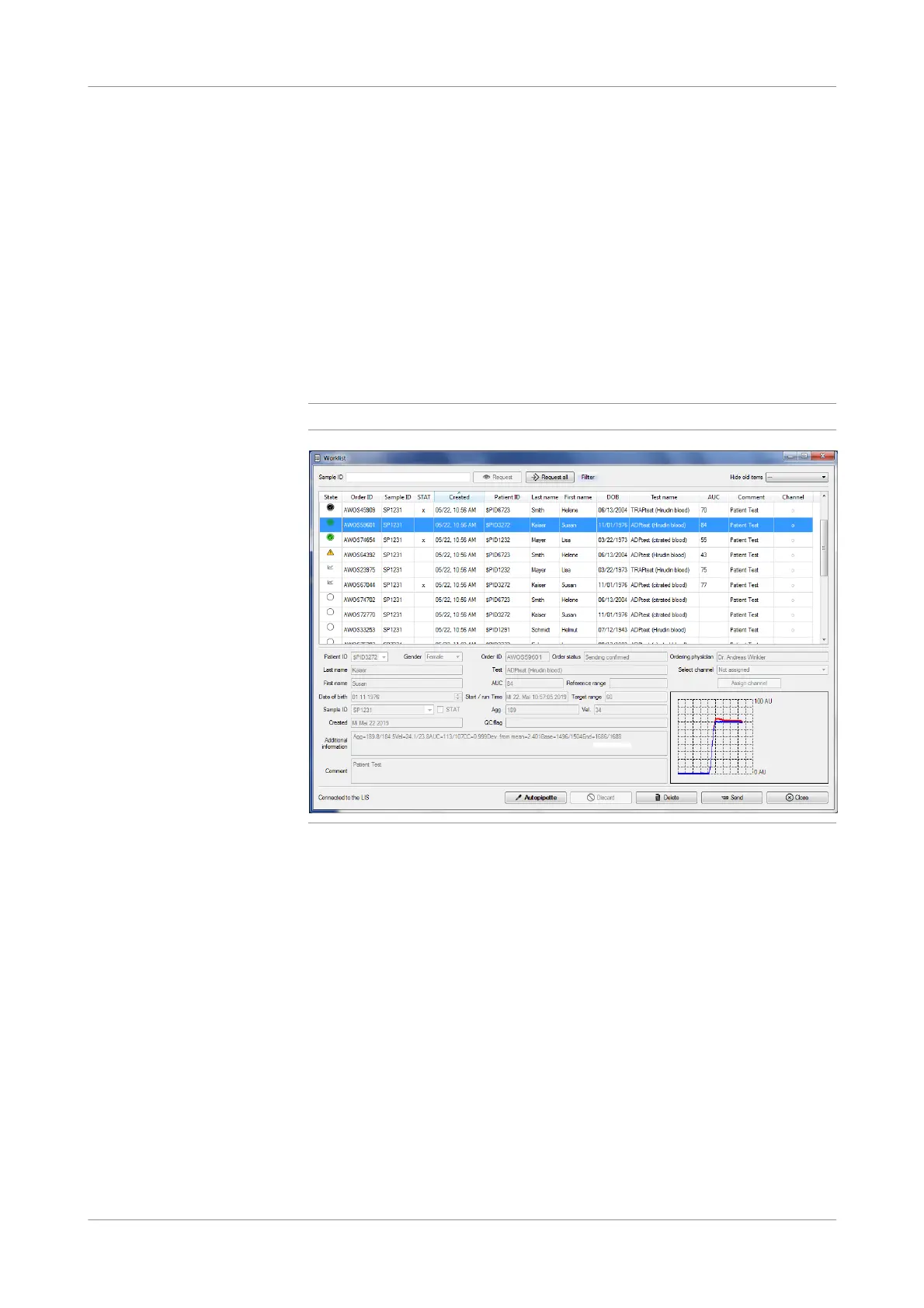
The Worklist window is used when the analyzer is connected to an LIS.
Use the worklist to do the following:
o Download orders from the LIS.
o Assign orders to channels.
o Start autopipette measurements.
o Upload results to the LIS.
o Manage orders.
Manually created measurements are also listed in the worklist.
q
The Worklist window can be closed at any time, even if a measurement is running.
Figure 4-18 Worklist window
Download and filter orders In the upper part of the window you can download orders from the LIS and filter the
downloaded orders.
o To download the orders for a single sample ID, enter the Sample ID and choose
the Request button.
o To download all currently available orders from the LIS, choose the Request all
button.
You can filter the worklist using the following filter criteria:
o Status
o Sample ID
o Patient
o Test name
Use the Hide old items drop-down list to hide orders in the worklist that are older
than a specified time (1, 2, 5, or 7 days).











 To Next Page