Roche Diagnostics
80 Operator’s Manual · Version 3.0
4 Software Multiplate® analyzer
Menu options
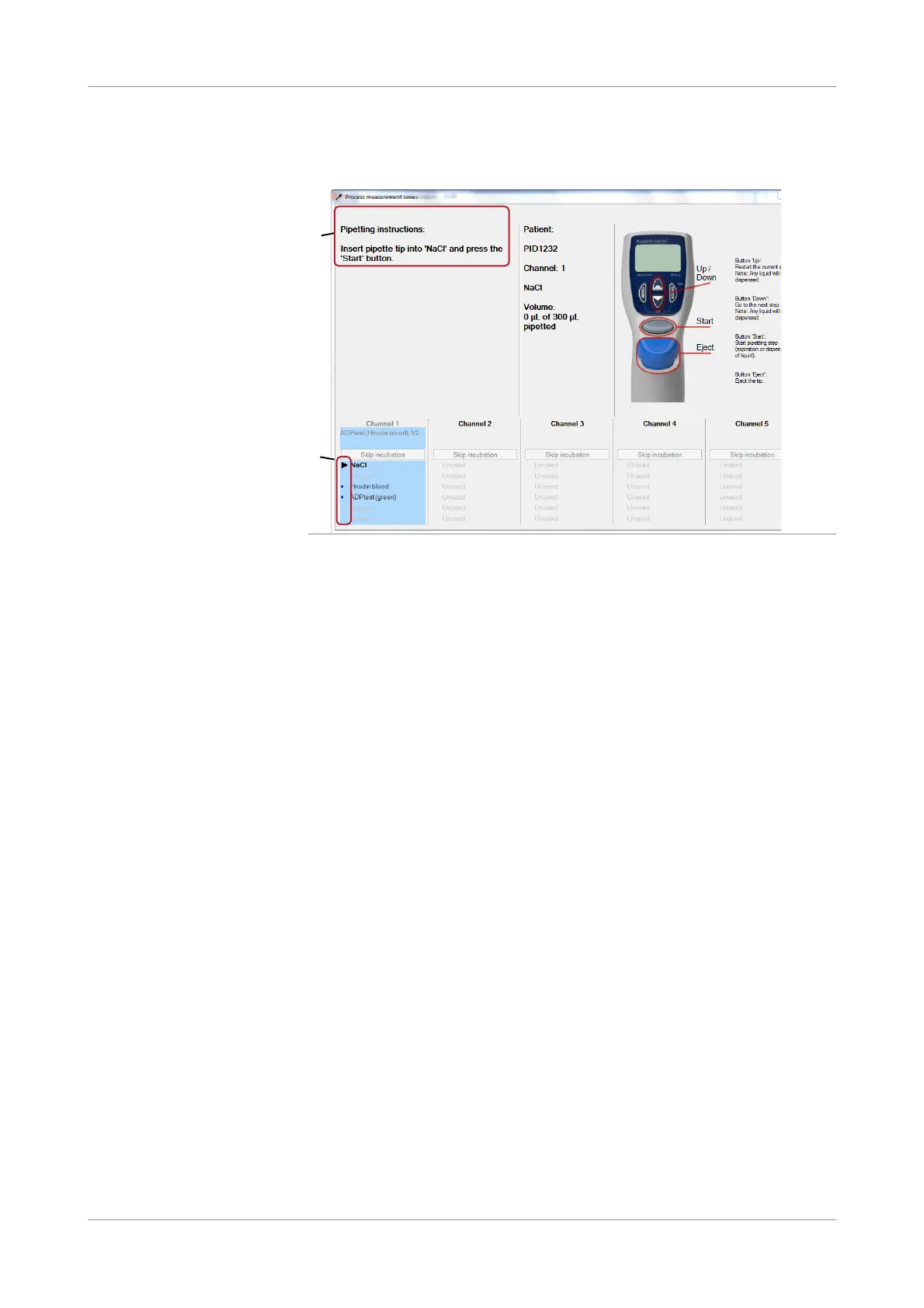
Process me asurement series This screen provides an overview of the current processing and it also provides
instructions on how to proceed.
Figure 4-17 Process measurement series window
The right part of the window explains basic pipette operating instructions. The
Pipetting instruction panel (A) contains instructions on how to proceed. The lower
part shows the individual pipette steps for each channel. An arrow indicates the
current pipette step (B). Subsequent steps are marked with a dot, executed steps with
a tick.
To perform the current pipette command press the Start button on the electronic
pipette, the next step is displayed (A, B).
A
B











 To Next Page