Roche Diagnostics
142 Operator’s Manual · Version 3.0
5 Operation Multiplate® analyzer
Multiplate system control
3
Do one of the following:
o Choose the Yes button to instantly clear the channel. The measurement is still
saved but deleted is added to its filename.
or,
o Choose the No button to record the result.
The correlation and precision values are also indicated in the printout of the
measurements. (This is only the case if Additional information on the printout
is enabled in Configuration > Edit analyzer configuration.)
u See Configuring the analyzer (p. 152).
s
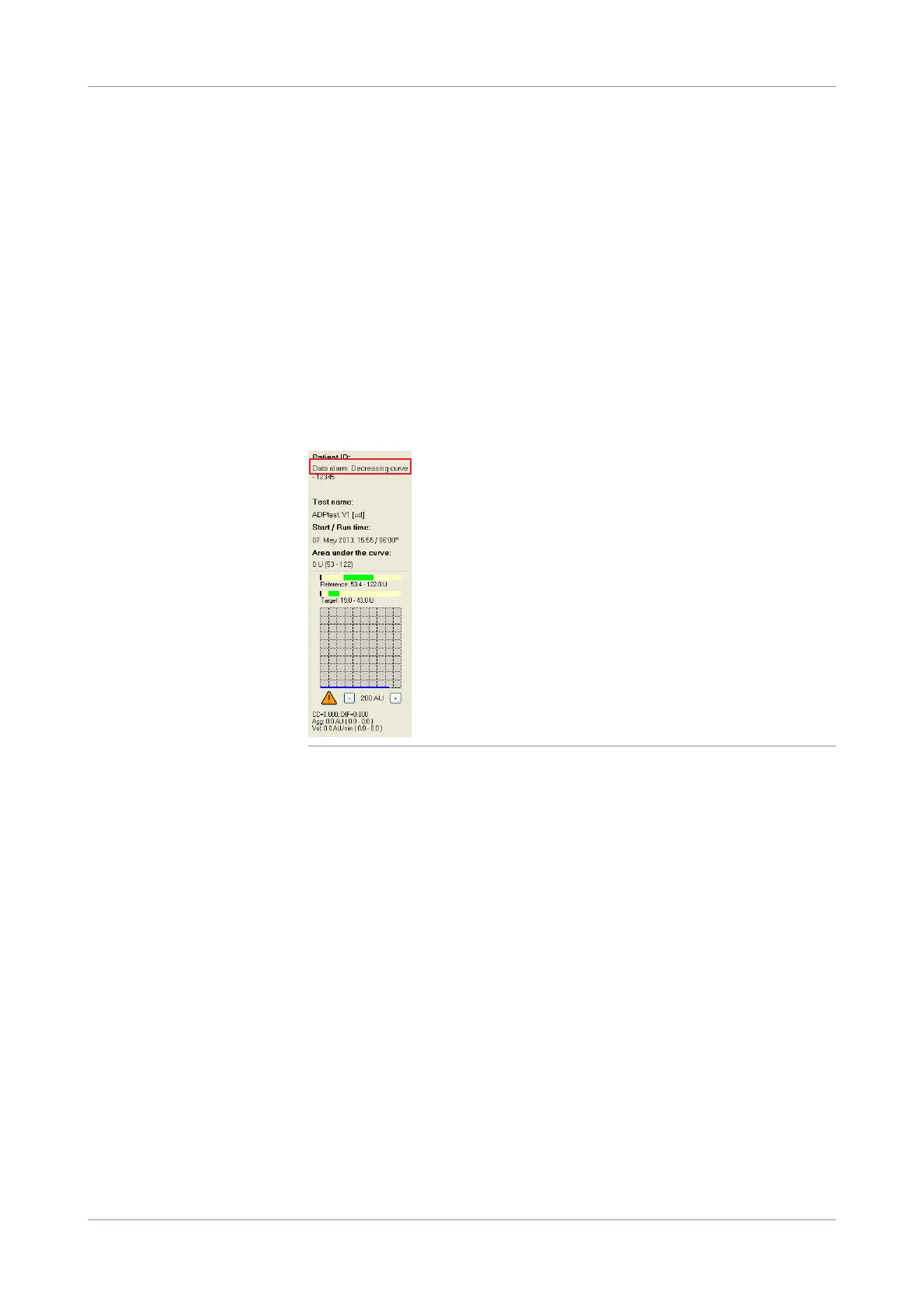
Data alarm display
Data alarms are shown in the Patient ID panel after the measurement is completed.
Figure 5-53 Data alarm display
The following data alarms can occur.











 To Next Page