Roche Diagnostics
Operator’s Manual · Version 3.0 91
Multiplate® analyzer 4 Software
Menu options
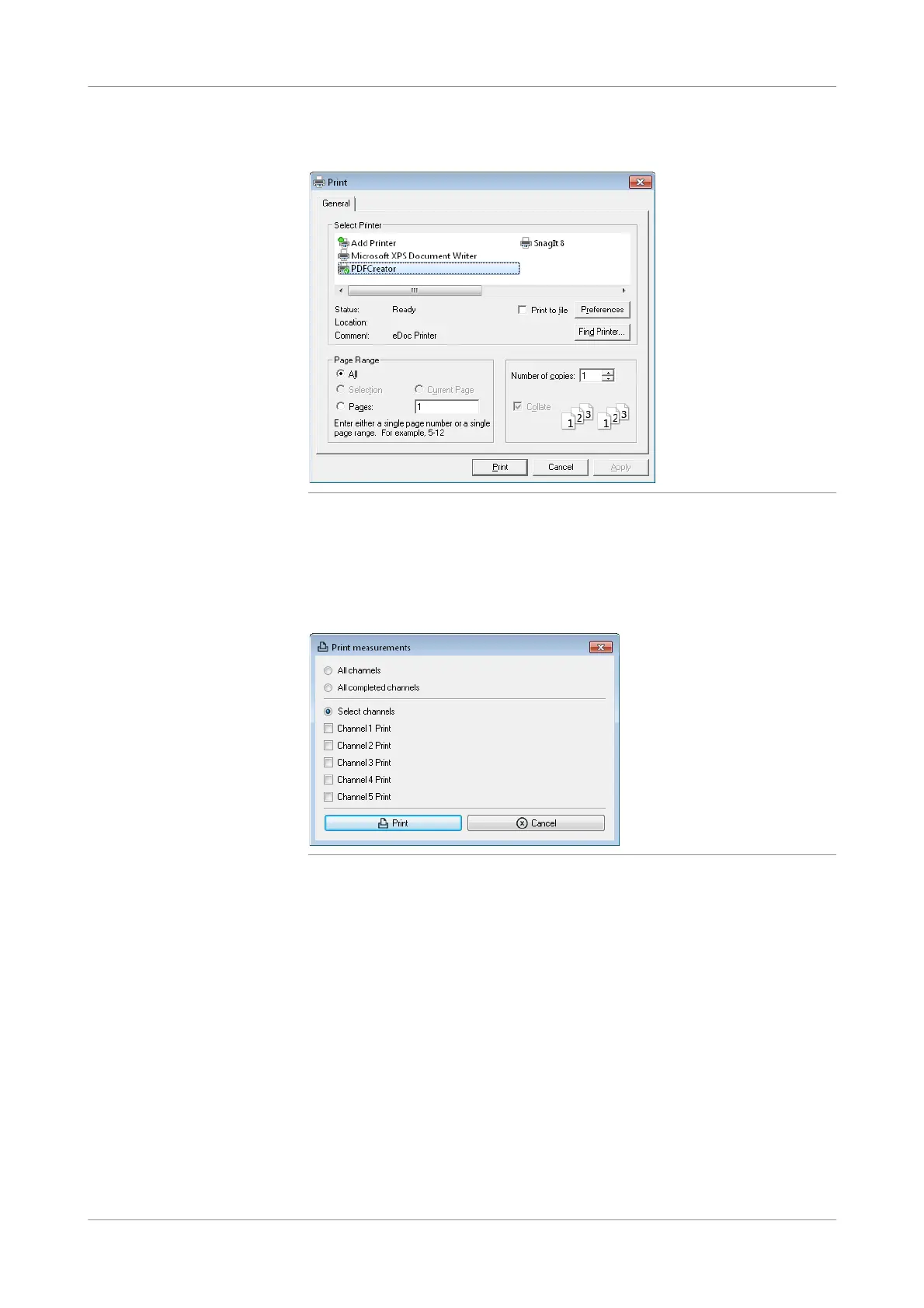
Select the printer and choose the Print button to confirm the selection.
Figure 4-28 Print window
Print
f Print > Print
Use this function to print the current results of selected channels.
Figure 4-29 Print measurements window
Select the channels whose results you want to print, then choose the Print button.
Print screenshot
f Print > Print screenshot
Use this function to print a copy of the currently displayed screen. The resulting
printout is horizontal, reduced to 90% and centered.
Print test page
f Print>Printtestpage
Use this function to print a test page on the printer.
Roche recommends to periodically check the printing function and the quality of the
printout by printing a test page.











 To Next Page