Roche Diagnostics
52 Operator’s Manual · Version 3.0
2 Installation Multiplate® analyzer
Verifying the installation
2
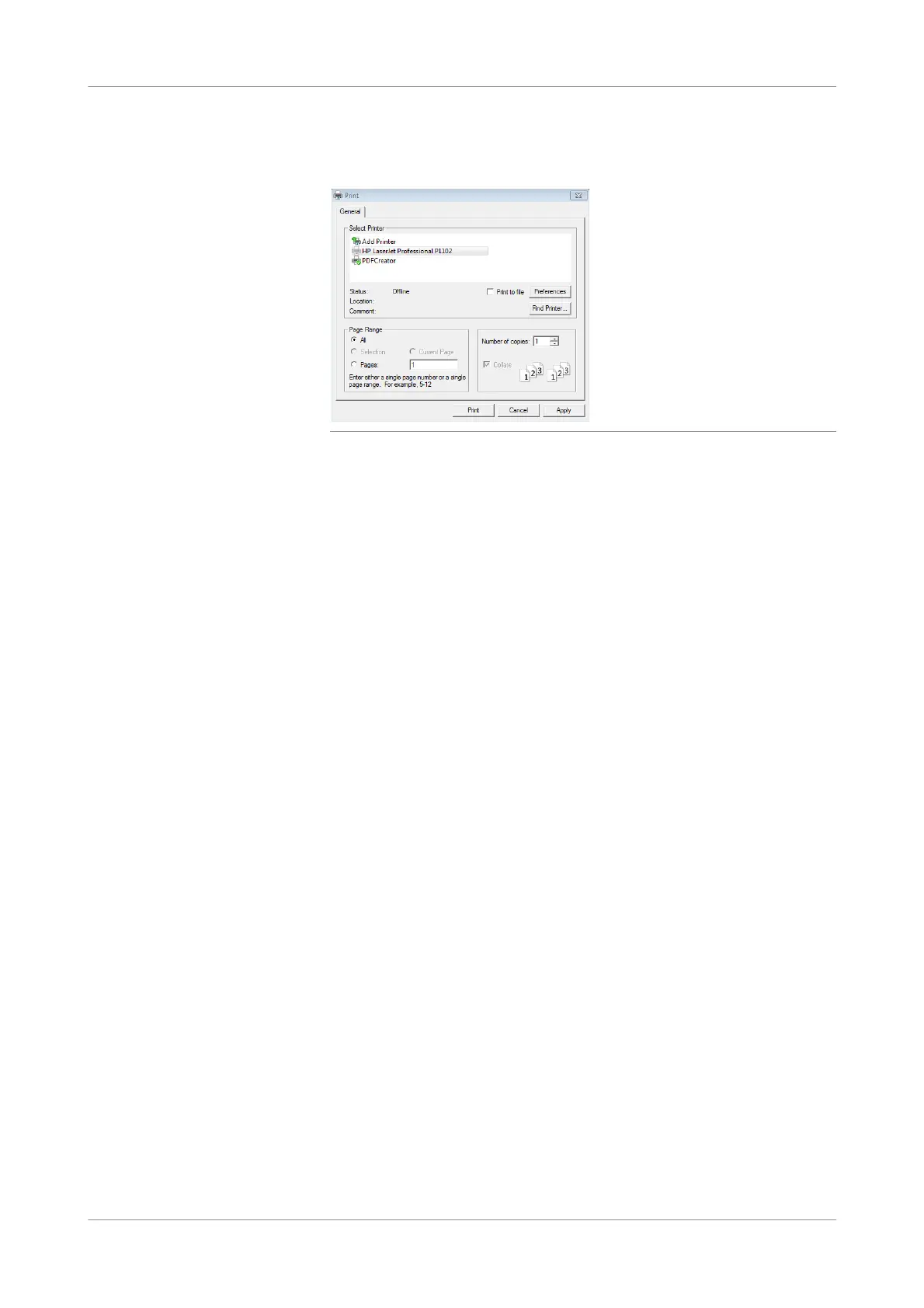
Select the printer you have just installed (e.g. HP LaserJet Professional P1102)
and choose the Print button to confirm it.
Figure 2-35
3
Choose Print > Printtestpage to check if the selected printer is working.
s
Verifying the installation
After installation it is mandatory to perform an electronic control measurement. The
electronic control measurement must be passed successfully.
u See Electronic control mea surements (p. 138)











 To Next Page