Roche Diagnostics
Operator’s Manual · Version 3.0 83
Multiplate® analyzer 4 Software
Menu options
u See LIS configuration (p. 95)
It is possible to send results from manually created measurements to the LIS. To do
this, you must assign a patient ID and a sample ID to the measurements before
sending.
Use the Discard button, to discard an order and send it without results to the LIS
because, for example, the sample is clotted and no measurement is possible.
Manage orders To permanently remove orders from the worklist, choose the Delete button. You can
only delete new orders and orders with results that are already sent to the LIS.
Results are not deleted. Results of deleted orders (graphics and XML files) can still be
accessed in the data folders.
u See Data folder (p. 130)
Switch curve mode
f Measurements > Switch curve mode
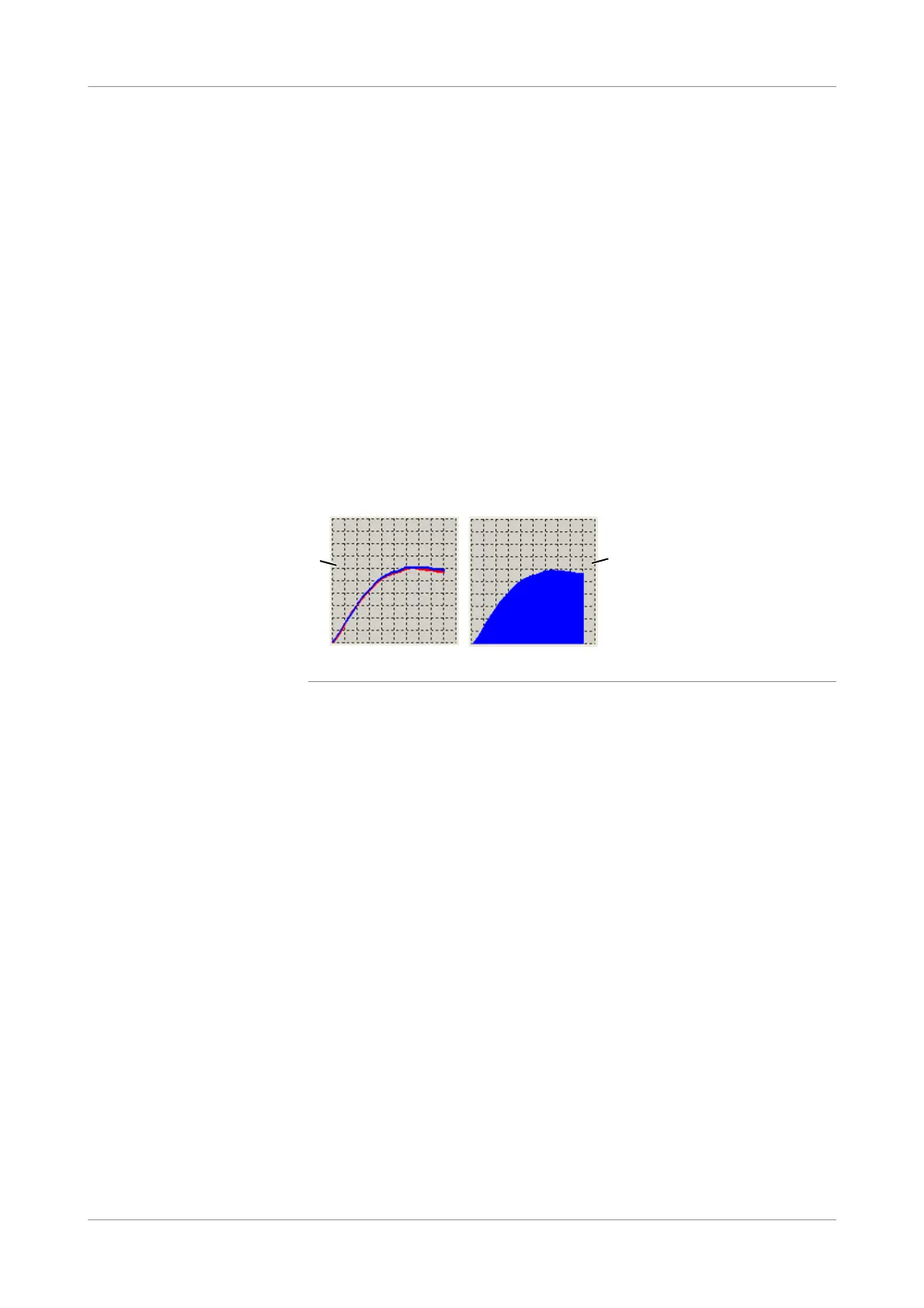
Use this function to switch the curve mode from overlapped to filled and vice versa.
Figure 4-19 Display formats for the aggregation signal
A Overlapped curve B Filled curve
A B











 To Next Page