Roche Diagnostics
76 Operator’s Manual · Version 3.0
4 Software Multiplate® analyzer
Menu options
Menu options
The following sections provide information on the various options that are available
from the menus in the menu bar.
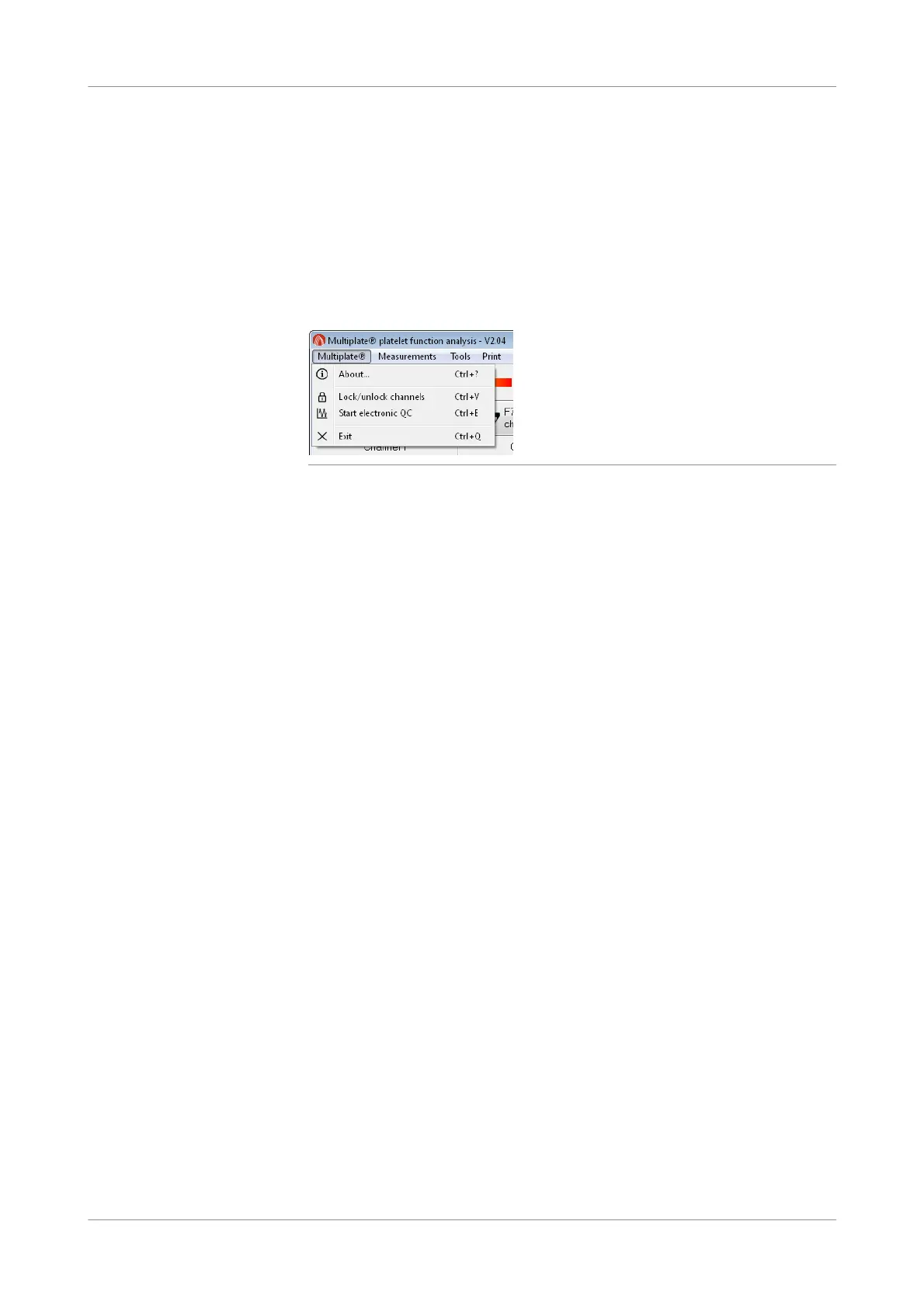
Multiplate menu
Figure 4-9 Commands in the Multiplate menu
About
f Multiplate > About
Displays copyright, licensing, and trademark information.
Lock/unlock channels
f Multiplate > Lock/unlock channels
Use this option to lock or unlock individual channels in cases where they should not
be used for measurement. Locked channels are identified with a red cross in the
graphic window. A locked channel will be excluded automatically if tests are being
performed.
Start electronic QC
f Multiplate > Start electronic QC
The electronic control measurement is executed to ensure the validity of the
electronic parts of the measurement system. The electronic control measures a fixed
resistor that is internally connected to the parking positions of the 5 sensor cables.
Actual values from both sensors in each of the five channels are validated by
comparison with a reference value defined by Roche.
To ensure the validity of the measurement system, Roche recommends that an
electronic control measurement be performed before the first measurement of the
shift or in accordance with local standards.
Exit
f Multiplate > Exit
Use this function to close the program.











 To Next Page