Roche Diagnostics
Operator’s Manual · Version 3.0 93
Multiplate® analyzer 4 Software
Menu options
Change password (level 2)
f Configuration >Change password (level 2)
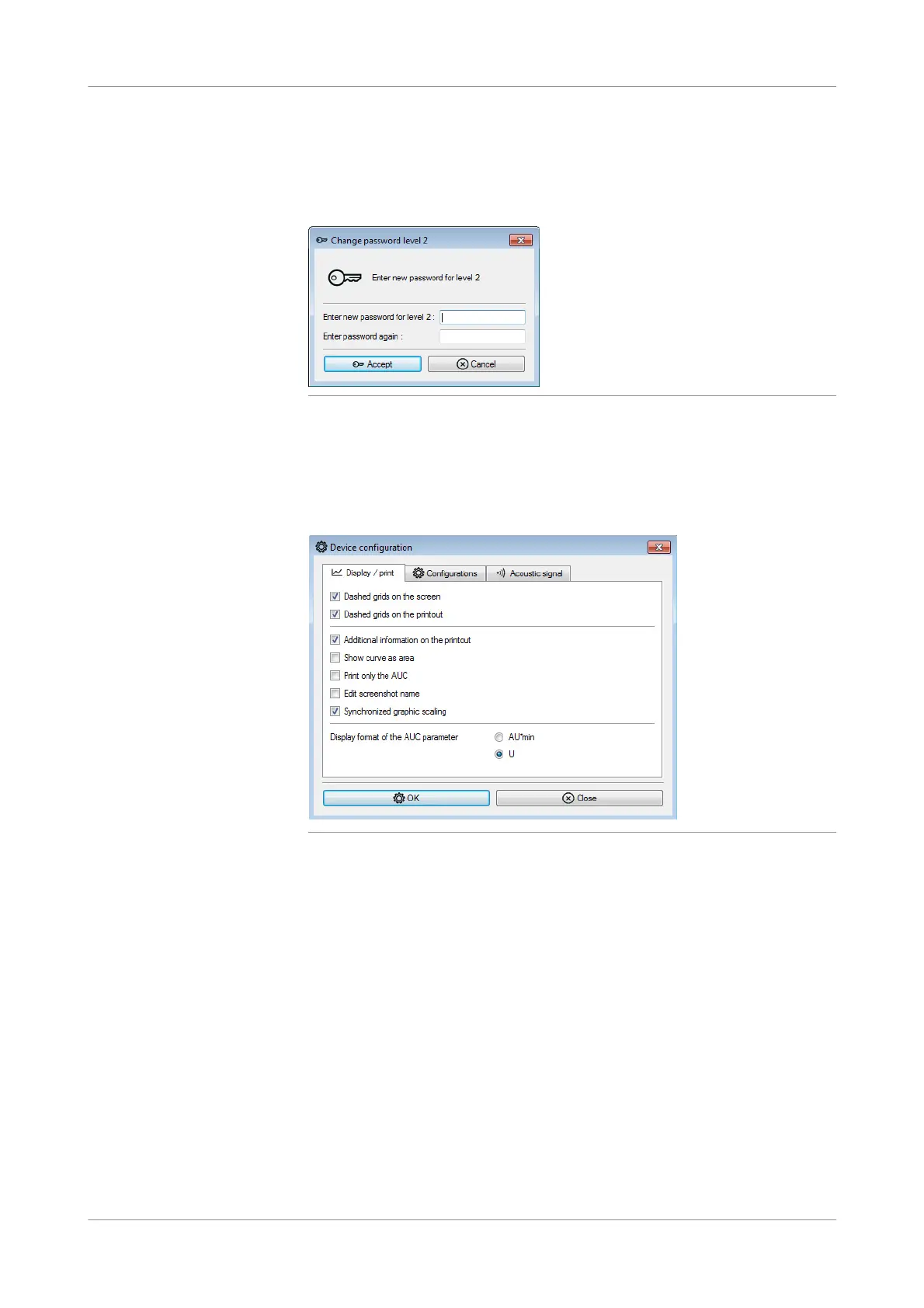
Use this function to change the level 2 password.
Figure 4-33 Change password (level 2) window
u Passwords (p. 149)
Edit analyzer configuration
f Configurati on > Edit analyzer configuration
Figure 4-34 Device configuration window
u See Configuring the analyzer (p. 152).











 To Next Page