Roche Diagnostics
118 Operator’s Manual · Version 3.0
5 Operation Multiplate® analyzer
Performing a measurement
15
Wait until the measurements are complete and saved. The status icons below the
graphic windows change and the runtime stops counting and shows 6'00''.
16
Print the result.
17
Clear the channels that contain measurements.
18
Disconnect the sensor cables from the test cells.
19
Remove the test cells and discard them according to the local regulatory
standards.
s
Stopping a measurement
Tests are automatically stopped after 6 minutes and test data are saved, both when
performing tests manually and with the help of the electronic pipette.
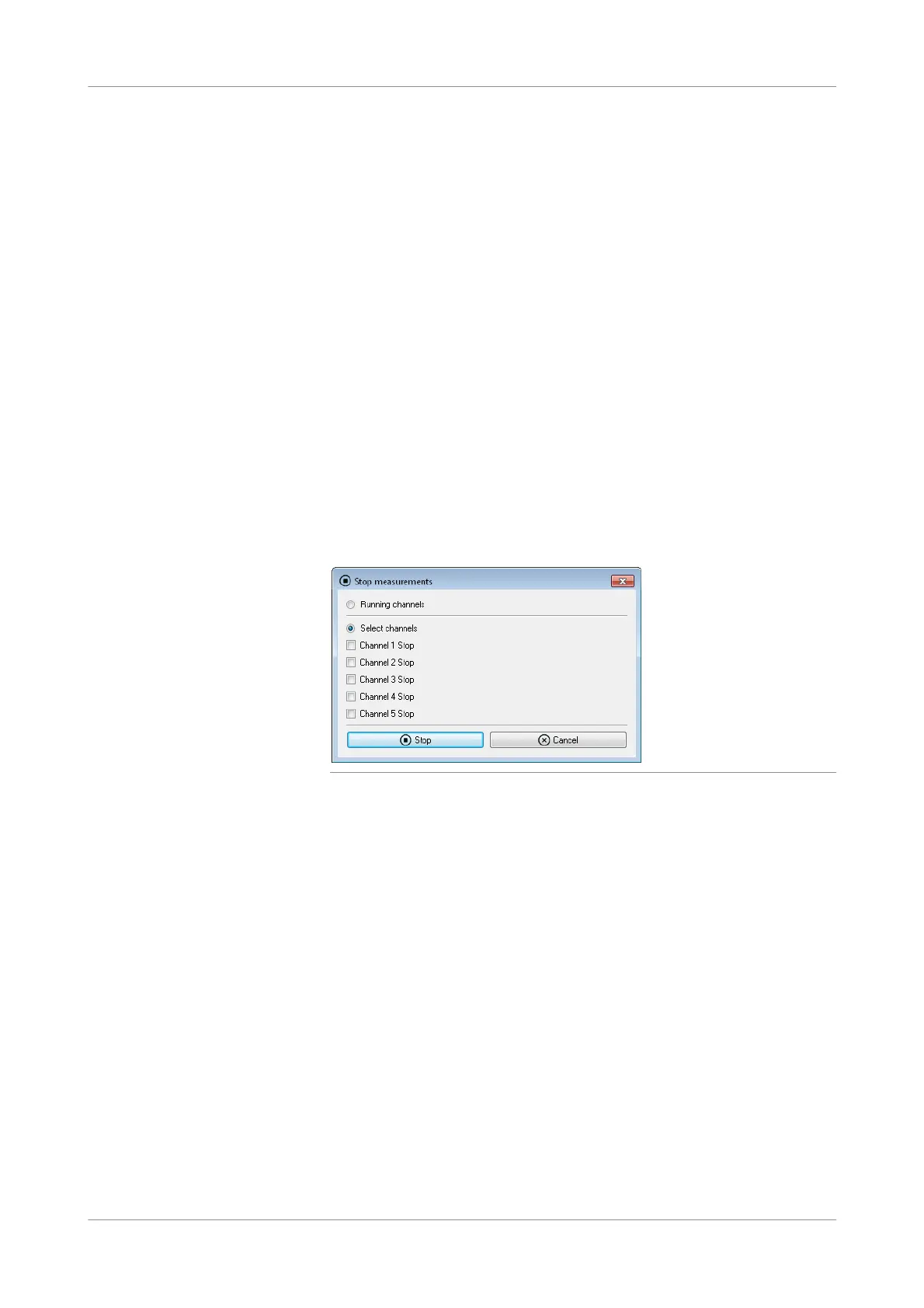
p To stop a measurement manually
1
Choose Measurements > Stop measurements.
The Stop measurements window is displayed.
Figure 5-27 Stopping measurements
2
Select the channel or channels for which you want to stop processing. Select
Running channels to select all channels on which measurements are being
performed.
3
Choose the Stop button.
The measuring process is stopped and the measurements are saved.
You can print these incomplete results, and to be able to perform new tests on the
affected channels you need to clear them (see To clear channels (p. 125)).
s











 To Next Page