Roche Diagnostics
Operator’s Manual · Version 3.0 115
Multiplate® analyzer 5 Operation
Performing a measurement
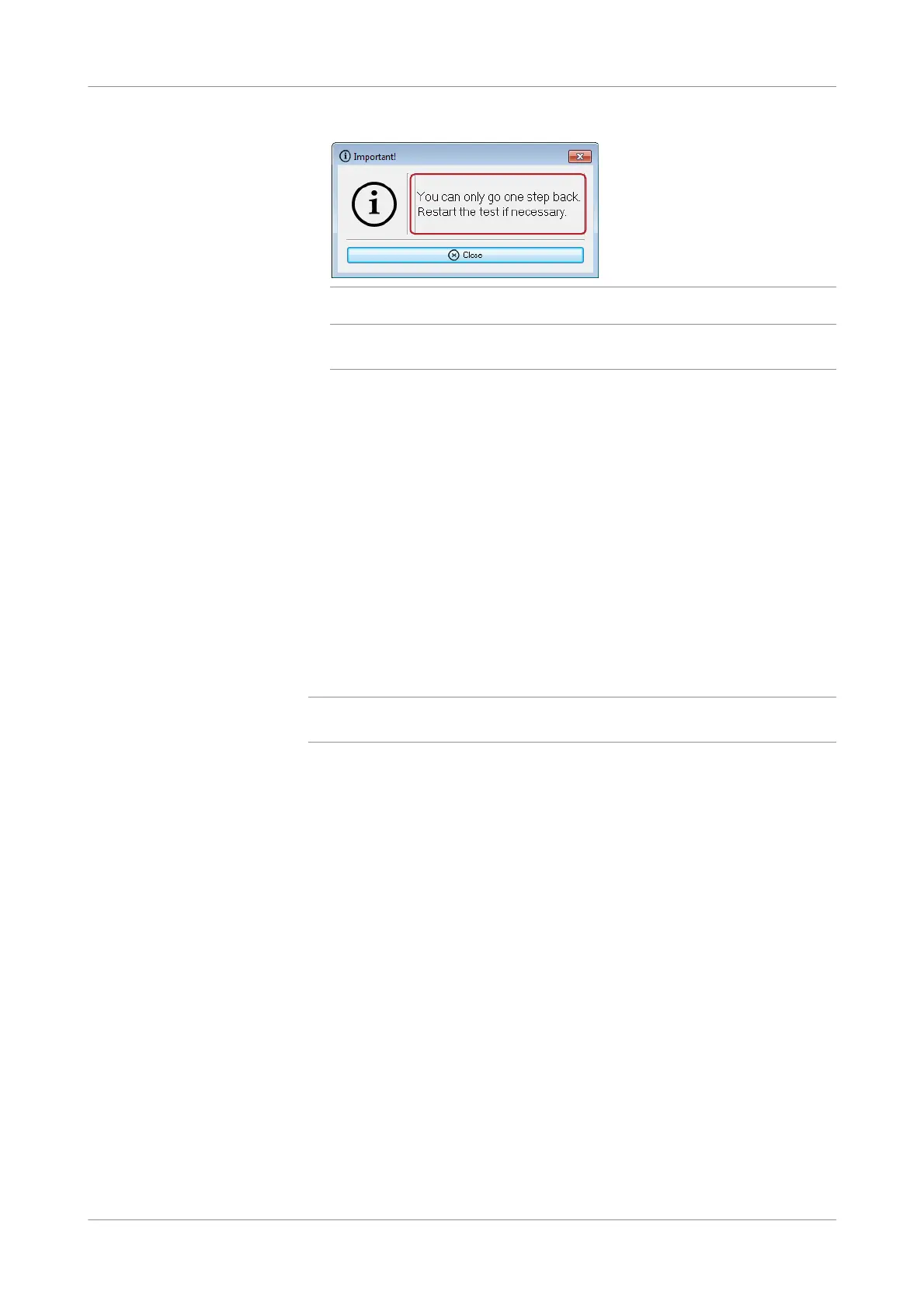
Figure 5-22 Error message
q
You can modify user defined tests and define new ones by choosing Configuration >
Edit tests.
10
Wait until the measurements are complete and saved. The status icons below the
graphic windows change and the runtime stops counting and shows 6'00''.
11
Print the result.
12
Clear the channels that contain measurements.
13
Disconnect the sensor cables from the test cells.
14
Remove the test cells and discard them according to the local regulatory
standards.
s
Performing measurements using manual pipetting
Perform the following procedures in the order they are described.
q
Roche recommends to use the electronic pipette. Use manual pipetting only in case of
problems with the electronic pipette.
Pre-analytical sample handling Allow a standby time of at least 30 or 60 minutes (depending on reagent and sample
tube type) after collection when analyzing whole blood samples. If whole blood
samples are analyzed earlier, low result recovery may occur.
u For correct standby time, refer to the package insert.
Make sure to swivel the tube with whole blood gently before pipetting the sample, to
avoid that blood cells are settling down in the tube.











 To Next Page