Roche Diagnostics
116 Operator’s Manual · Version 3.0
5 Operation Multiplate® analyzer
Performing a measurement
p To perform manual measurements
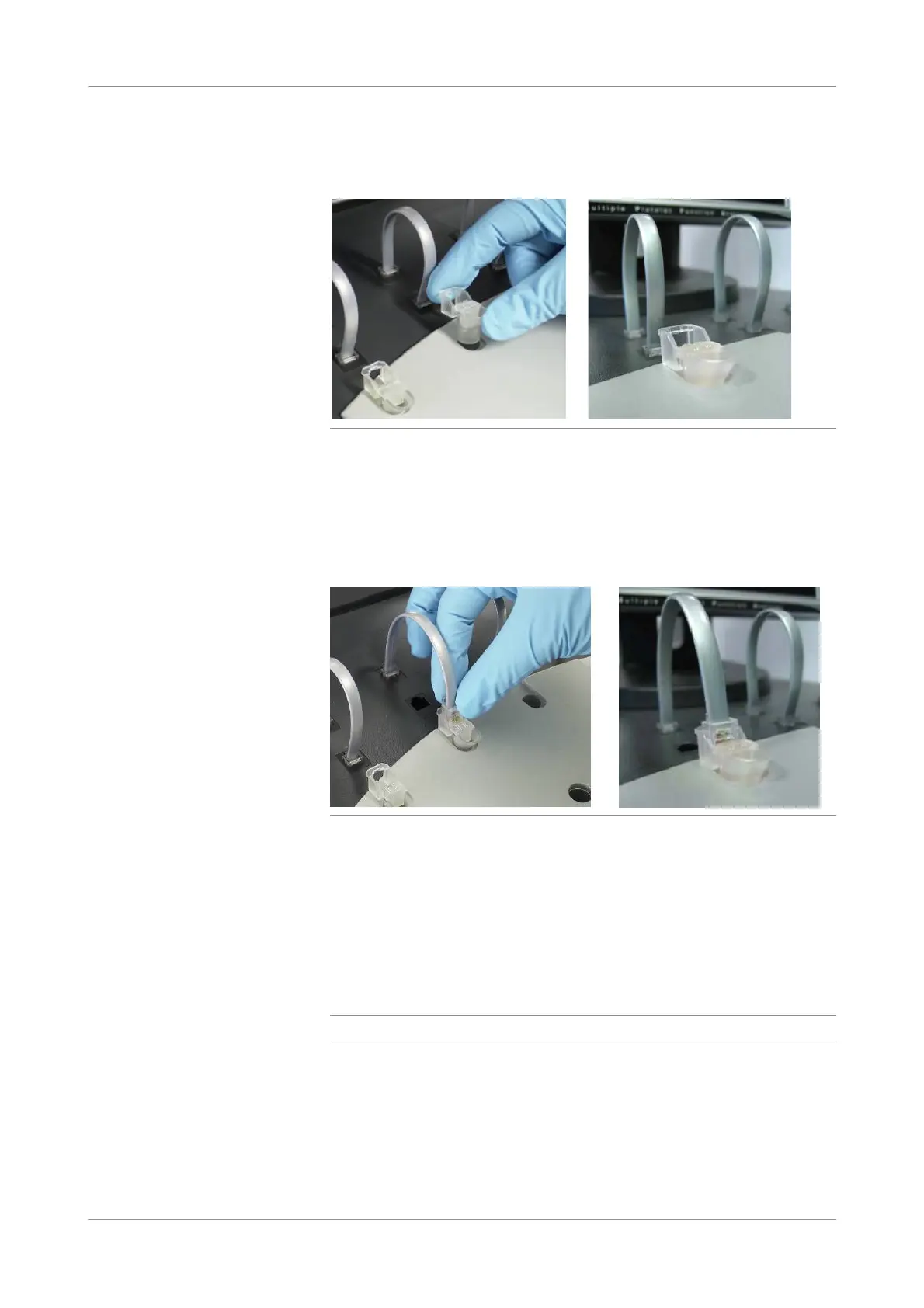
1
Place the test cells into the measuring positions.
Figure 5-23 Placing test cells
Ensure that the magnetic stirrer is inside the test cell and rotates. If the magnetic
stirrer does not rotate, lock the affected channel and contact your Roche Service
representative.
u See Lock/unlock channels (p. 76).
2
Connect the sensor cable(s) to the test cell(s).
Figure 5-24 Connecting test cells
o Squeeze the rear part of the front plug to loosen it and pull the sensor cable out
of its parking position.
o Push it gently into the jack area of the test cell. The plug should snap firmly
into the test cell.
3
Pipette the diluent solution (NaCl; NaCl/CaCl
2
when using citrated blood) into
each of the test cells.
4
Pipette the blood sample (hirudinized or citrated blood).
q
For the exact volume, refer to the corresponding reagent package insert.
5
Choose the Start timer button in the main screen.
The timer countdown is displayed in the status bar. When the standard 3-minute
incubation time has elapsed, an acoustic signal is sounded.
6
When the standard 3-minute incubation time has elapsed, pipette the required
volumes of reagent into the test cell as described in the respective package insert.
7
Stop the timer to cancel the acoustic signal.











 To Next Page