Roche Diagnostics
Operator’s Manual · Version 3.0 125
Multiplate® analyzer 5 Operation
Performing a measurement
Clearing channels
Clear a channel to delete the measurement data of the selected channel so that a new
measurement can be started.
q
o You can clear finished and manually stopped channels.
o Clearing a channel does not affect saved results.
p To clear channels
1
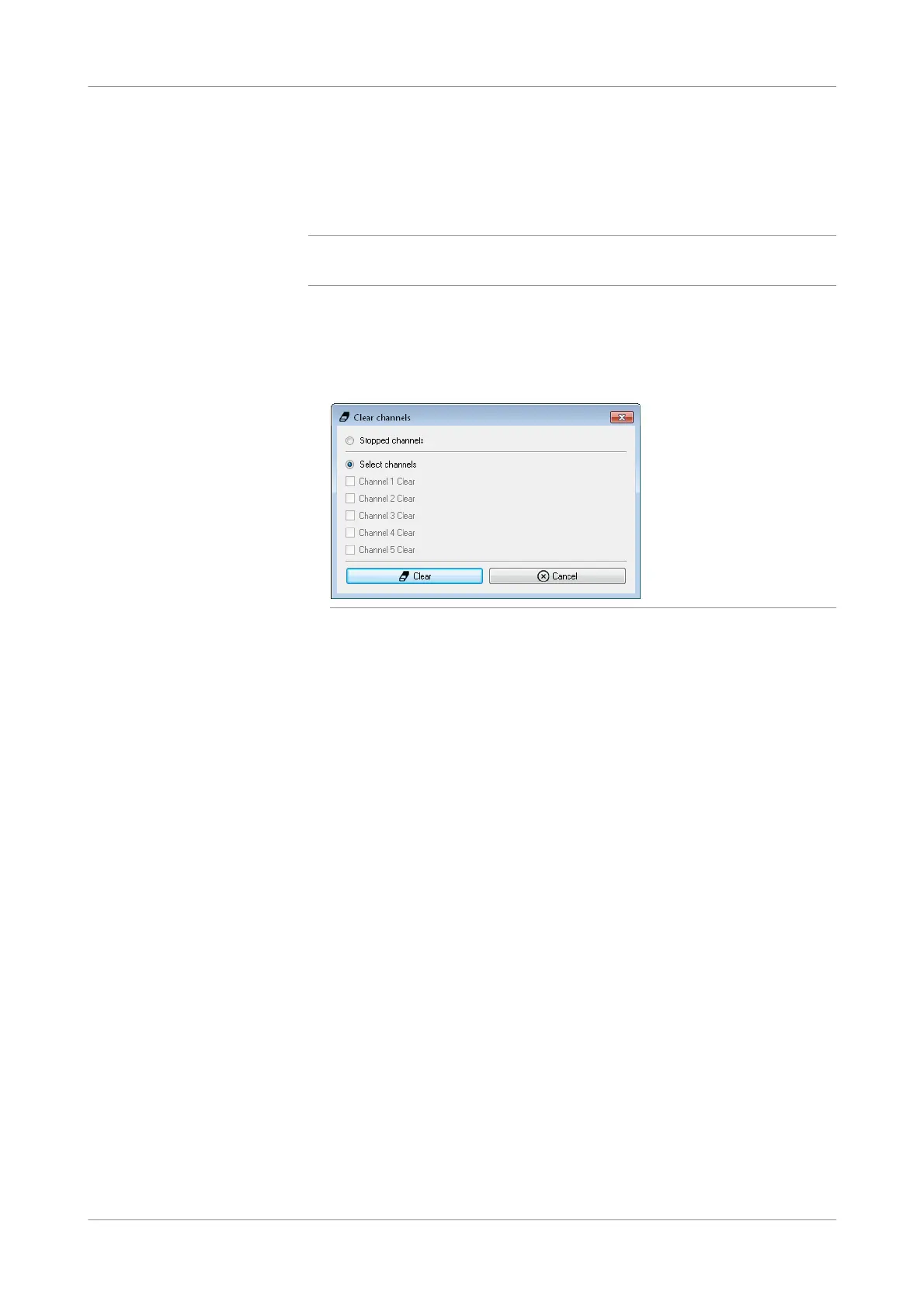
Choose the Clear channel button in the main screen.
The Clear channels window is displayed.
Figure 5-36 Selecting channels for clearing
2
Select the individual channels you want to clear or select Stopped channels, then
choose the Clear button.
You can now use the cleared channels for performing new tests.
3
Disconnect the sensor cables from the test cells.
4
Remove the test cells and discard them according to the local regulatory
standards.
s











 To Next Page