Roche Diagnostics
44 Operator’s Manual · Version 3.0
2 Installation Multiplate® analyzer
Setting up the software
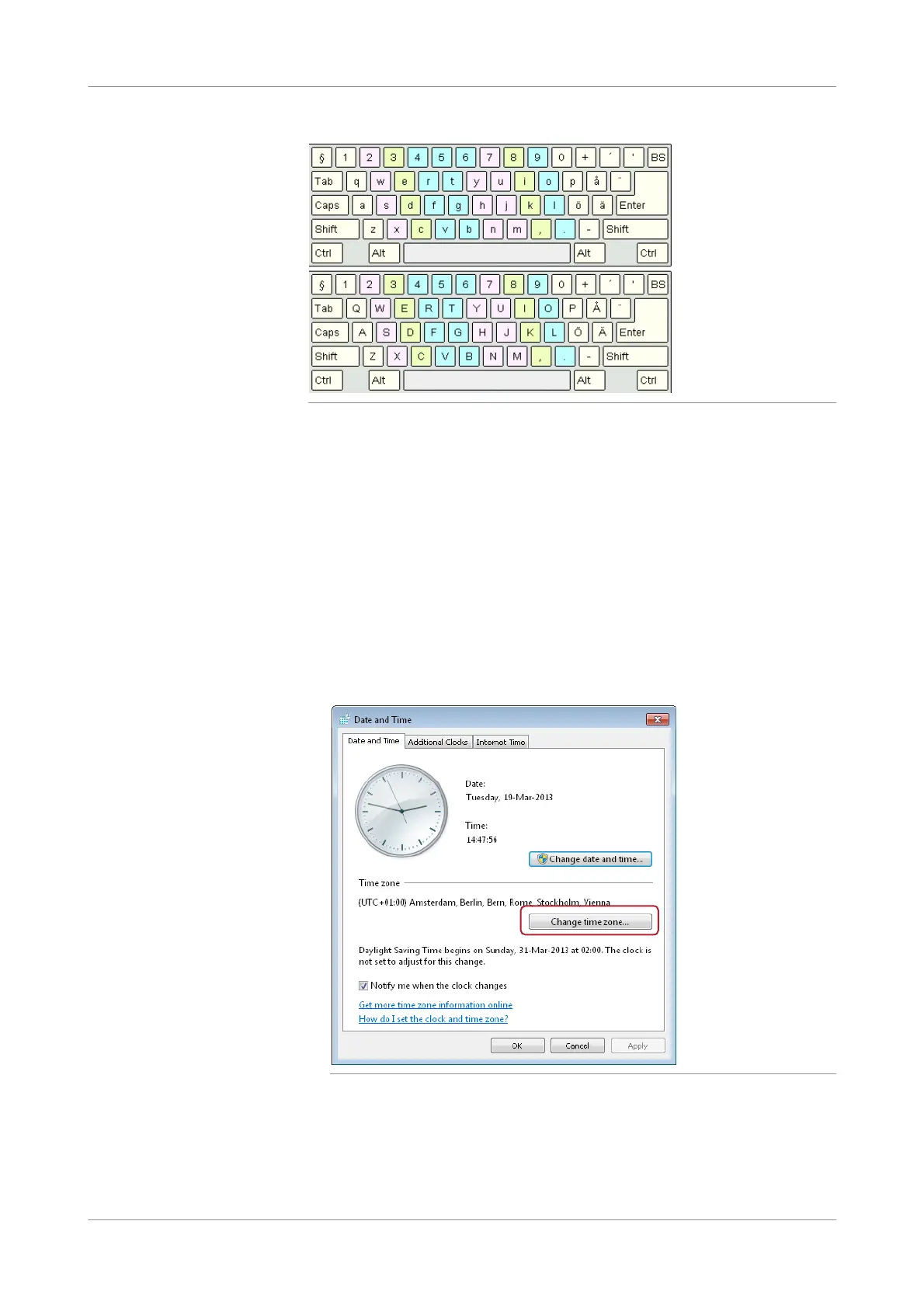
Figure 2-28 Swedish keyboard layout
Adjusting the system time
p To adjust the system time
1
Switch on the analyzer and log on to the Windows operating system as
administrator.
u For details, see Passwords for operating system (p. 149)
2
Choose Start > Control Panel > Date and Time.
The Date and Time window is displayed.
3
Choose the Change time zone button and select the preferred time zone from the
drop-down list.
Figure 2-29 Adjusting the system time
4
Choose the OK button and log out.
5
Log on as operator.
u For details, see Passwords for operating system (p. 149)











 To Next Page