Roche Diagnostics
86 Operator’s Manual · Version 3.0
4 Software Multiplate® analyzer
Menu options
Export measurements
f Tools > Export measurements
Use this function to accumulate multiple results in one table. The measurement data
can be exported as XML (Extensible Markup Language) files. The data can then be
edited in for example Microsoft Excel or OpenOffice Calc.
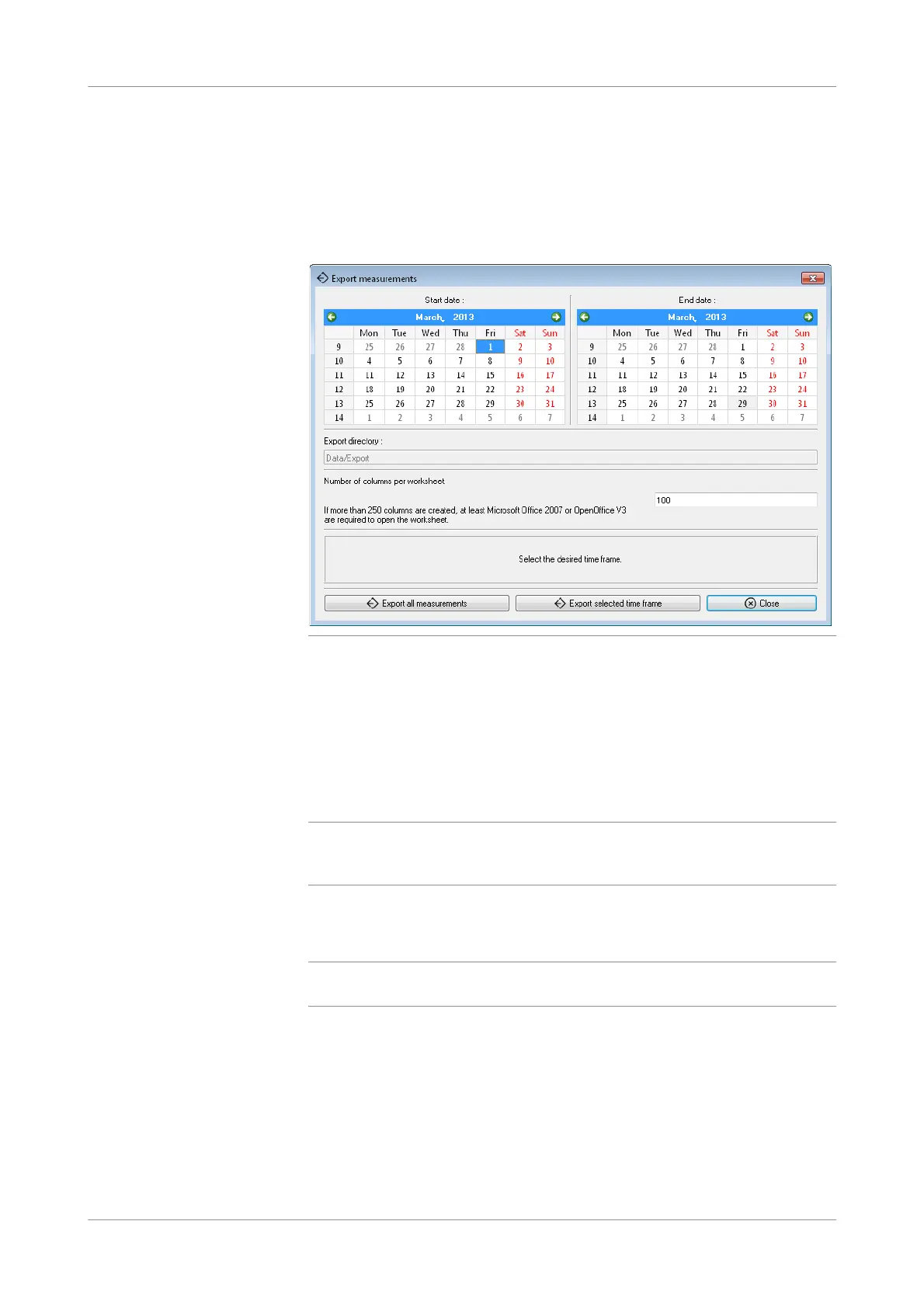
Figure 4-22 Export measurements window
Export directory The export directory is: C:\Multiplate\Data\Export.
Number of columns per worksheet Enter the maximal number of columns per worksheet. If a worksheet exceeds 250
columns you need Microsoft Office 2007/Open Office V3 or higher to open the
worksheet.
Export all measurements Use to save to the export directory all measurements that are stored on the analyzer.
q
It is not recommended to export all measurements at once. Select a start and end date in
the calendar and export only the selected time frame. Exporting all measurements at once
could take very long!
Export measurements in selected
time frame.
Use to initiate the export process for the measurements of the selected time frame.
q
The calendar is displayed in the language selected in the regional settings of the Windows
operating system.
Close Use to close the window.











 To Next Page