Roche Diagnostics
Operator’s Manual · Version 3.0 127
Multiplate® analyzer 5 Operation
Performing a measurement
4
Choose the Export measurements in selected time f r ame. button.
The data are exported to files in the Export folder. (See Export (p. 130)). With
each export four XML files are generated: Aggregation, Rawdata Sensor 1,
Rawdata Sensor 2, and Velocity.
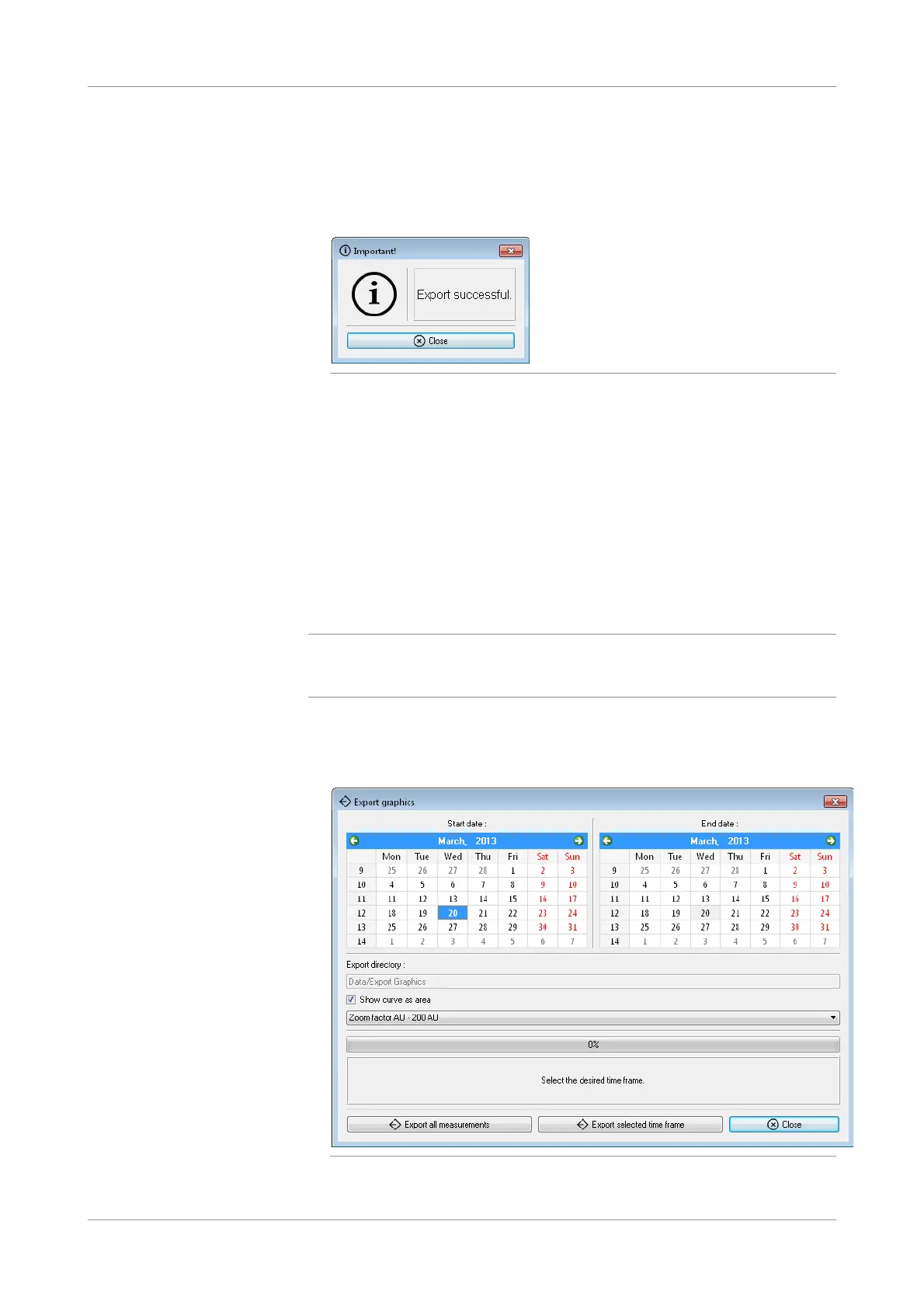
Figure 5-38 Indication that result export is complete
When the export is successfully completed, a comment is displayed.
5
Choose the Close button.
s
Exporting graphics
You can export graphics using the Export graphics function. If required, previously
saved measurements can be reprocessed to display alternative aggregation unit zoom
factors.
q
It is not recommended to export all graphics at once. Select a start and end date in the
calendar and export only the selected time frame. Exporting all graphics at once could take
very long!
p To export graphics
1
Choose Tools > Export graphics.
Figure 5-39 Selecting graphics for export











 To Next Page