Roche Diagnostics
150 Operator’s Manual · Version 3.0
6 Configuration Multiplate® analyzer
Setting up a printer
Setting up a printer
p To set up a printer
1
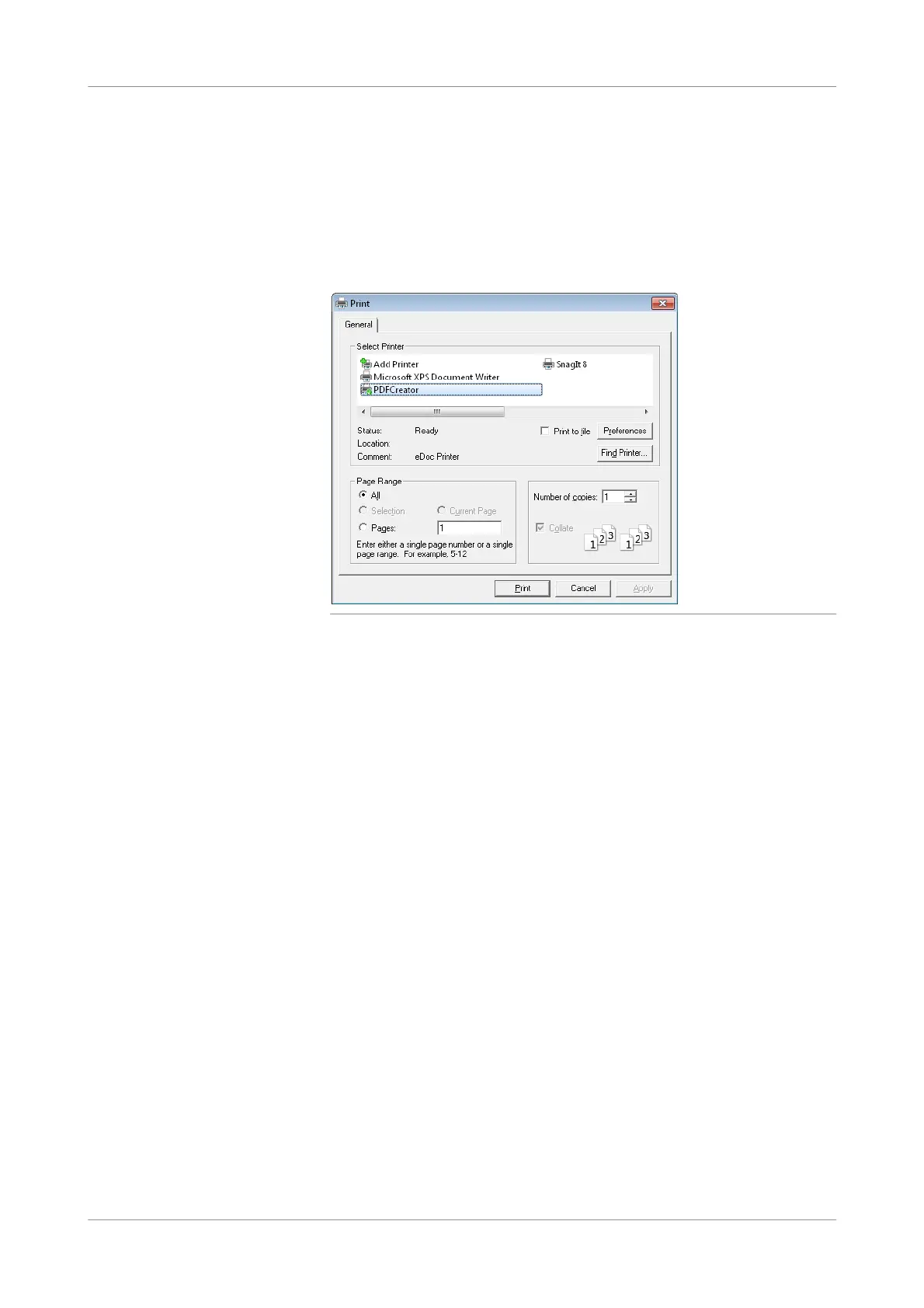
Choose Print > Select printer.
The generic Windows Print window is displayed.
Figure 6-1 Configuring a printer
2
Select a printer from the list.
3
Click Print.
4
Choose Print > Printtestpage to check the proper functioning of the printer.
s
p To check the proper functioning of the printer
1
Choose Print > Printtestpage.
This step is recommended.
s











 To Next Page