Roche Diagnostics
92 Operator’s Manual · Version 3.0
4 Software Multiplate® analyzer
Menu options
Configuration menu
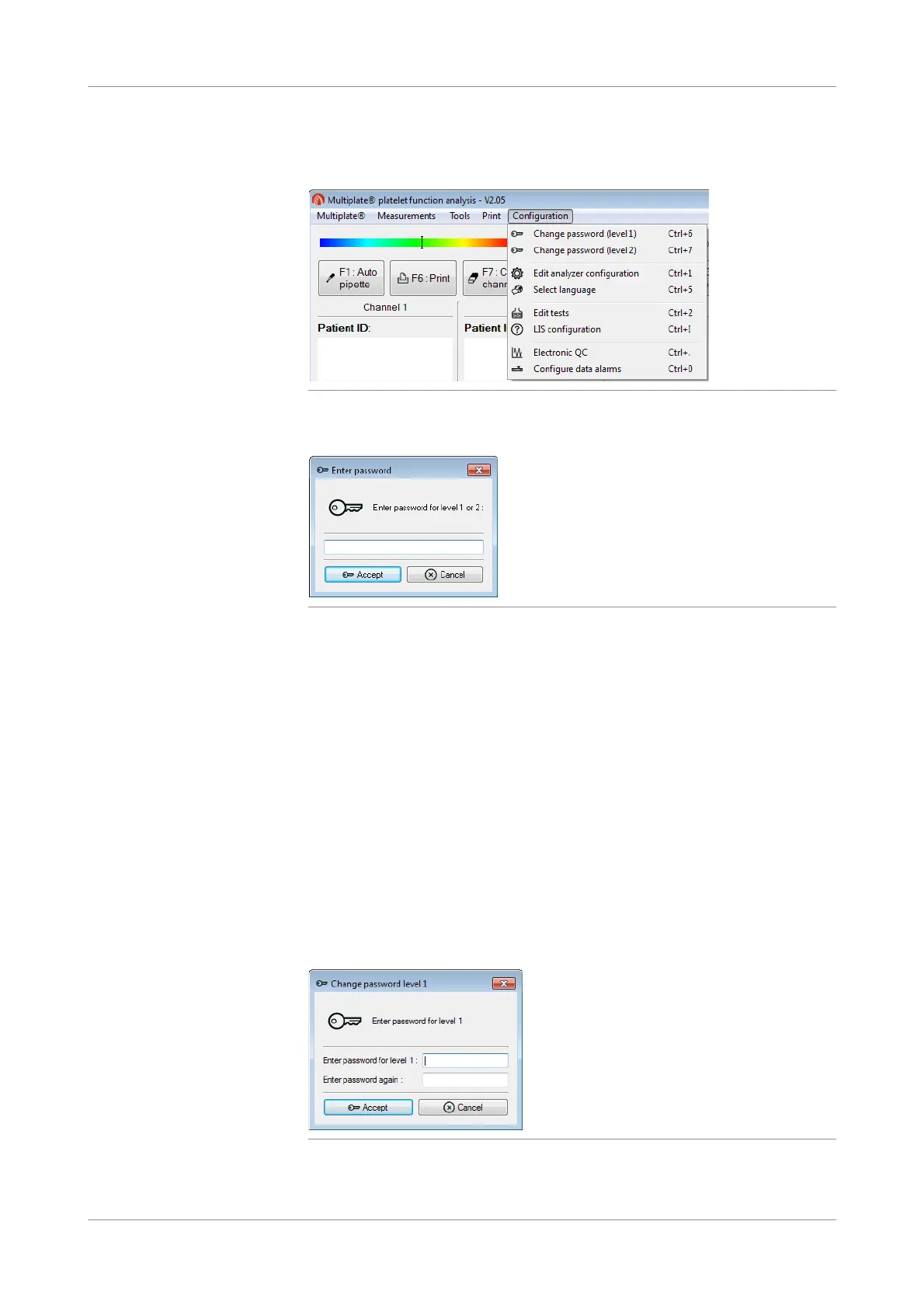
Figure 4-30 Configuration menu
To access the configuration functions, the level 1 or level 2 password must be entered.
Figure 4-31 Enter password window
Level 1 password Users with a level 1 password can access and edit most of the configuration functions
with the following exceptions:
Read-only access for:
o Configurations tab in Configuration > Edit analyz er configuration
o LIS configuration
o Configure data alarms
The Electronic QC function can only be accessed with a level 2 password.
Level 2 password Users with a level 2 password can access and edit all the configuration functions.
Change password (level 1)
f Configuration >Change password (level 1)
Use this function to change the level 1 password.
Figure 4-32 Change password (level 1) window
u Passwords (p. 149)











 To Next Page