Roche Diagnostics
94 Operator’s Manual · Version 3.0
4 Software Multiplate® analyzer
Menu options
Select language
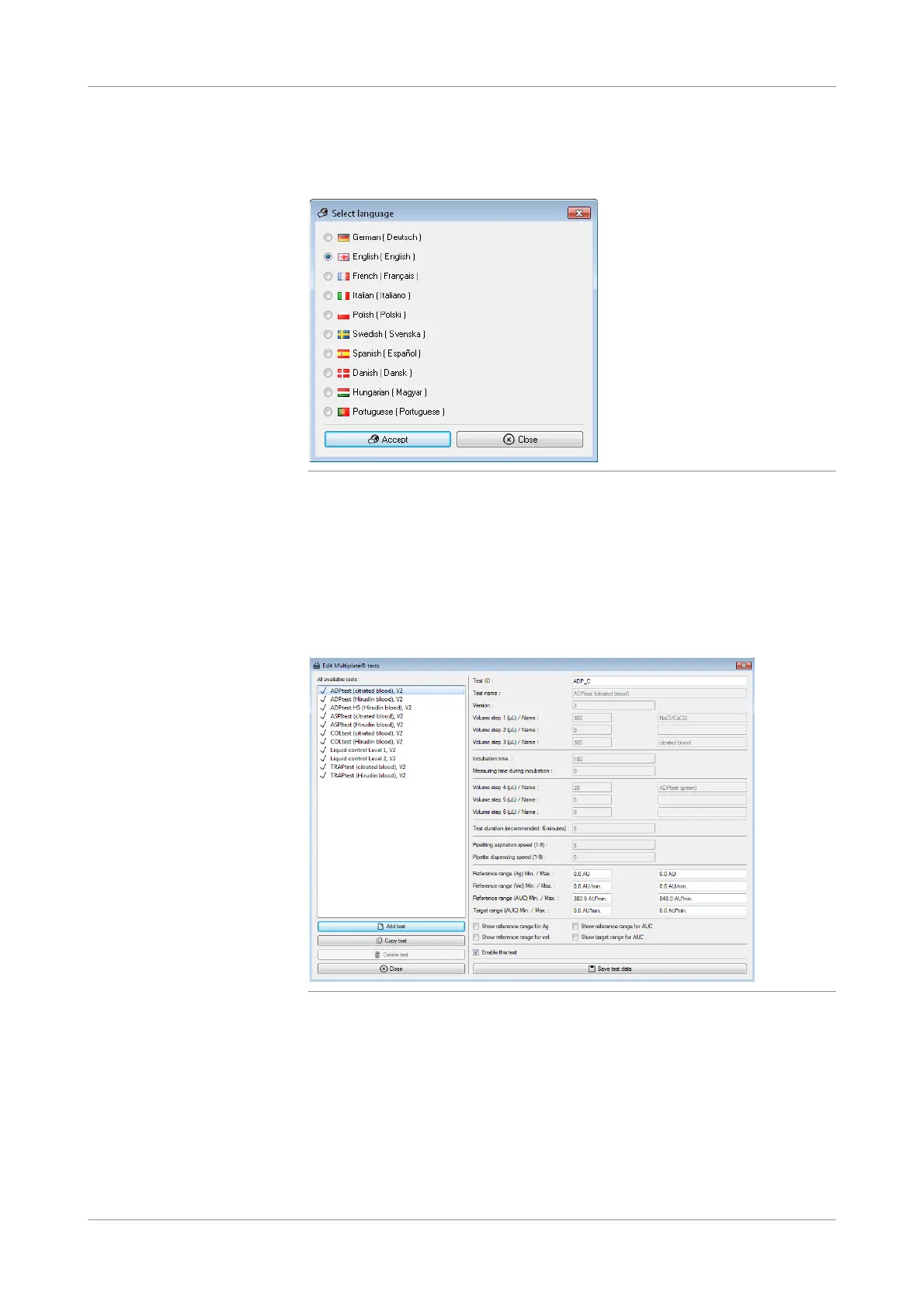
f Configuration > S elect language
Figure 4-35 Select language window
u See Changing the language (p. 157).
Edit tests
f Configurati on > Edit tests
Use this function to enable the tests for your analyzer, to customize its settings, and to
create new user defined tests.
Figure 4-36 Edit Multiplate tests window
u See Editing test parameters (p. 158).











 To Next Page