Roche Diagnostics
Operator’s Manual · Version 3.0 89
Multiplate® analyzer 4 Software
Menu options
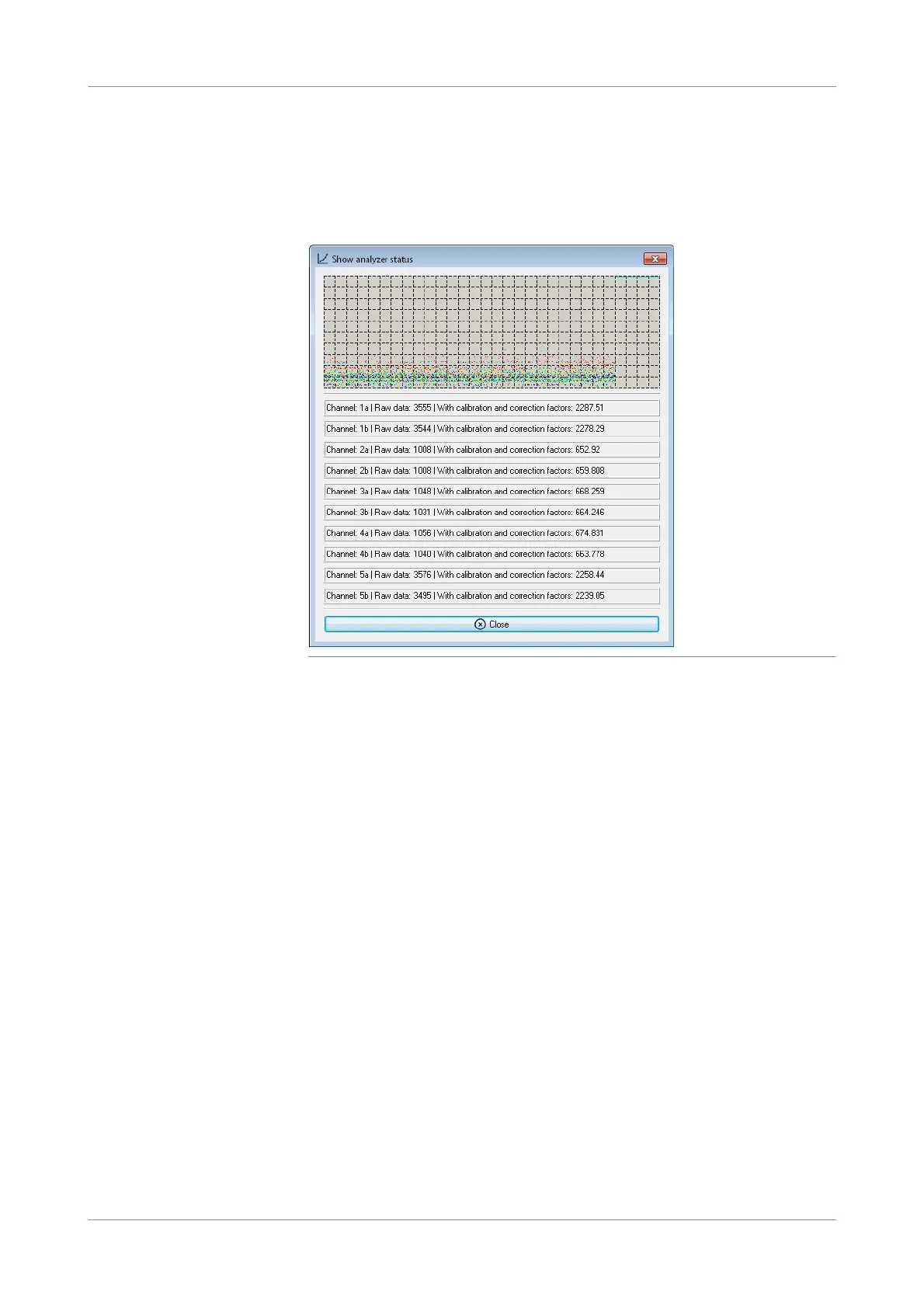
Show analyzer status
f Tools > Show analyzer status
Impedance raw data for all five channels are displayed for troubleshooting purpose.
Each channel has two sensors.
Figure 4-25 Show analyzer status window
u See Viewing detailed measurement data (p. 132).
Show analyzer temperatures
f Tools > Show analyzer temperatures
The temperature of the incubator block and the internal analyzer is displayed and
visualized. The temperature on the incubator block is measured with 3 independent
sensors. Use this window to verify the temperature of the incubator block and the
internal analyzer.











 To Next Page