Roche Diagnostics
Operator’s Manual · Version 3.0 119
Multiplate® analyzer 5 Operation
Performing a measurement
Printing results
You can print results directly from the analyzer software as long as the channels have
not been cleared, or you can use the IrfanView software to generate bespoke
printouts of any results that were generated by the analyzer.
p To print results from the analyzer software
1
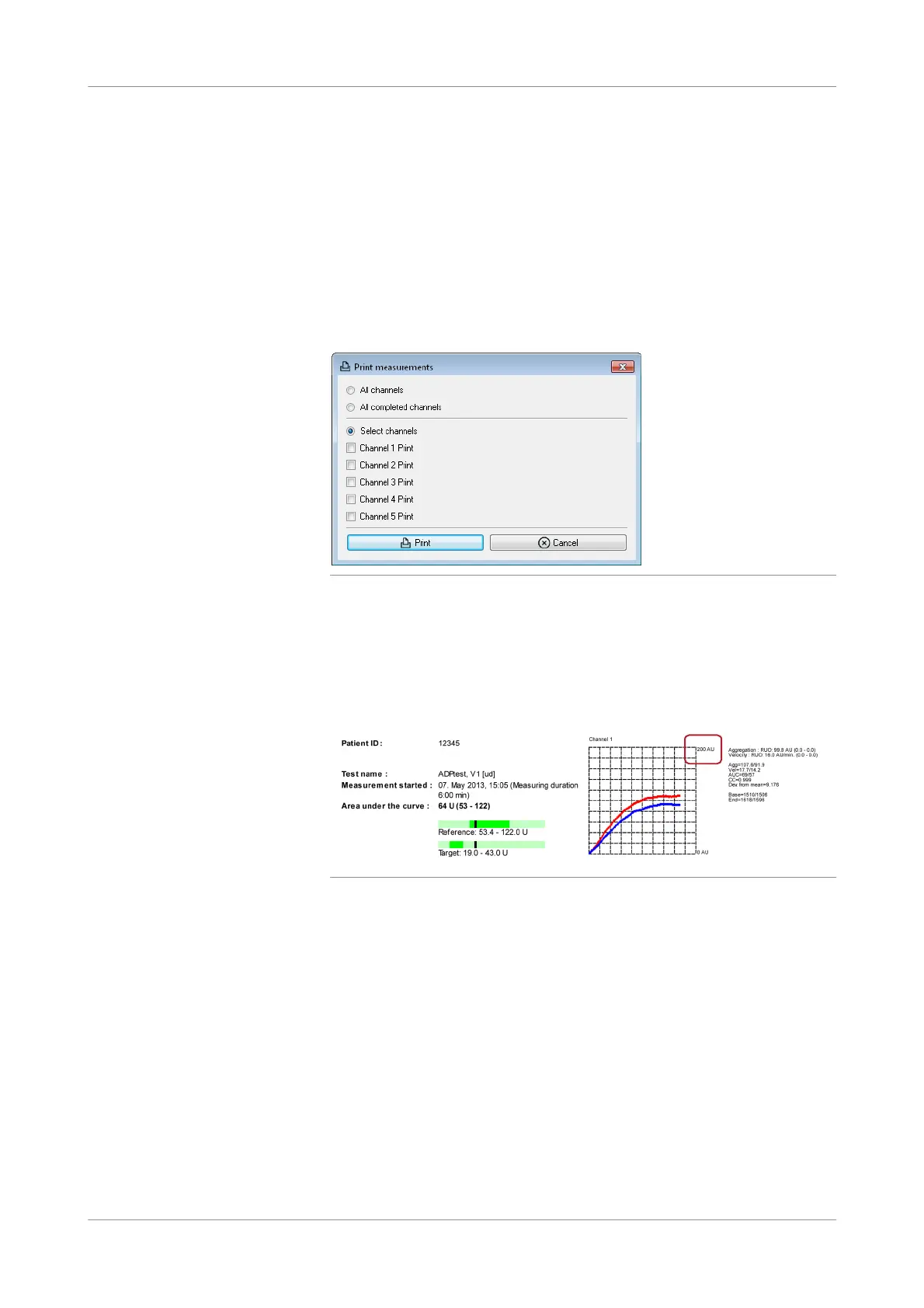
Choose the Print button in the main screen.
The Print measurements window is displayed.
Figure 5-28 Selecting channels for printing
2
Select the channels whose results you want to print or select All channels or All
completed channels, then choose the Print button.
The printer starts printing the measurements one below the other, and a
screenshot (PNG file) is saved automatically in: C:\Multiplate\Data\Screenshots.
u See also Screenshots (p. 131).
Figure 5-29 Printed measurement
The axis of the graphic window in the printout shows the scaling equivalent to the
zoom factor at the end of the measurement.
u For details on printing options, see Display and printing options (p. 153).
s











 To Next Page