Roche Diagnostics
120 Operator’s Manual · Version 3.0
5 Operation Multiplate® analyzer
Performing a measurement
p To generate printouts using IrfanView
1
In the Windows desktop click the IrfanView icon to start the IrfanView
application.
The IrfanView window is displayed.
Figure 5-30 File options in IrfanView application
2
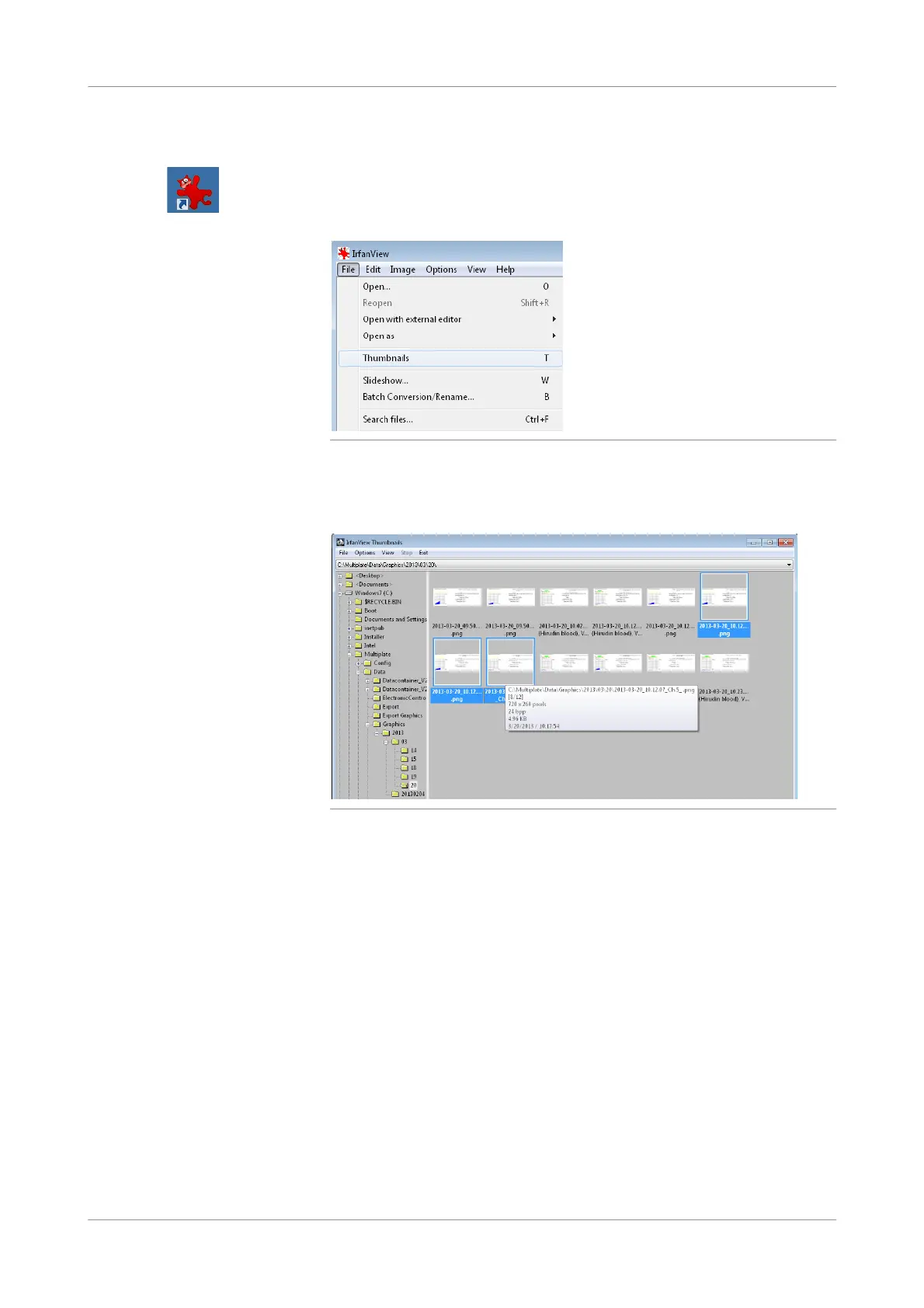
Choose File > Thumbnails.
The IrfanView Thumbnails window is displayed.
Figure 5-31 Thumbnail view in IrfanView application
The results are located in: C:\Multiplate\Data\Graphics.
Data are sorted chronologically.
3
Select up to 5 measurements of your choice.
4
Right-click the selection and choose Create contact sheet from sele cted files…
The Create C ontact Sheet window is displayed.











 To Next Page